

Do you know that how good of an empire you build and how often you win or lose a campaign mission in Rise of Lost Empires highly depends on how well you understand the keypad controls?
Most players quit this game within the first ten minutes not because it is hard, but because they press the wrong buttons at the wrong time and assume the game is broken.
So today I will give you a complete walkthrough that will improve your gameplay a lot. I have played through every campaign mission multiple times, and I will show you exactly what to press, when to press it, and what I personally do when things go wrong. Let us get started.
Quick Game Info
| Attribute | Details |
|---|---|
| Game Title | Rise of Lost Empires |
| Genre | Real-Time Strategy / Empire Building |
| Platform | Java ME (J2ME) |
| Release Era | Mid-2000s |
| Developer | Qplaze / Gameloft (varied by region) |
| Game Modes | Campaign, Skirmish, Survival |
| Key Mechanics | Resource gathering, base construction, unit command, real-time combat |
History and Background
Rise of Lost Empires arrived during the golden age of Java mobile gaming, roughly between 2005 and 2008, when mobile phones had physical keypads and screens no larger than two inches. At that time, bringing a full real-time strategy experience to a device with no touchscreen and limited memory was considered nearly impossible. Strategy fans on mobile were stuck with turn-based games or oversimplified arcade titles.
This game changed that expectation. It managed to squeeze base building, resource management, and live combat into a single a live game that ran on low-end Nokia, Samsung, and Sony Ericsson devices. It was not a direct port of a PC title; it was built from the ground up for keypad phones. That is why the controls feel tight once you learn them, and why the missions are designed for short, intense sessions rather than hour-long matches.
The game drew inspiration from classic PC RTS titles but stripped away complex tech trees to focus on immediate tactical decisions.
You did not need a manual to play it, but you did need quick thumbs. In an era before smartphones, this was one of the few mobile games that made you feel like a real commander moving troops across a battlefield.
Screenshots


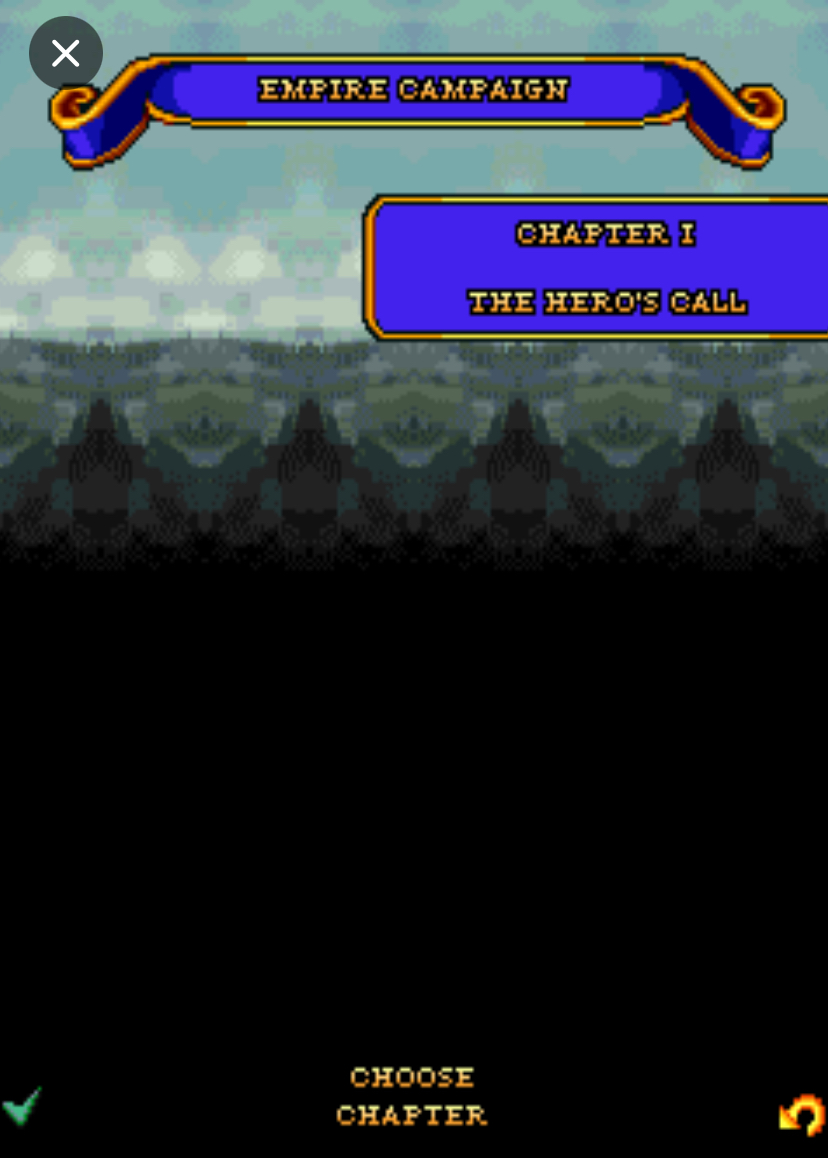

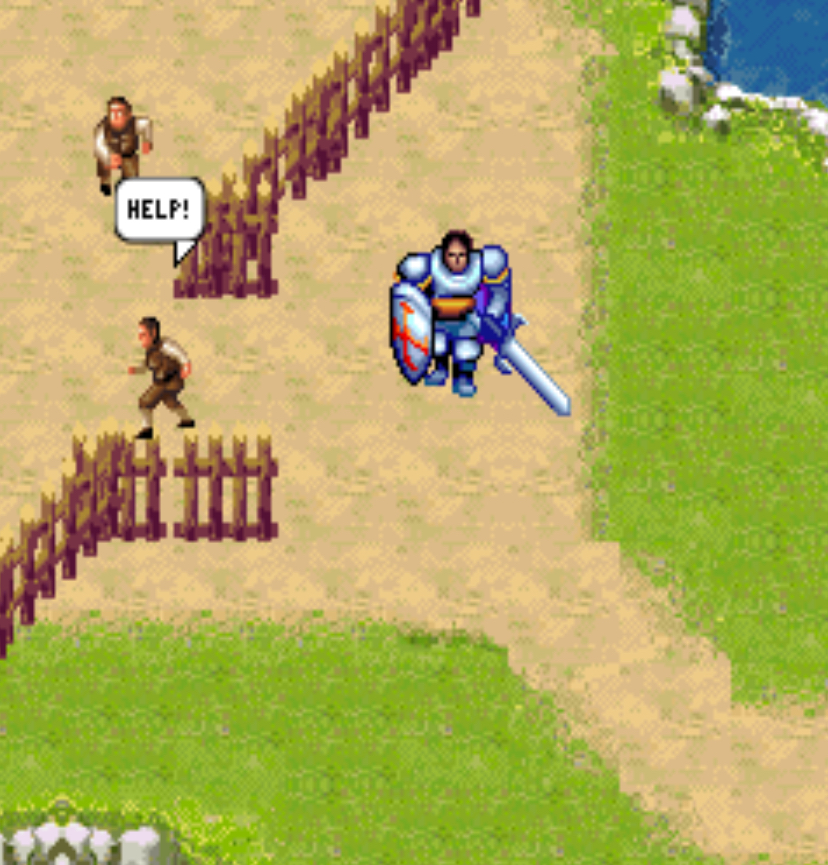
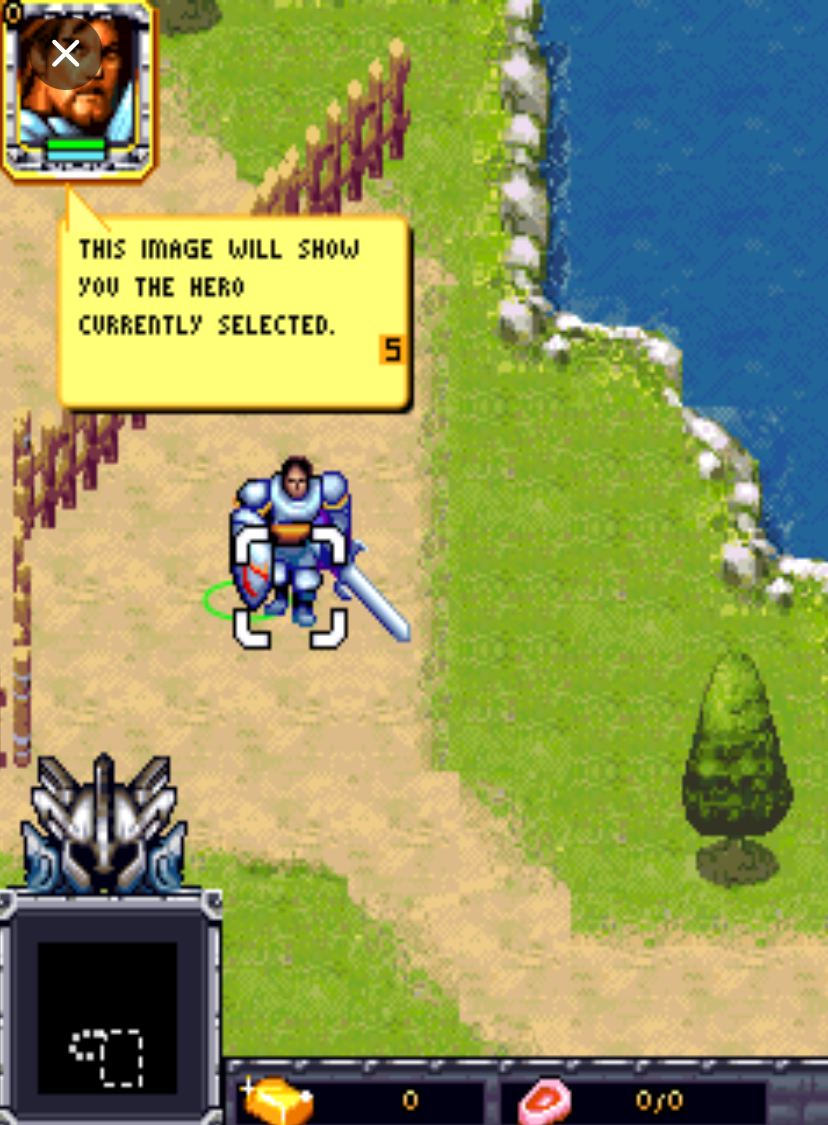
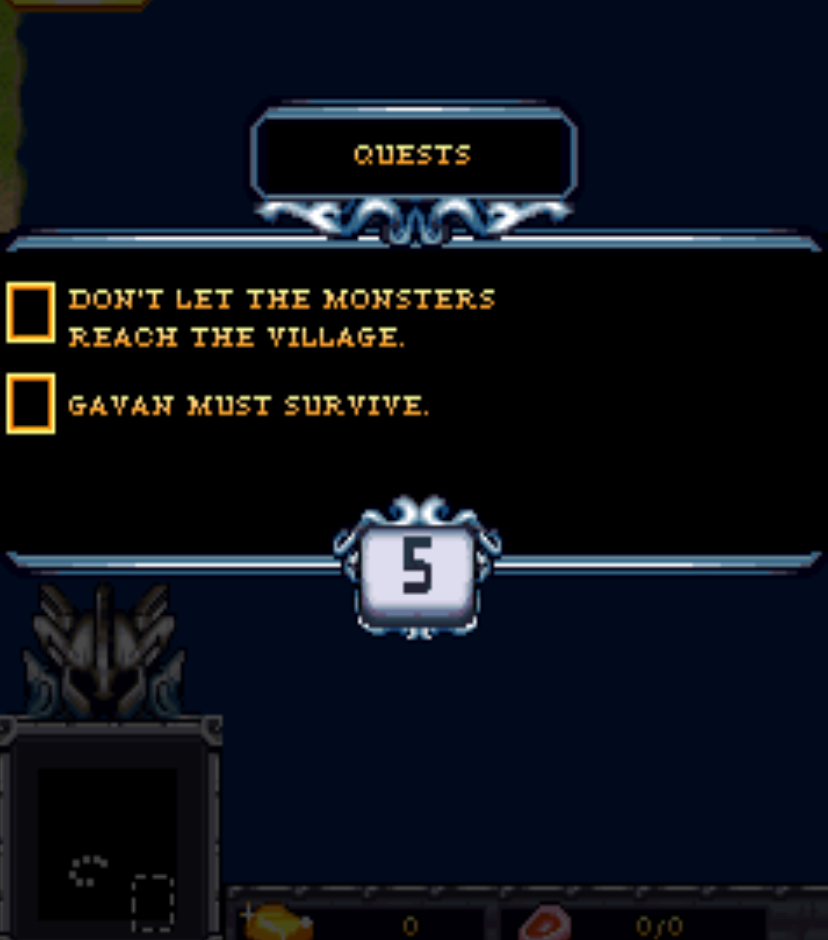
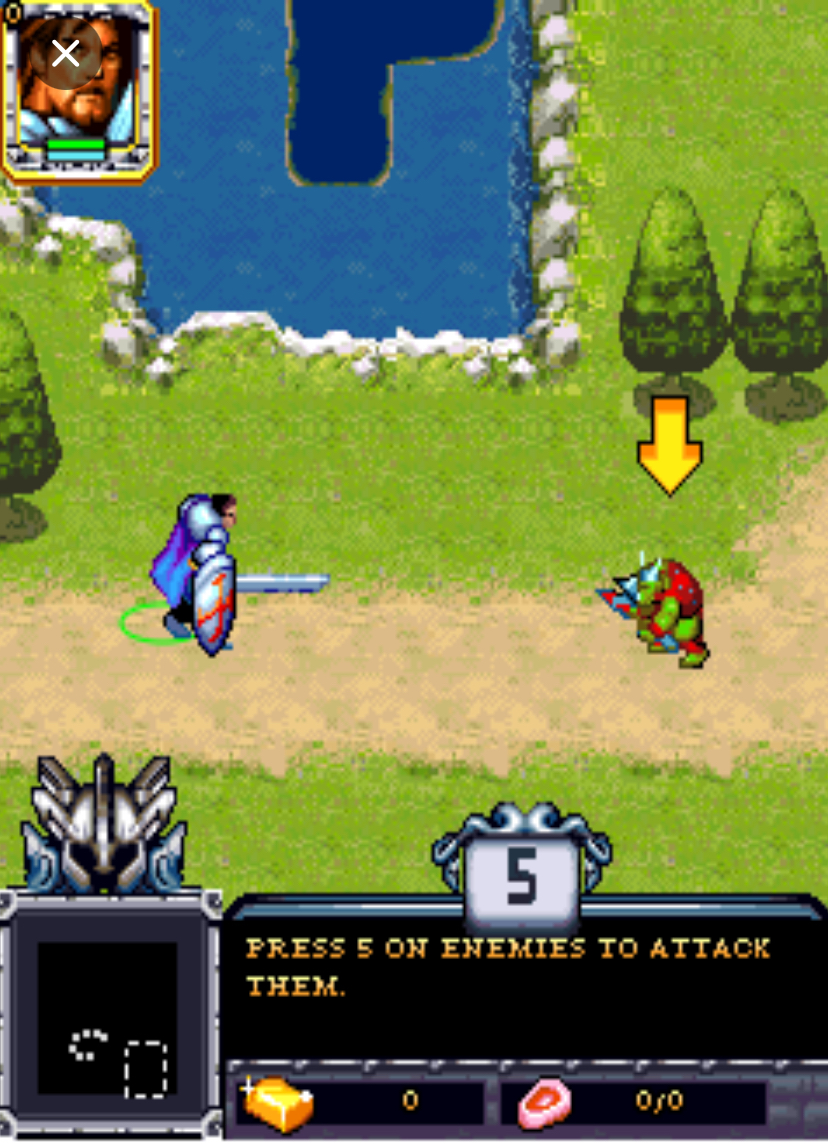
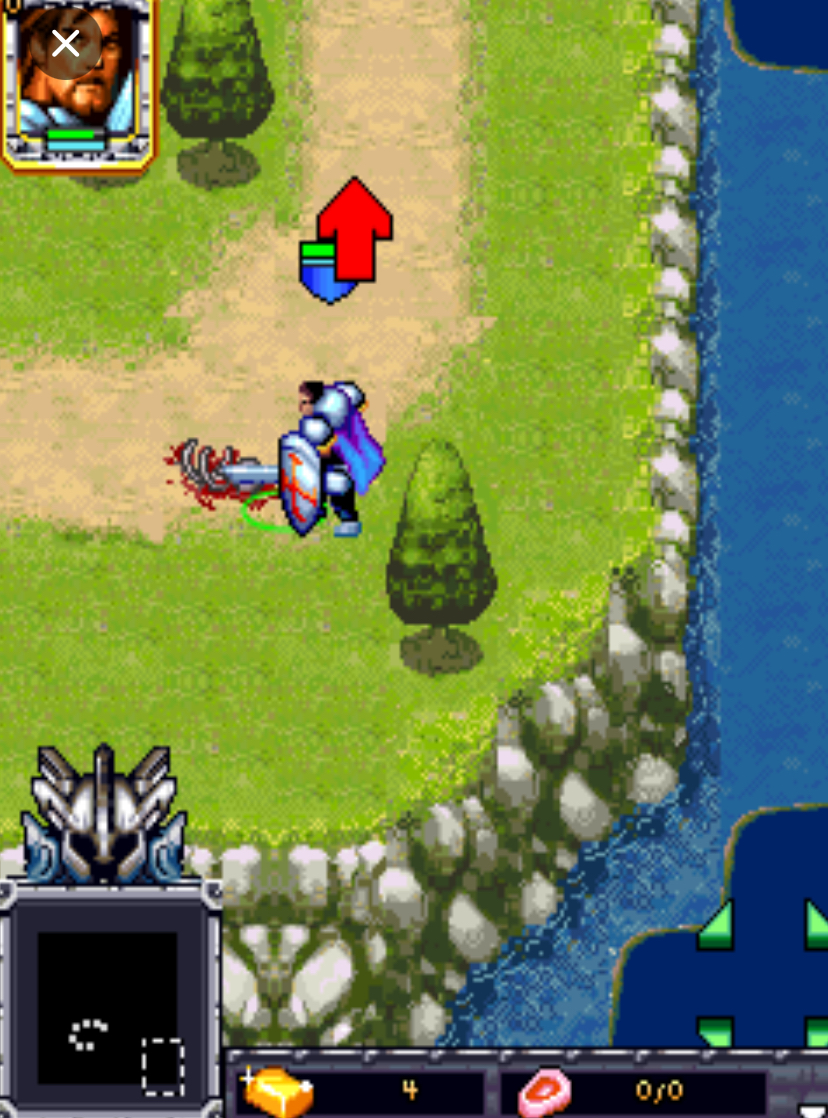
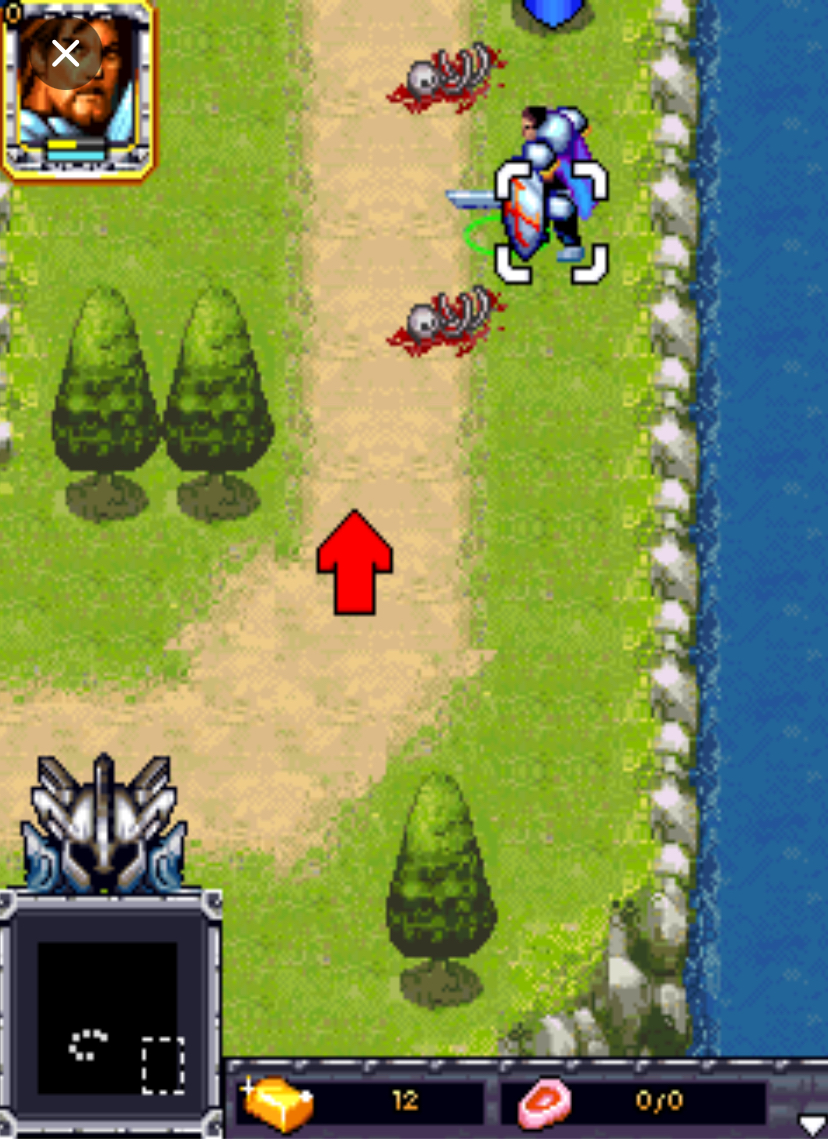
Key Features Breakdown in Rise of Lost Empires Java Game
Empire Building Mechanics You start every mission with a Town Center, a handful of villagers, and a fog of war hiding the rest of the map.
Your job is to expand by placing farms, barracks, archery ranges, and defensive towers. Buildings snap to a grid, and placement matters because units path around obstacles.
If you block your own gate with a farm, your army will get stuck during an attack.
Resource Management There are three resources: gold, wood, and food. Gold comes from mines, wood from trees, and food from farms or hunting. Unlike some strategy games where you stockpile thousands of resources, here the economy is tight.
You are constantly making decisions like, “Do I spend my last 100 wood on another farm or save it for a blacksmith upgrade?” That tension keeps every mission interesting.
Unit Variety The game gives you infantry, archers, cavalry, and siege units. Infantry is cheap and good for absorbing damage. Archers deal high damage but die quickly if cavalry reaches them. Cavalry moves fast and is perfect for raiding enemy villagers.
Siege units like battering rams are slow but necessary for destroying enemy walls and towers. Each unit has a specific role, and sending the wrong unit into a fight will cost you the mission.
Combat System Combat happens in real time. The enemy AI does not wait for your turn. It scouts, it attacks, and it will exploit your mistakes. If you leave your base undefended for thirty seconds to expand your economy, the AI will send cavalry to burn your farms. The game rewards players who keep one eye on their base and one eye on the battlefield.
Campaign Structure The campaign is divided into historical-themed missions that increase in difficulty. Early missions teach you to build and gather. Mid missions introduce combat and base defense. Late missions require you to manage multiple fronts, defend against siege weapons, and launch counterattacks with limited resources.
How to Play — Step-by-Step Guide
Launching the Game and Navigating the Menu
When you launch the game, you will see the title screen with a background of a medieval battlefield. Do not rush.
Press 8 to move the selection down to “Campaign” or “Skirmish Mode.” Press 5 to select it. If you are new, start with Campaign. The game will ask you to choose a difficulty.
Press 6 to move right to “Normal” and press 5 to confirm. I personally always start on Normal because Easy teaches bad habits, and Hard will punish you before you learn the controls.
Once the mission loads, you will see your Town Center in the center of the screen, a few villagers standing nearby, and a mini-map in the corner. Take a breath. Do not start clicking buttons randomly.
The Core Controls You Must Memorize
-
2, 4, 6, 8: Move the cursor or camera up, left, right, and down.
-
5: Select a unit, confirm a command, or interact with a building.
-
1: Cycle to the next idle military unit.
-
3: Cycle to the next idle worker.
-
0 or *****: Open the pause menu or unit information panel.
-
#: Cancel the current action or deselect.
That is it. Every command in the game flows from these seven keys. The trick is not knowing what they do; the trick is knowing the order to press them.
The First Five Minutes of a Mission
Here is exactly what I do every time a mission starts. Follow this, and you will never have a bad opening.
First, I press 5 on the Town Center. A menu pops up showing options like “Train Villager” and “View Info.” I press 8 once to highlight “Train Villager” and press 5 to confirm. I do this twice. Now I have two new villagers being trained.
While they are training, I select my existing villagers. I move the cursor with 6 and 2 until I am on a villager, then press 5. I press 6 to move the cursor to a nearby tree, then press 5 again. The villager walks to the tree and starts chopping wood. I do this for all starting villagers, sending two to wood and one to gold if a mine is visible.
When the new villagers finish training, I press 3 to find them instantly. I send one to build a farm. Here is how building works: select the villager with 5, press 8 to scroll down to “Build,” press 5, press 8 to scroll to “Farm,” press 5 again.
Now a ghost image of the farm follows your cursor. Move it with 2, 4, 6, 8 to a spot near your Town Center but not blocking the path, then press 5 to place it.
The villager walks over and constructs it.
By minute three, you should have three villagers on wood, one on gold, one building a farm, and your Town Center training your first infantry unit at the Barracks.
If you do not have a Barracks yet, select an idle villager with 3, press 5, press 8 to “Build,” select “Barracks,” and place it near your Town Center with 5.
Combat Tactics with Exact Button Presses
Related Posts
Combat is where most players fail, and it is not their fault. The screen is small, the action is fast, and it is easy to panic. Here is how to handle it.
Basic Attack Command Enemy soldiers appear on the right side of the screen.
Do not select one unit and send it alone. Instead, press 5 on your first soldier, then while holding the command, press 5 on the second, third, and fourth soldier.
Now you have a group selected. Move the cursor with 6 to the enemy squad and press 5. Your units will attack. If you want them to attack a specific target like an enemy archer, press 2 or 8 to move the cursor onto that archer, then press 5.
The Retreat Maneuver I learned this the hard way. In mission four, enemy cavalry flanked me while my infantry was fighting archers. My infantry was dying because cavalry tramples foot soldiers.
Here is what I did: I quickly pressed 4 four times to move the selection cursor left, found my infantry, pressed 5, then pressed 4 repeatedly to move them back toward my towers. I then pressed 1 to find my idle spearmen, pressed 6 three times to position them between the cavalry and my retreating infantry, and pressed 5 on the cavalry to intercept. The spearmen countered the cavalry, and my towers finished off the survivors.
If I had tried to fight with infantry, I would have lost everything.
Ranged Unit Positioning Archers are fragile. Never leave them in the front line. When I recruit archers, I immediately set a rally point.
Select the Archery Range with 5, press 8 to “Set Rally Point,” move the cursor with 2 to a spot behind my infantry line, and press 5. Now every new archer spawns there. During battle, I press 1 to select my archers, press 4 or 6 to keep them at maximum range, and only press 5 on enemies when they are in range.
If enemy cavalry charges, I press 4 or 6 to run, never 2 or 8 because that is too slow.
Siege Weapon Micro Battering rams are slow and dumb. They will attack the nearest building even if it is a worthless farm. In mission six, I needed to destroy the enemy castle gate.
My ram was attacking a tower instead. I selected the ram with 5, pressed # to cancel its current order, moved the cursor with 6 to the gate, and pressed 5. The ram turned and headed for the gate.
I had to press 6 twice more to keep it moving because it kept trying to auto-target a guard tower. Siege units require babysitting. Never leave them unattended.
What I Did in Rises of Lost Empires Java Game
1: The Early Raid In mission three, the enemy attacks at the two-minute mark with light cavalry. The first time I played, I was building a second farm and lost three villagers.
Now I know the timing. At minute one, I build one Barracks and train two spearmen. I place them between my base and the enemy’s likely approach path. When the cavalry arrives, I press 1 to select my spearmen, press 6 to move them into the cavalry’s path, and press 5 to attack.
The cavalry dies before touching my economy.
2: The Economy Crash Once in mission five, I trained too many soldiers and ran out of food. My villagers stopped working because I could not afford to replace them.
I panicked and pressed 3 to find all idle villagers, pressed 5 on each one, and sent them to nearby deer patches with 6 and 5. I also sold wood for gold at the Market by selecting the Market with 5, pressing 8 to “Trade,” pressing 6 to select wood, and pressing 5 to confirm.
That emergency trade saved me. Now I always keep a buffer of 200 food before mass-training soldiers.
3: The Final Push Mission seven requires you to destroy the enemy’s central fortress. I had a full army of infantry, archers, and one ram. I grouped my infantry with multi-select 5, moved them with 6 to the fortress walls, and pressed 5 to attack.
While the enemy focused on my infantry, I pressed 1 to find my ram, pressed 6 five times to move it around the side, and pressed 5 on the fortress. The ram reached the target because the enemy AI was distracted.
My archers stayed behind, pressing 5 on enemy soldiers from a safe distance. The fortress fell, and I won the mission.
Beginner Mistakes to Avoid
1: Over-Expanding Before Defense New players see an empty map and want to build five farms immediately. Do not do this. Build one farm, one Barracks, and train two military units before you build anything else. If you have no soldiers by minute three, the first enemy raid will end your game.
2: Ignoring the Mini-Map: The mini-map in the corner shows red dots for enemies. Check it every fifteen seconds. If you see a red dot moving toward your base and you are looking at your economy, you are about to lose villagers. I press 7 or 9 depending on the phone model to expand the mini-map view when I suspect an attack.
3: Sending Units One by One: Never select a single swordsman and attack a group of enemies. The AI will swarm it and kill it in two seconds. Always group select. Press 5 on multiple units, then issue the attack command. Numbers matter more than individual unit strength in this game.
4: Forgetting Rally Points After you build a Barracks, the game does not automatically send new units to the front line. They stand at the Barracks door doing nothing. Always set a rally point.
Select the Barracks with 5, press 8 to “Set Rally Point,” move the cursor to a useful location with 2, 4, 6, 8, and press 5. This one habit will save you hours of micromanagement.
Select the Barracks with 5, press 8 to “Set Rally Point,” move the cursor to a useful location with 2, 4, 6, 8, and press 5. This one habit will save you hours of micromanagement.
5: Neglecting Villagers for Military It is tempting to stop making villagers once you have an army. Do not. If you stop building your economy at minute four, you will run out of resources by minute ten and your army will be irreplaceable. Keep at least one Town Center producing villagers throughout the entire mission.
6: Fighting in the Open The game has terrain modifiers. Woods and cliffs give defensive bonuses. If you move your infantry through an open field with 6 when you could have moved them through a forest with 2 and 6, you are taking unnecessary damage. Always check the terrain before committing to a fight.
Comparison with a Game I Played: Age of Empires III Mobile
I spent a lot of time with Age of Empires III Mobile on Java before I found Rise of Lost Empires. Both games are real-time strategy titles built for keypad phones, and they share the same core loop: gather resources, build a base, train units, and destroy the enemy. However, they approach that loop very differently.
Age of Empires III Mobile uses a tech tree system where you advance through ages. You start in the Discovery Age and move up to the Colonial Age and beyond. That sounds good on paper, but on a keypad phone with a tiny screen, managing age upgrades while fighting is overwhelming. You are constantly diving into sub-menus to research technologies, and the button presses feel slow. To build a unit, you might press 5, then 8 three times, then 5, then 6 to select the unit, then 5 again. It is four or five presses deep.
Rise of Lost Empires cuts that down. There are no ages. You build a Barracks, you press 5, you press 8 once, you press 5, and your unit is training. The combat is faster and more immediate. In Age of Empires III Mobile, battles feel like chess.
You have time to think. In Rise of Lost Empires, battles feel like a street fight. If you hesitate for three seconds, your archers are dead. I prefer this because it matches the platform. A Java mobile game should be playable in five-minute bursts, and Rise of Lost Empires respects your time.
The controls in Rise of Lost Empires are also tighter. In Age of Empires III Mobile, I often lost units because the pathfinding sent them around the long way. Here, units respond instantly.
When I press 4 to retreat, they retreat immediately. When I press 6 to flank, they move now. That responsiveness makes the game more satisfying to play.
That said, Age of Empires III Mobile has more strategic depth in the long run. If you want a slower, more thoughtful experience with base building and technology planning, it is the better choice. But if you want a fast, aggressive RTS that feels natural on a keypad, Rise of Lost Empires wins. I keep both on my phone, but I play this one when I want a quick, intense match before bed.
Conclusion
Rise of Lost Empires is a surprisingly deep strategy game that rewards quick thinking and precise button control. Master the keypad commands, avoid over-expanding, protect your economy, and use your mini-map.
The campaign is challenging but fair once you understand the timing. Whether you are revisiting a childhood favorite or discovering Java mobile strategy games for the first time, this one is worth your time. Build smart, fight smarter, and your empire will never fall.
