

Do you know that how good you are at stealth and combat in Assassin’s Creed II Java isn’t just about knowing the story, but about how precise you are with your keypad timing?
Most players die repeatedly in Florence not because the game is hard, but because they don’t understand the exact button rhythm Gameloft built into this mobile version.
So today, I will walk you through everything I learned after playing this game for hours on my old keypad phone. Let’s get started.
Quick Game Info
| Attribute | Detail |
|---|---|
| Title | Assassin’s Creed II |
| Platform | Java ME (J2ME / Feature Phones) |
| Developer | Gameloft |
| Publisher | Ubisoft Mobile |
| Release Year | 2009 |
| Genre | Action-Adventure / Stealth |
| Perspective | 2.5D Side-Scrolling |
| Setting | Renaissance Italy (Florence, Venice, Forlì) |
History & Background
When Ubisoft wanted to bring Ezio Auditore’s epic journey to mobile phones in 2009, they handed the task to Gameloft, who were basically the kings of Java ME gaming at that time.
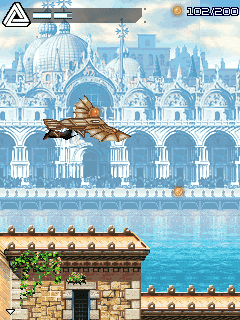
This wasn’t a simple port. The console and PC version of Assassin’s Creed II was a massive 3D open-world game, but Java phones had tiny screens, limited memory, and no graphics acceleration. So Gameloft rebuilt the entire experience from scratch into a 2.5D side-scrolling action-stealth game.
What amazed me was how they kept the soul of the original. You still climb rooftops, you still hide in crowds, you still perform air assassinations, and you still feel like a Renaissance hitman.
The Java version didn’t try to copy the console version blindly; instead, it focused on what keypad phones could do well: tight platforming, rhythmic combat, and simple but effective stealth mechanics. If you played this during the mobile gaming golden era, you know exactly what I mean.
Key Features Breakdown
Before I teach you the exact buttons, you need to understand what makes this version special:
Stealth Mechanics: Unlike many Java action games where you just fight everything, AC2 gives you genuine stealth. Guards have vision cones, you can blend with crowds, and you can perform stealth assassinations.
Combat System: The sword fighting isn’t button-mashing. It uses a timing-based parry and counter system. You also get the hidden blade for instant silent kills and throwing knives for ranged takedowns.
Parkour & Traversal: Ezio can climb ladders, hang from ledges, leap across roof gaps, and drop from beams. The platforming feels precise once you know the button timing.
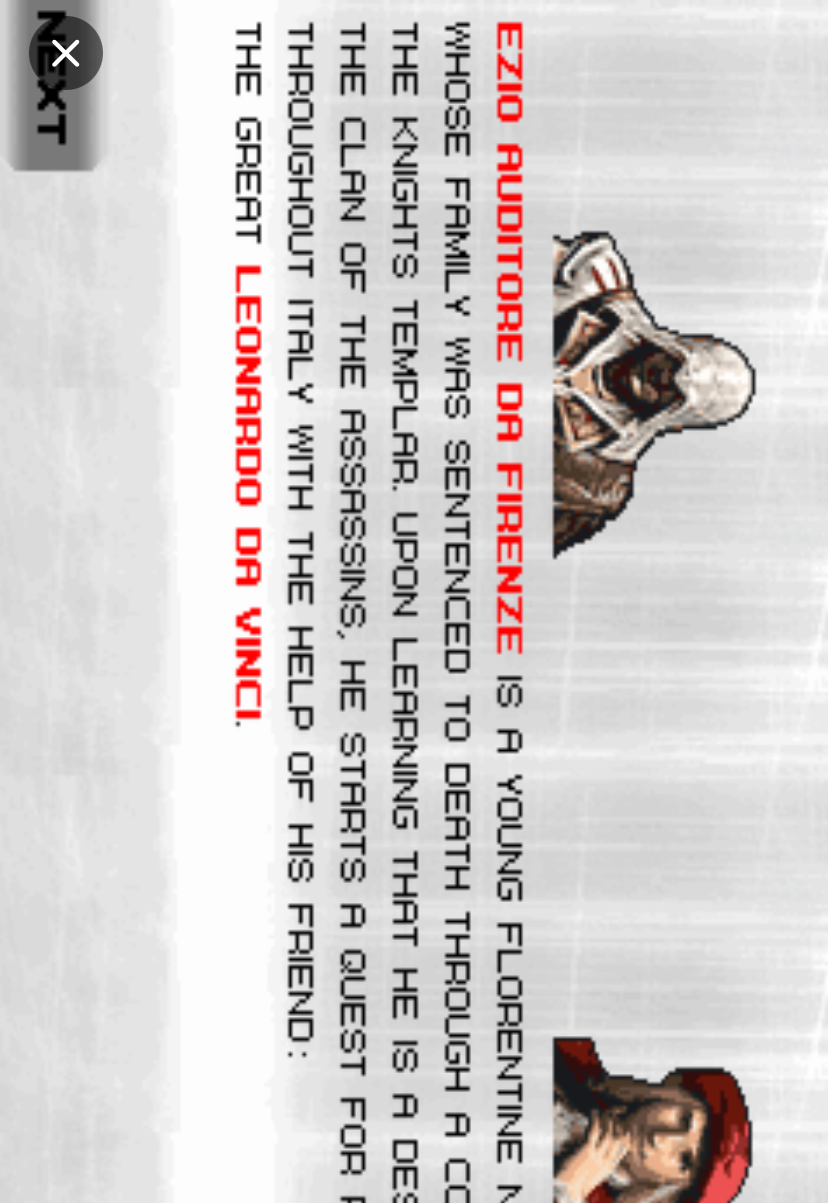
Mission Structure: The game follows the main story beats of the console version. You play through Ezio’s early life in Florence, his escape, and his growth into an Assassin.
Eagle Vision: Even on a small screen, Gameloft included a simplified Eagle Vision mode that highlights enemies and targets.
Gameplay
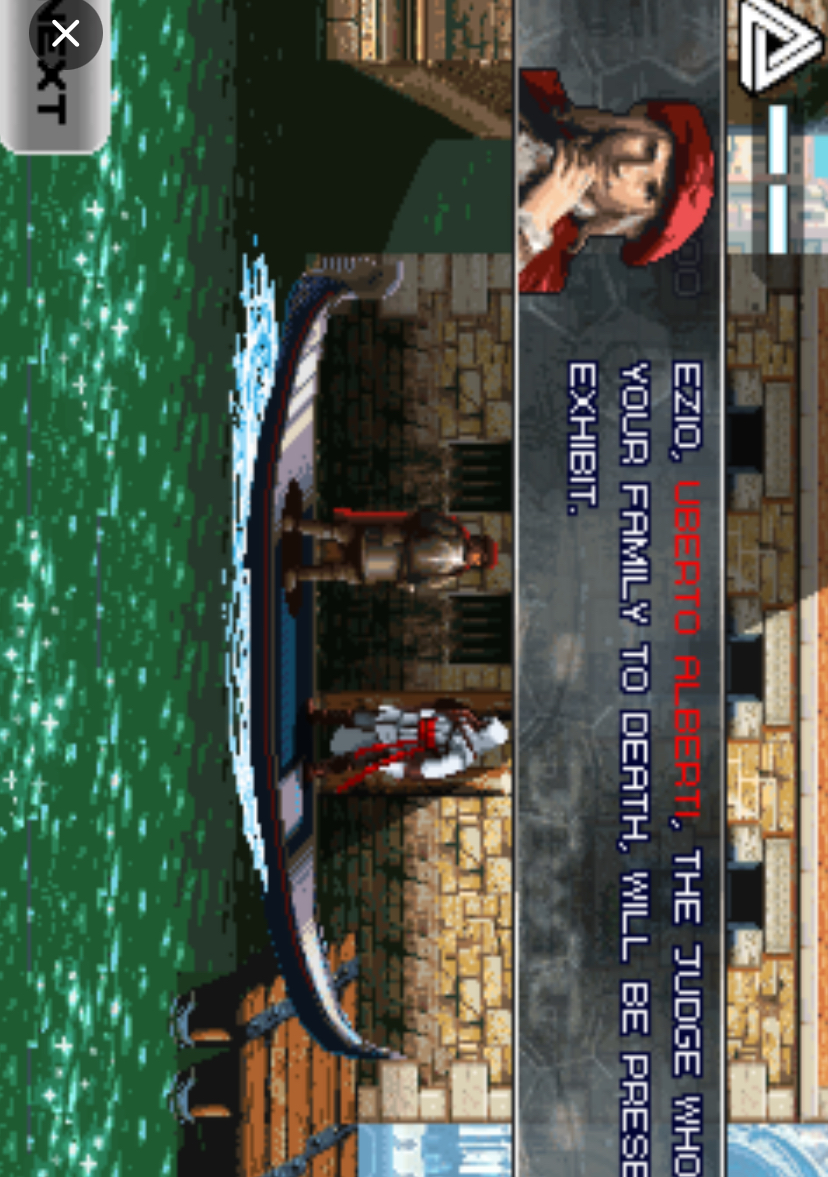
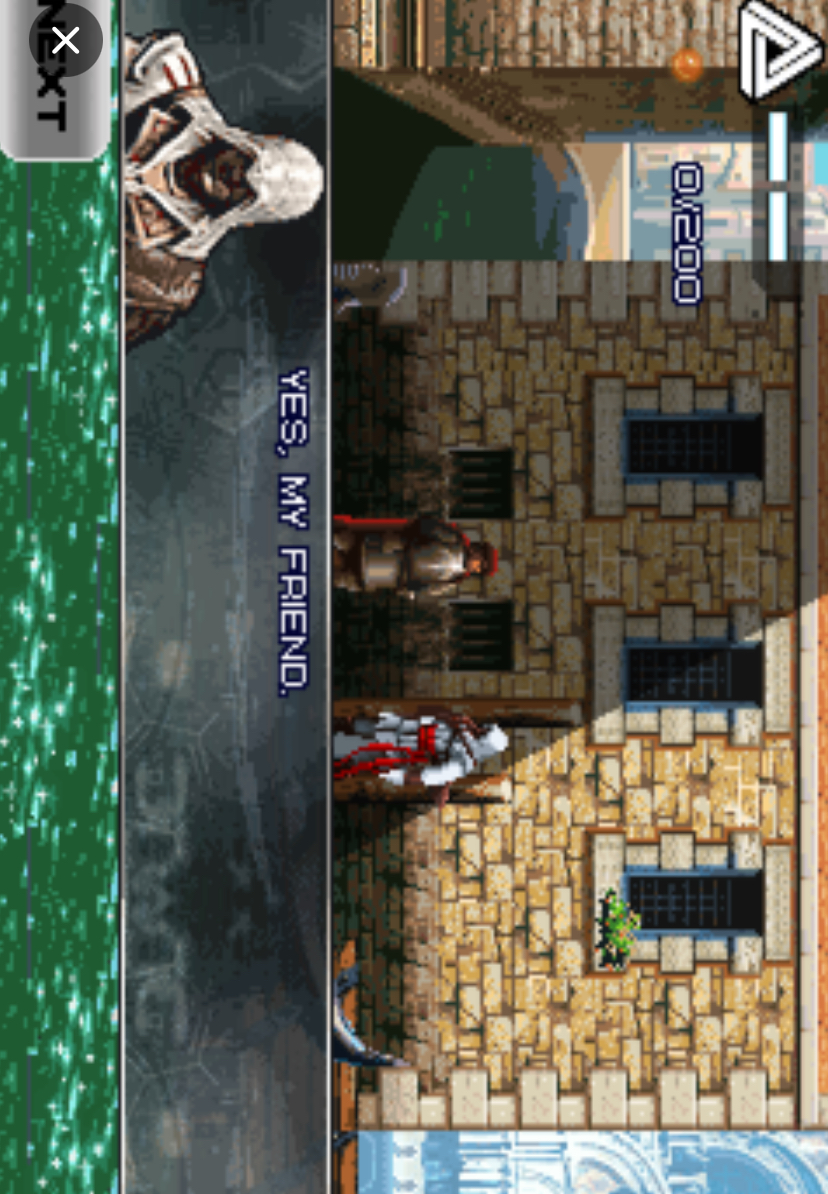
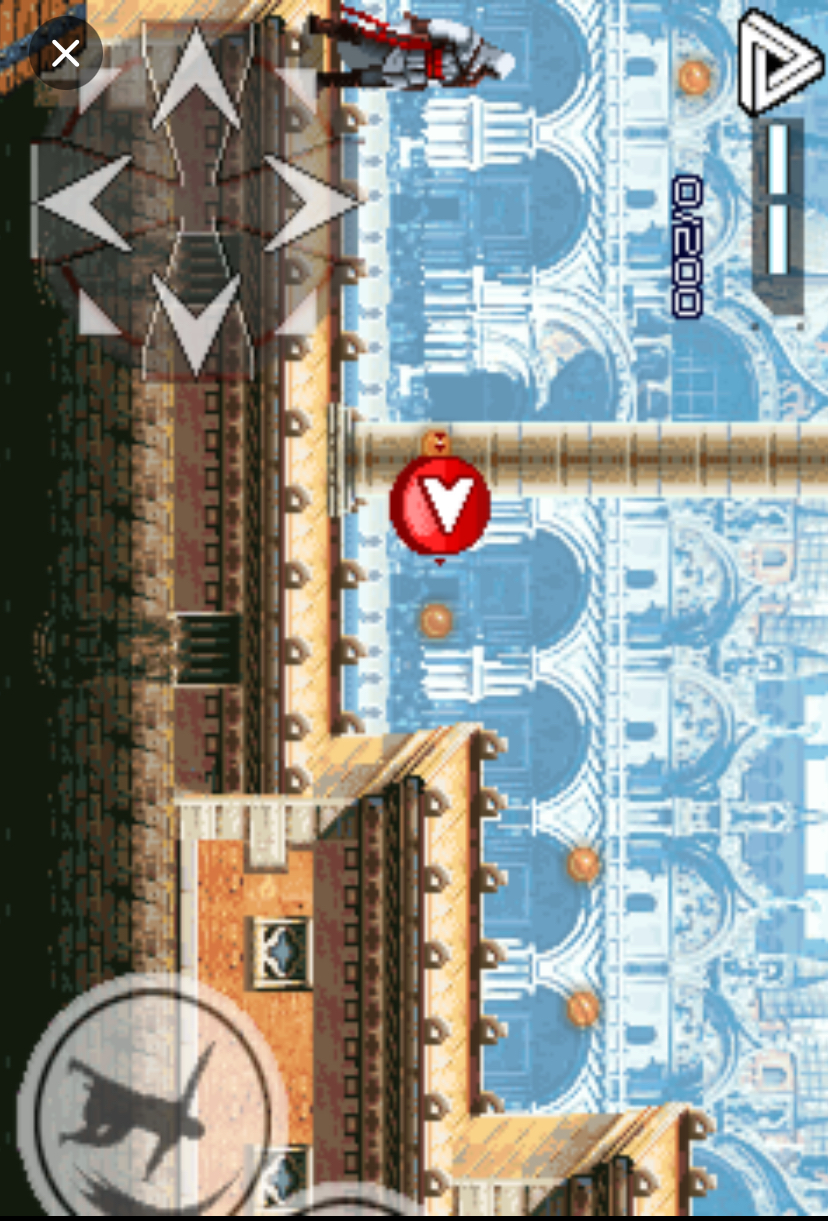
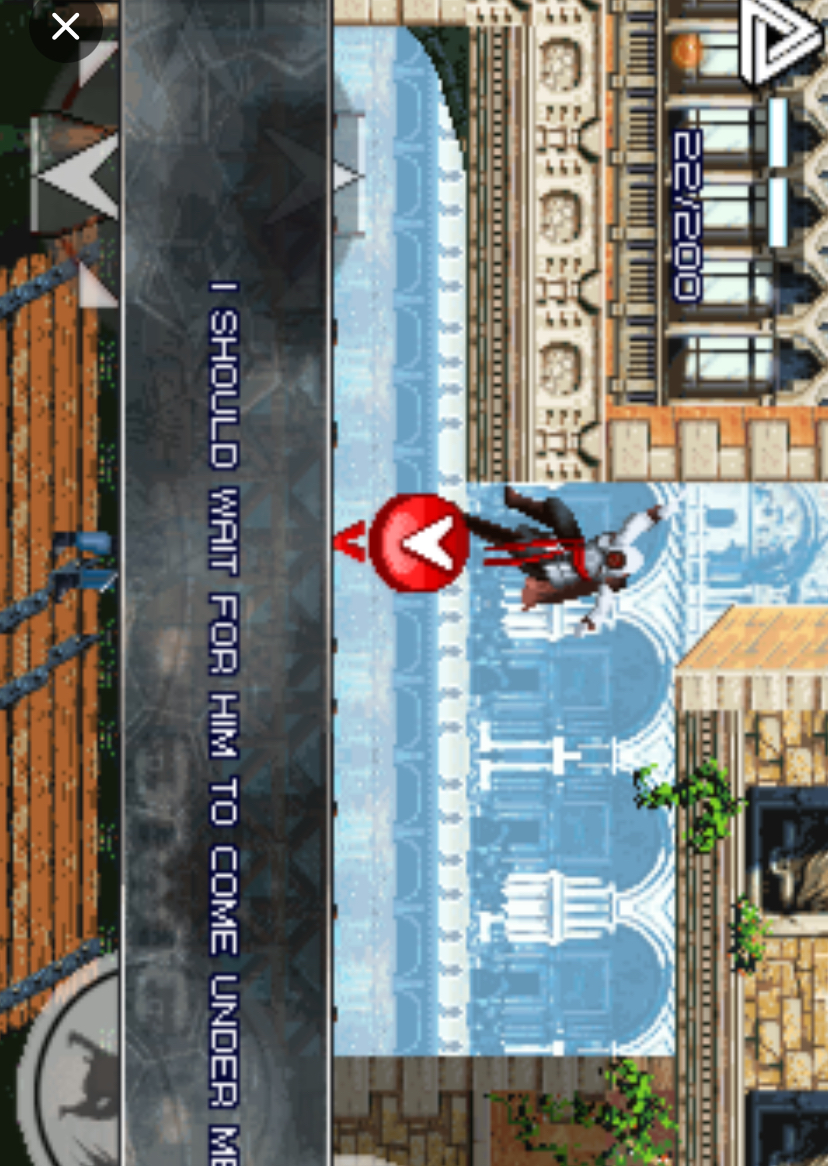
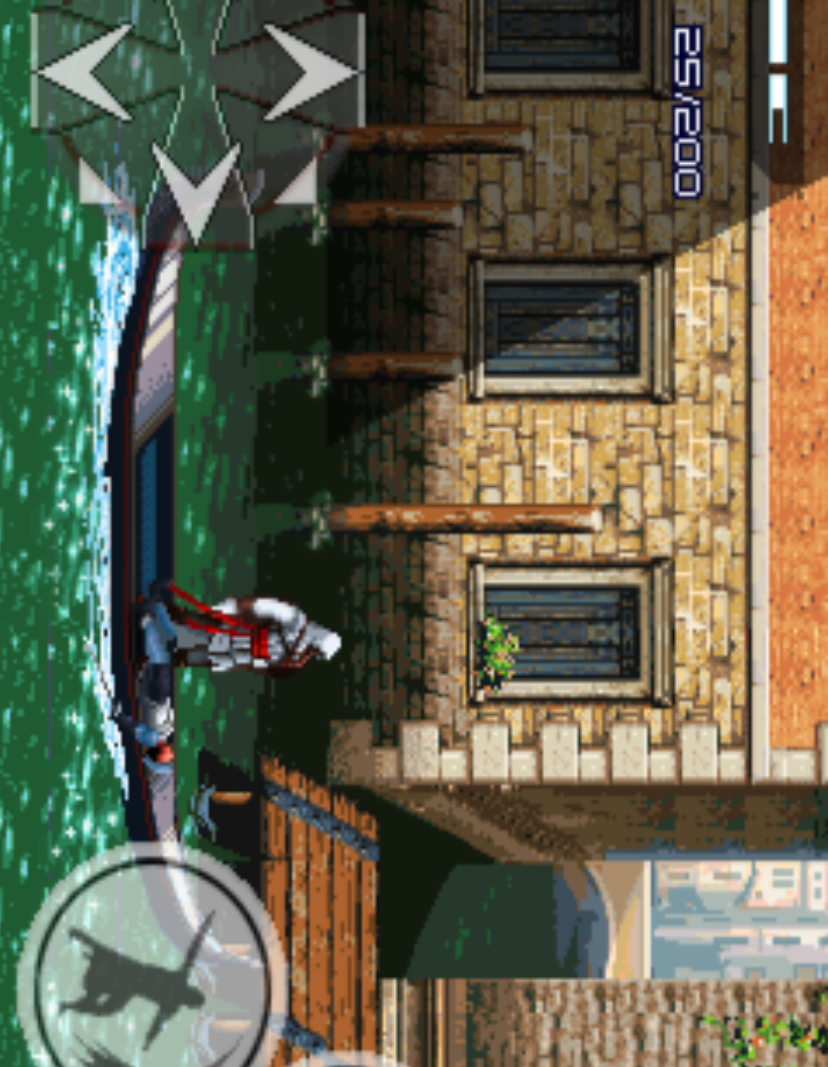
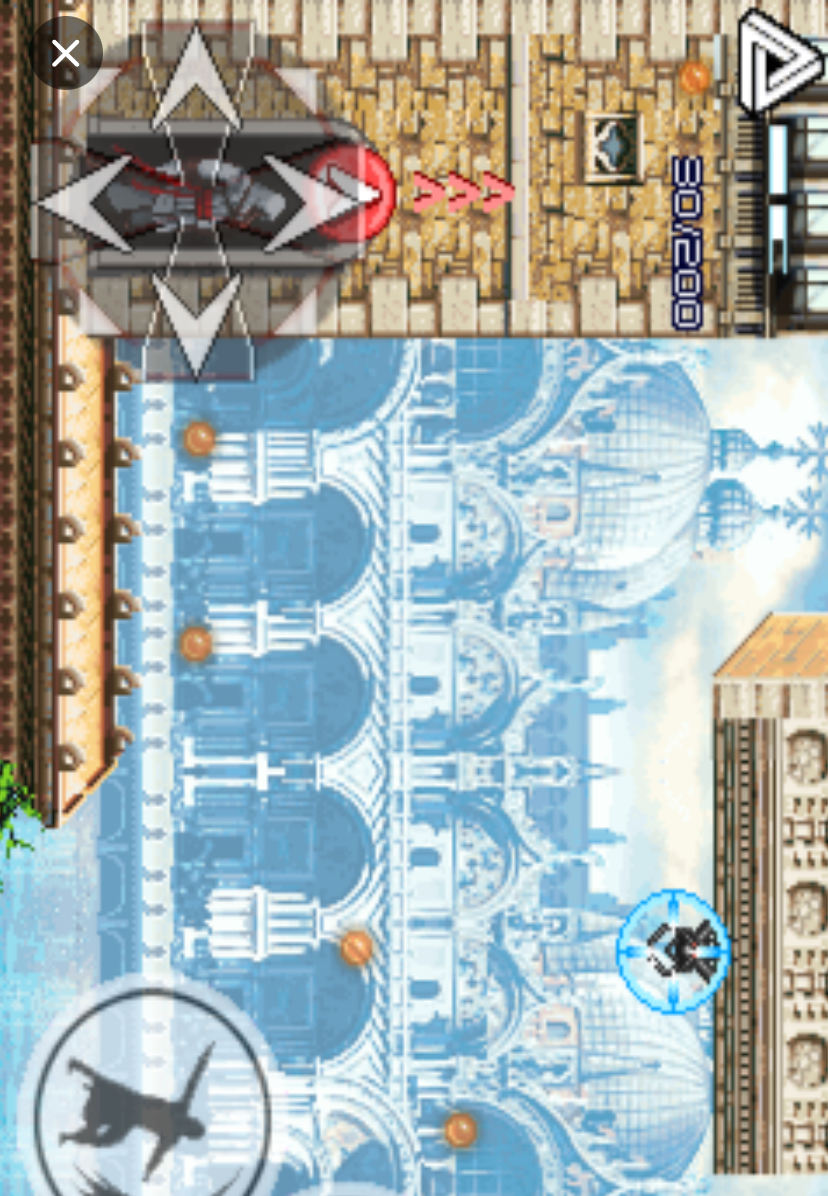
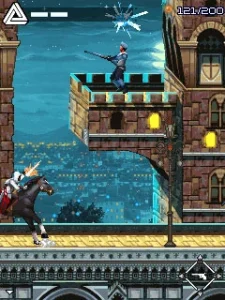
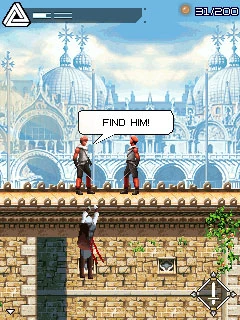


How to Play: Exact Button-by-Button Guide
This is where I will be very practical. I will tell you exactly what I press, when I press it, and what happens. No generic advice.
Launching the Game and the Main Menu
When you start the game from your phone’s menu, you will see the Gameloft logo, then the Ubisoft logo. Wait for them to finish. You will arrive at the main menu. You will see options like “New Game,” “Continue,” “Options,” and “Help.”
Use the 2 and 8 keys to move the highlight up and down. Do not press the side keys randomly. When “New Game” or “Continue” is highlighted, press 5 to select it.
If you accidentally highlight “Help” and press 5, you will just waste time reading basic info you already know. So be precise.
In the Options menu, I always turn the sound up using 6 and confirm with 5, because the audio cues actually help you time combat later.
The Core Button Mapping
Here is exactly what each button does during gameplay. Memorize this:
-
4 = Walk or run left
-
6 = Walk or run right
-
2 = Jump up, climb up ladders, grab ledges above you
-
8 = Crouch, drop down from ledges, roll under obstacles
-
5 = Main action: sword attack, interact with doors, talk to NPCs, confirm selections
-
3 = Hidden blade stealth assassination (only works when directly behind an unaware enemy)
-
1 = Throwing knife (ranged attack, limited quantity)
-
7 = Eagle Vision (toggles on/off, highlights enemies in red)
-
9 = Switch weapon or target focus during combat
-
* = Pause menu and inventory (access medicine, check objectives)
-
Left Soft Key = Open the area map (this is crucial, do not ignore it)
-
Right Soft Key = Pause / Back / Cancel
Your First Mission in Florence
When the game starts, you are young Ezio in Florence. After the opening dialogue, you gain control. Here is exactly what I did:
First, press 6 to walk to the right. You will see a guard patrol.
Do not run into him. Instead, press 8 to crouch. While crouching, press 6 to slowly sneak behind him. When you are directly behind him and very close, you will see a small prompt icon. Press 3 immediately. Ezio will stab him silently with the hidden blade. No alarm, no fight.
If you mess up the timing and he turns around, don’t panic. Quickly press 4 to back away, then press 5 to draw your sword. Wait for him to swing. The moment his sword flashes or you hear the swing sound, press 5 to parry.
Immediately after the parry animation starts, press 5 again to counter-attack. This two-step timing—parry then counter—is the secret to every sword fight in this game.
After the first guard, continue right. You will reach a wall with a ladder. Stand directly under it and press 2. Ezio climbs up. At the top, press 6 to walk right across the rooftop.
You will see a gap between buildings. Do not just press 6 and hope for the best. Stand at the edge, then press 2 to jump. While in mid-air, press 6 again to reach out and grab the far ledge. If you only press 2 without pressing 6, you will fall and lose health.
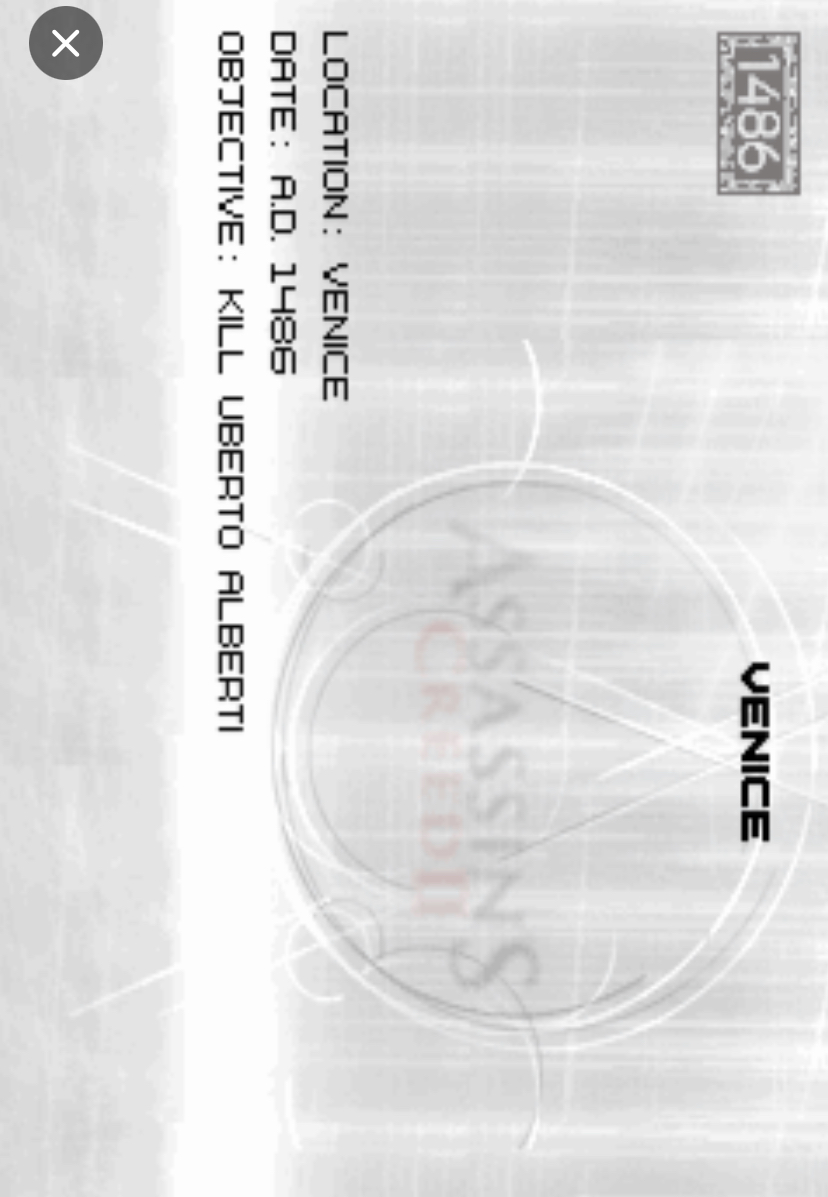
I remember the first time I reached the Venice canal section. I saw a beam above a guard. I pressed 2 to jump up and grab the beam, then pressed 6 to shimmy across. When I was directly above the guard, I pressed 8 to hang down, then immediately pressed 5. Ezio dropped down and assassinated him. That felt incredible, and it only works if you press 8 then 5 in quick succession.
Combat Mastery: The Exact Timing
Let me explain combat deeper because this is where most players fail. When you face one guard, the rhythm is: wait for his attack, press 5 to block, then press 5 to strike. But when you face two guards, it changes.
Related Posts
What I do is position myself using 4 and 6 so both guards are on the same side of me. When the first guard attacks, I press 5 to parry him.
Then I immediately press 6 to turn toward the second guard and press 5 to hit him before he attacks. If you just stand still and press 5 repeatedly, you will die. The game punishes button-mashing.
Against armored guards later in the game, throwing knives won’t work. I learned this the hard way. I kept pressing 1 and the knives just bounced off. For armored enemies, you must use the sword counter timing. Press 5 to parry their heavy swing, then press 5 twice quickly to break their guard and strike.
Stealth and Evasion
If a guard spots you, a red alert icon appears above his head. You have two choices.
Option one: Escape. Press 4 or 6 to run, and when you reach a wall, press 2 to climb up. Get to the rooftop and run until the alert icon turns white, then disappears. To make this easier, press 7 to activate Eagle Vision. You will see all guards in red, so you know exactly which direction is safe.
Option two: Hide. If you are near a group of white-robed civilians, just stop pressing movement buttons and stand in the middle of them. Ezio automatically blends in. The guards will search, then give up. I use this all the time in crowded market areas.
If you need to roll under a hanging tapestry or low archway, press 8 while running with 4 or 6. Ezio rolls forward and stays undetected.
Using Items and the Map
Always press the Left Soft Key to check your map. I cannot stress this enough. The streets in Florence look similar, and it is easy to run in circles. The map shows you the exact direction of your objective marker.
When your health is low, press * to open the inventory. Use 2 and 8 to highlight medicine, then press 5 to use it. Do not wait until you have one health bar left. I use medicine when I drop below half health, because some enemy combos can kill you from half health in one sequence.
Advanced Tips & Strategies
Here are things I discovered that the in-game help never tells you:
Collecting Feathers: There are hidden feathers in every city. They are usually placed on the highest beams or hidden behind breakable barrels. If you see a barrel, press 5 next to it. Ezio kicks it, and sometimes a feather or money pouch appears.
Money and the Doctor: Always visit the doctor (marked with a cross on your map) before main missions. Buy the maximum medicine you can carry. Money is easy to get by breaking barrels and completing missions, so don’t hoard it.
Tearing Down Posters: When your notoriety level rises (the yellow bar at the top), guards will attack you on sight. Find a herald (a man with a scroll icon above his head) or a wanted poster on a wall. Press 5 near the poster to tear it down. This reduces your notoriety. I make it a habit to tear down every poster I see.
The Venice Water Warning: In the Venice canal sections, do not fall into the water. Ezio cannot swim in the Java version. If you fall in, you fail immediately and restart at the last checkpoint. When jumping across boats, press 2 early, then press 6 to grab the far edge.
Air Assassinations from Beams: This is the most satisfying move. Hang from a horizontal beam by pressing 8 when beneath it. Shimmy with 4 and 6 until you are above a guard. Press 8 to hang lower, then 5 to drop-kill. The window is small, so practice the timing.
Beginner Mistakes to Avoid
I see new players make these same mistakes over and over. Avoid them and you will immediately play better:
1: Button-Mashing 5 in Combat. Pressing 5 rapidly does not make you attack faster. The game uses animation frames. You must wait for the parry window. Calm down, watch the enemy, then press 5 once for the parry, once for the counter.
2: Wasting Throwing Knives. You only carry a limited number. Do not use 1 on regular guards you can sneak past. Save knives for archers on high platforms who you cannot reach otherwise.
3: Ignoring the Map. The left soft key is there for a reason. I used to get lost constantly until I made a habit of checking the map every thirty seconds. It shows guard patrol routes too.
4: Running Everywhere. Holding 6 makes Ezio run, which creates noise and alerts guards. In restricted areas, tap 6 lightly to walk, or use 8 to crouch-walk. Only run when you are already spotted.
5: Forgetting to Save. At pigeon coop locations (save points), press 5 to interact and save your progress. If you die without saving, you lose everything since the last save. I learned this painfully after losing twenty minutes of progress.
6: Jumping Without Grabbing. When crossing roof gaps, never just press 2. Always press 2 then 6 (or 2 then 4 if jumping left) to ensure Ezio grabs the far ledge. The number of times I fell because I forgot the second button is embarrassing.
Comparison with a Game I Played: Prince of Persia: The Two Thrones (Java)
Before I conclude, I want to compare AC2 Java with another Gameloft classic I played around the same time: Prince of Persia: The Two Thrones for Java ME. Both games came from the same developer, share the same 2.5D side-scrolling perspective, and require precise keypad platforming. But they feel completely different.
In Prince of Persia, the focus is on speed and acrobatics. The Prince runs automatically along walls if you press 2 near a wall, and the combat is faster combo-based. You can rewind time by pressing * then 5, which forgives mistakes. The game pushes you forward constantly.
In Assassin’s Creed II Java, the pace is slower and more tactical. You are not forced to fight every enemy. I prefer AC2 because it gives me choices. In POP, if you stop moving, the level design often traps you. In AC2, I can stand on a rooftop, press 7 for Eagle Vision, plan my route, and decide whether to fight, sneak, or evade.
The hidden blade mechanic in AC2—pressing 3 behind an enemy—feels more rewarding than POP’s standard sword swings.
However, POP has better pure platforming flow. Wall-running in POP is smoother than rooftop jumping in AC2, where you must remember the 2 then 6 grab timing. If you love stealth and strategy, AC2 is superior. If you love fast reflex platforming, POP wins. Personally, I replay AC2 more because no two missions play exactly the same way depending on your approach.
How to Beat the Biggest Boss: Rodrigo Borgia in Assassin’s Creed II Java Game
Rodrigo Borgia is the final and most difficult boss in Assassin’s Creed II Java. He appears in the Vatican Vault sequence, and unlike regular guards, he has multiple attack patterns, heavy armor, and the ability to call reinforcements.
I died many times before I understood the exact rhythm. Here is everything I learned.
Phase One: The Opening Attack
When the cutscene ends, you are in a large circular chamber. Rodrigo stands in the center. Do not rush at him. If you run straight in and press 5, he will grab you and deal massive damage.
Instead, press 4 or 6 to circle around him slowly. Watch his hands. When he raises his right arm, he is about to perform a lunge attack.
The moment his arm flashes, press 5 to parry. You will hear a loud clang. Immediately press 5 again to counter. This is the only window to damage him in Phase One.
If you press 5 too early, he breaks your guard and hits you. If you press too late, you take full damage. The timing is slightly slower than regular guards, so wait half a beat longer than you are used to.
Phase Two: Summoning Guards
After you land three successful counters, Rodrigo jumps backward and summons two regular guards. Do not ignore them.
If they surround you while Rodrigo recovers, you will be stun-locked to death.
What I do is immediately press 6 to run toward the nearest guard. Press 5 to attack first before he swings.
Regular guards die in two hits. Once the first guard falls, turn with 4 and press 5 twice on the second guard. Do not use throwing knives here. Save them.
While you fight the guards, Rodrigo charges a ranged attack.
You will see a red glow around him. The moment both guards are dead, press 8 to crouch. His projectile flies over your head. If you are still standing, it knocks off nearly half your health.
Phase Three: The Hidden Blade Window
When Rodrigo’s ranged attack misses, he stumbles for about two seconds. This is your only chance to use the hidden blade.
Sprint at him with 6, and when you are directly in front of him, press 3. Ezio performs a special assassination animation. This deals massive damage and advances the fight.
If you miss this window and try to press 3 when he is not stumbling, he blocks it and punches you away. I missed this three times before I learned to watch for the stumble animation.
Phase Four: The Final Assault
After the hidden blade strike, Rodrigo enters his final phase. He moves faster and chains two attacks together.
The pattern is: high slash, then low sweep.
Here is the exact button sequence I use. When he raises his sword high, press 5 to parry the slash.
Then immediately press 8 to roll under the low sweep that follows. While he recovers from the sweep, press 5 three times quickly for a combo strike.
Do not try to parry both attacks. The second one is unparriable. Rolling with 8 is the only way to avoid it.
He repeats this double-attack pattern three times. On the third cycle, after you roll and combo, he falls to one knee. Run to him and press 5 one final time. Ezio finishes him, and the mission ends.
What to Do If You Die
If you lose, you restart at the beginning of the chamber. Before you re-enter, press * to check your medicine. Use 2 and 8 to highlight it, then 5 to heal to full. Do not enter the fight below 80% health. Rodrigo’s grab attack can one-shot you from low health.
Also, make sure you have at least two throwing knives left. If a guard gets too close while you focus on Rodrigo, press 1 to instantly kill him and clear space.
My Personal Mistake
The first time I reached this fight, I tried to use the same tactic as regular combat: parry, counter, repeat. It does not work. Rodrigo adapts. I died seven times because I refused to roll with 8 during Phase Four. Once I accepted that some attacks must be dodged rather than blocked, I beat him on my next try.
Stay patient, watch his arm movements, and never attack unless you see the opening. That is how you beat the biggest boss in Assassin’s Creed II Java.
Conclusion
Assassin’s Creed II Java proves that a great game design doesn’t need powerful hardware.
With the exact button presses I shared—parry with 5, assassinate with 3, climb with 2, and plan with 7—you can master Ezio’s journey on a simple keypad phone.
Focus on timing over speed, stealth over force, and always check your map. This mobile version captures the true spirit of being an Assassin.
FAQS
What do I do if Ezio keeps falling off rooftops?
You are likely pressing 2 alone for jumps. Always press 2 to jump, then immediately press 6 (or 4 if jumping left) to grab the far ledge. That second button press is what saves you.
