Racing Masters 2011: The Complete Beginner’s Guide (How to Play and Win More Races)
 By Nathaniel AriyoPublished · 11 min read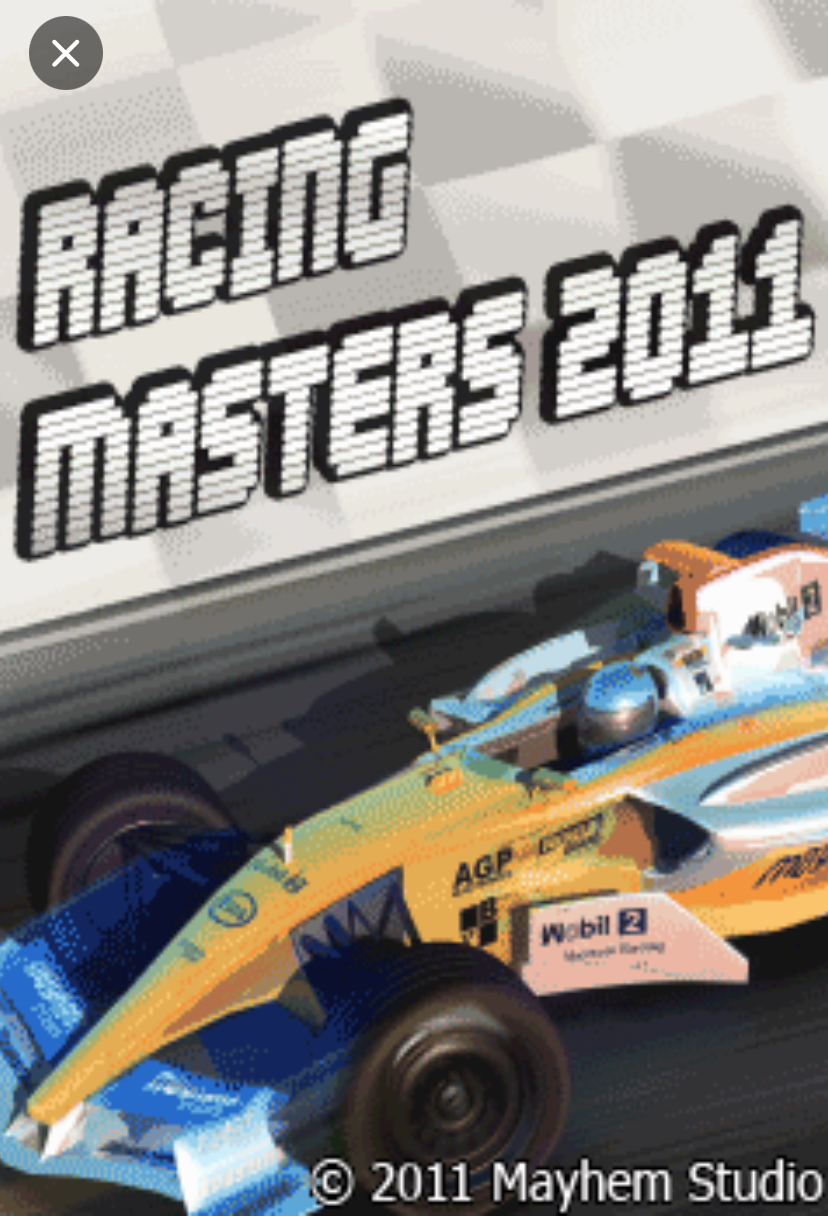
The first time I played Racing Masters 2011 Java game, I made the same mistake many new players make, I immediately started pressing buttons without paying attention to what the game was trying to tell me. I skipped the descriptions, jumped into a race, and assumed that winning every race was the only way to progress.
It turns out that Racing Masters 2011 is much more enjoyable when you understand how its progression system works. The game is simple on the surface, but it rewards patience and smart decision-making more than aggressive racing.
This guide will teach you everything you need to know, from understanding the main menu to progressing through Championship mode. I’ll also share practical tips that can save you from repeating common beginner mistakes.
Unlike the in-game Help section, this article focuses on real gameplay advice that helps you become more comfortable with the game.
Racing Masters 2011 at a Glance
| Information | Details |
|---|---|
| Game Title | Racing Masters 2011 |
| Genre | Arcade Racing |
| Gameplay Style | Single-Player Racing |
| Controls | Numeric Keypad Controls |
| Main Game Mode | Championship |
| Difficulty | Beginner Friendly |
| Objective | Finish races and progress through championship circuits |
| Progression Requirement | Finish among the top three racers |
| Recommended For | Casual and racing game lovers |
History and Background of Racing Masters 2011
Racing Masters 2011 belongs to the generation of classic mobile racing games that focused on gameplay rather than unnecessary complexity. Instead of overwhelming players with complicated mechanics, it offers straightforward racing challenges that are easy to understand but still rewarding to complete.
The game’s biggest strength is its simplicity. You don’t need to spend several minutes learning complicated systems before you can enjoy racing. Once you understand the controls and progression requirements, you’ll quickly find yourself enjoying the challenge of moving from one circuit to another.
What I particularly like about Racing Masters 2011 is that it gives players an achievable goal. You’re not simply racing for fun — you are competing across multiple championship circuits while trying to qualify for the next stage.
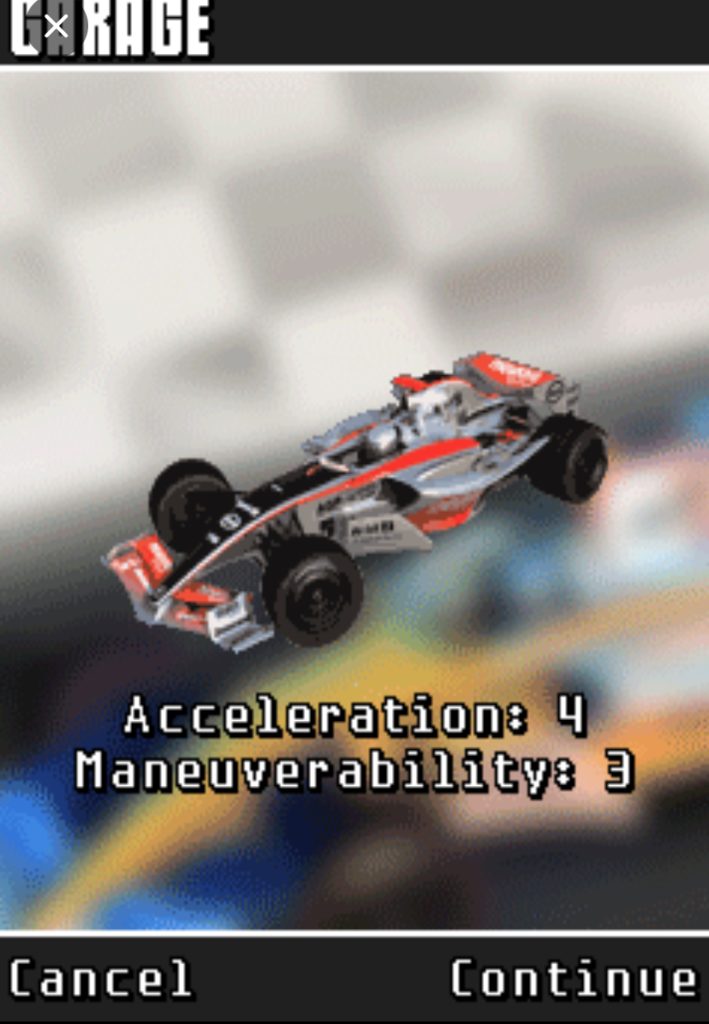
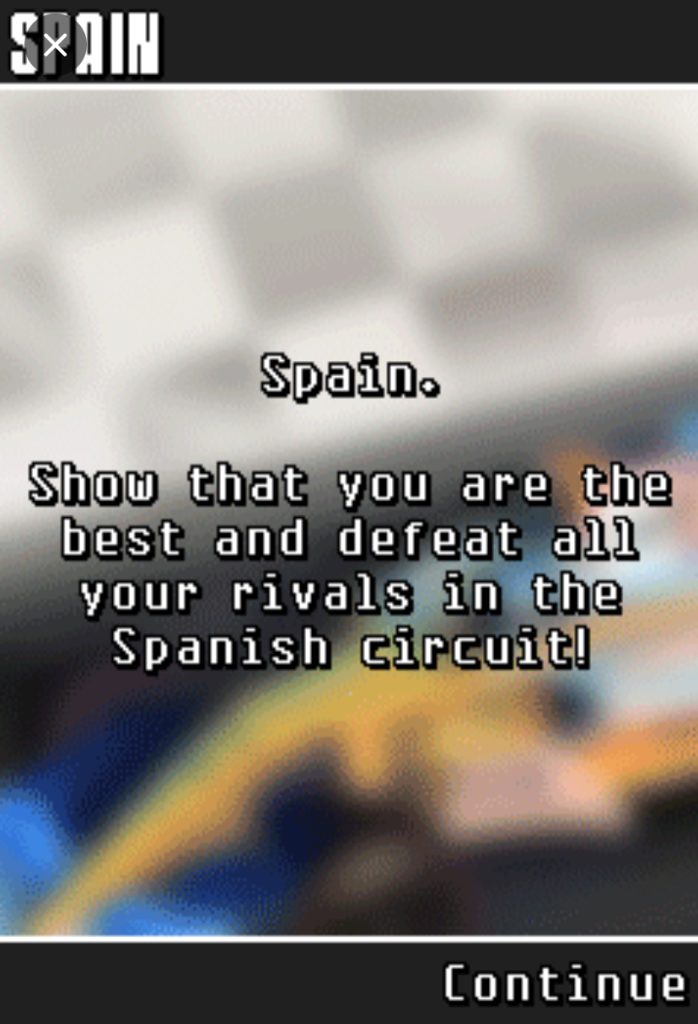
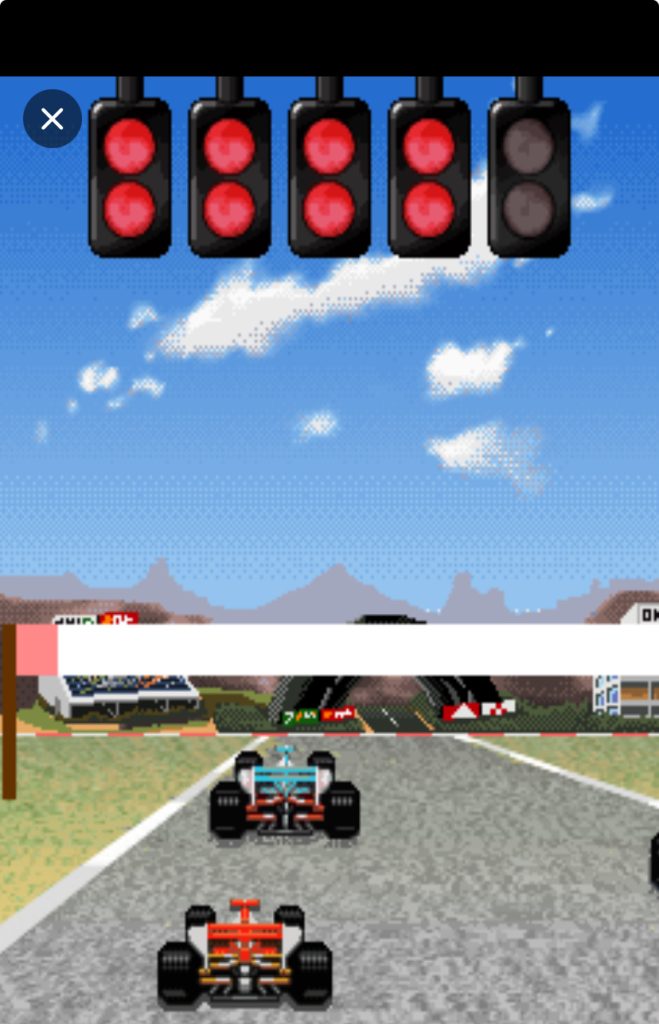
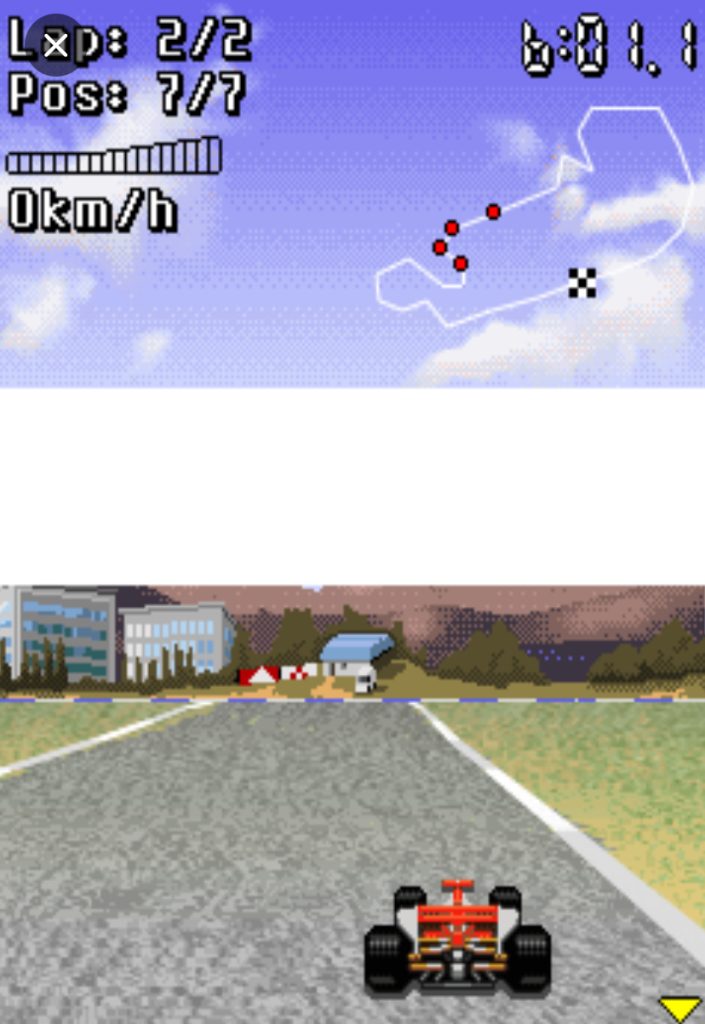
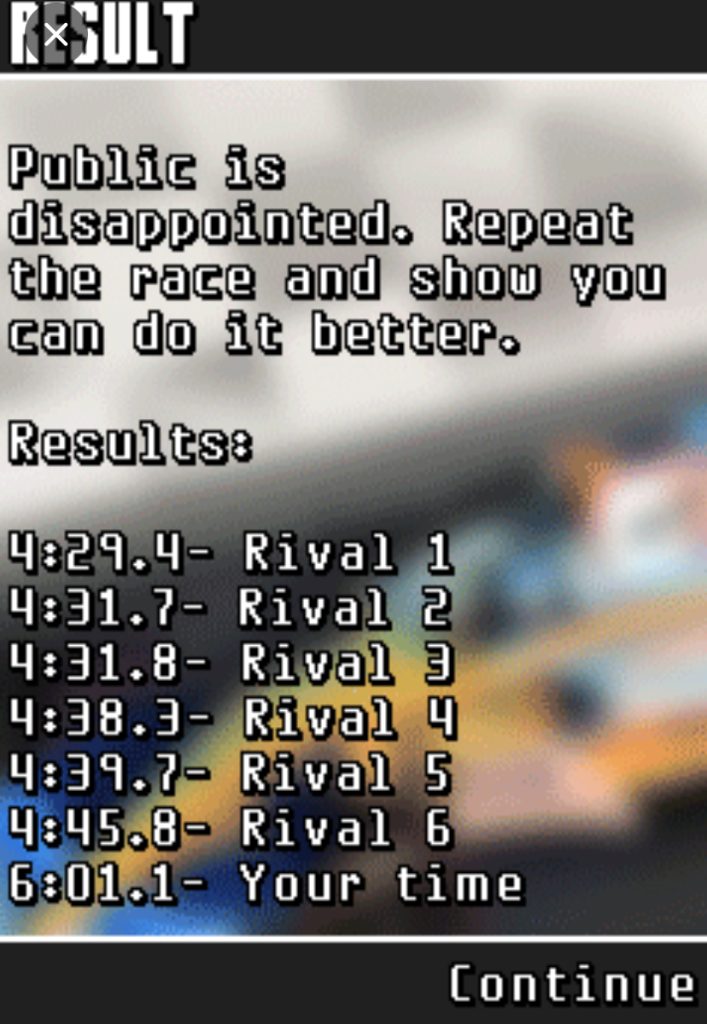
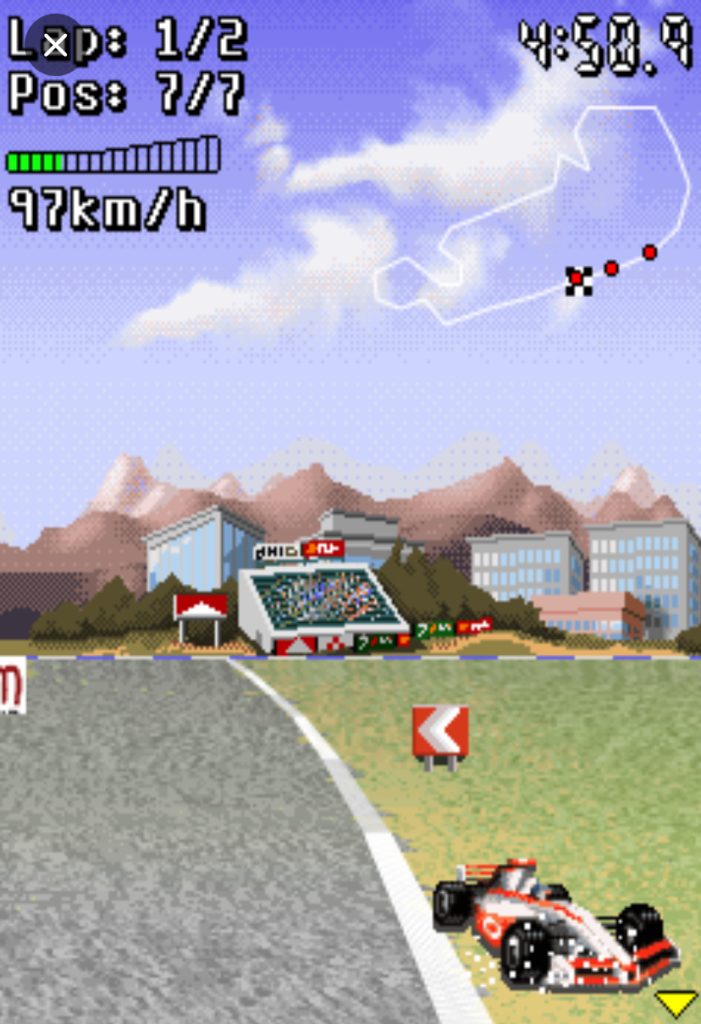
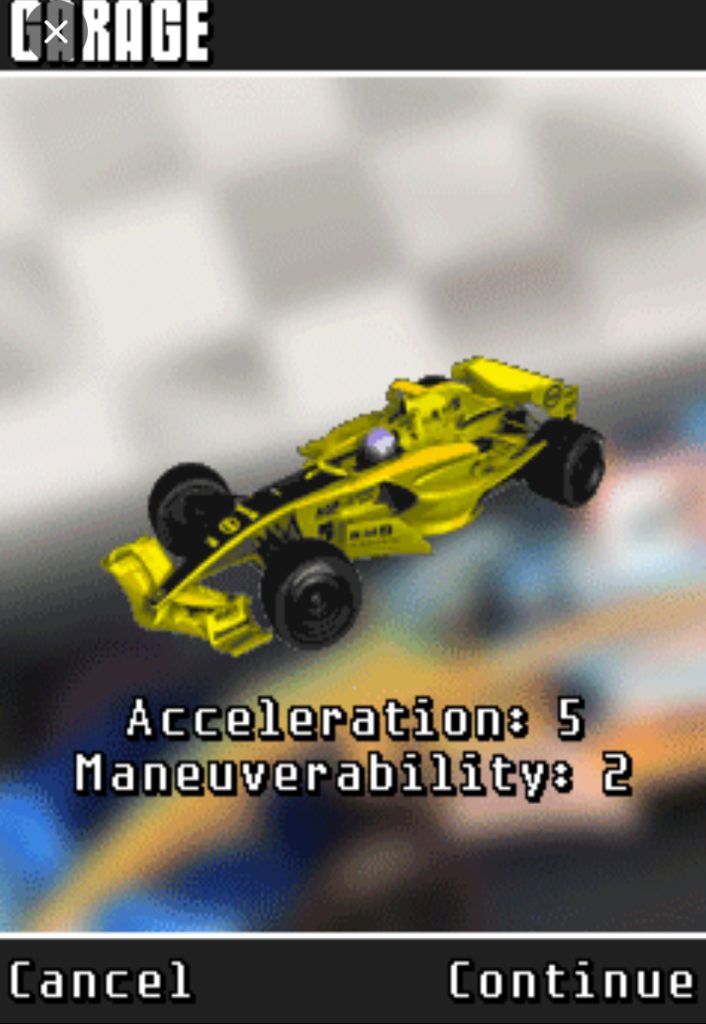
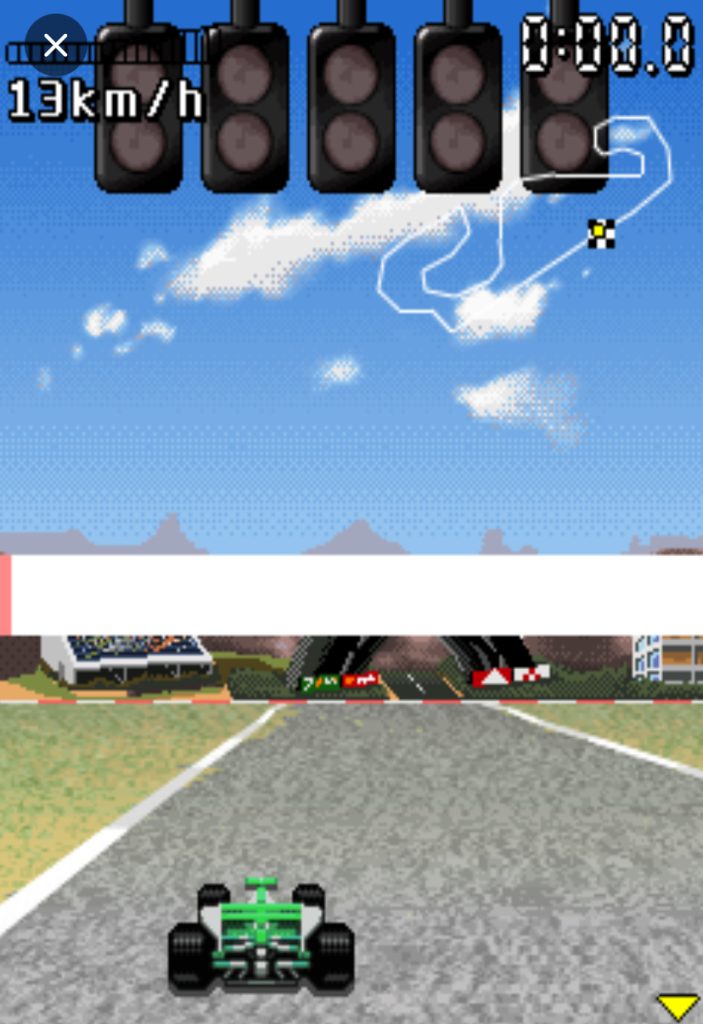
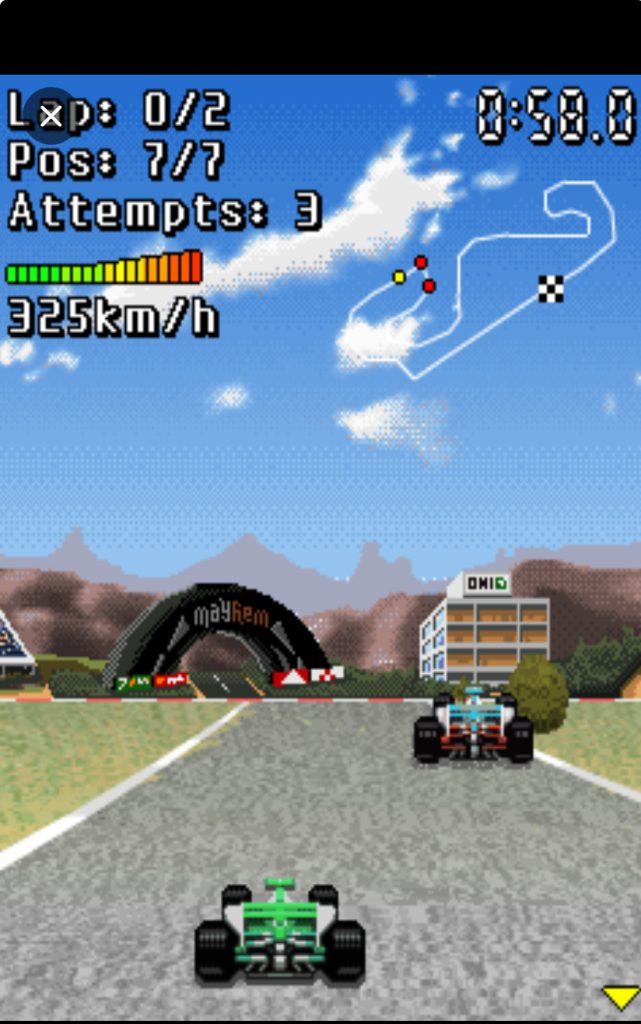
Game Screenshots








Key Features Breakdown
Some of the features that make Racing Masters 2011 enjoyable include:
- Championship mode with multiple racing circuits.
- Quick Race mode for casual gameplay.
- Beginner-friendly racing mechanics.
- Simple numeric keypad controls.
- Progressive championship challenges.
- Lightweight arcade racing gameplay.
- Easy-to-navigate menu system.
- Clear progression objectives.
One feature that many new players overlook is that Championship mode doesn’t require perfection. You only need to finish among the first three racers to progress.
The Main Menu
When you launch the game, you’ll see six menu options:
- Quick Race
- Championship
- Help
- Sound
- About
- Exit

Let’s look at what each option is used for.
Quick Race
Quick Race is perfect if you’re playing the game for the first time. It allows you to get comfortable with the controls without worrying about championship progression.
If you’re still learning how your car handles during races, spending a few minutes here can make Championship mode much easier later on.
Championship
This is the main game mode.
When you enter Championship mode, the game explains that you will compete across five championship circuits. To unlock the next circuit, you must finish among the first three racers.
This is extremely important because many players assume they must finish first every time. Thankfully, that’s not the case.
If you finish in:
- First place — You progress.
- Second place — You progress.
- Third place — You progress.
- Fourth place or below — You’ll need to try again.
Help
The Help section provides basic gameplay information. It is useful for understanding the fundamentals of the game, but it doesn’t offer practical racing advice.
Sound
This option allows you to enable or disable the game’s sound settings.
About
The About section contains information about the game itself.
Exit
Select Exit whenever you want to close the game.
Racing Masters 2011 Controls Explained
Racing Masters 2011 uses numeric keypad controls.
One button you’ll use frequently throughout the game is:
Table
| Button | Function |
|---|---|
| 5 | Select or Continue |
You’ll use the number 5 button when:
- Selecting menu options.
- Confirming choices.
- Continuing through game screens.
Depending on your version of the game, directional buttons may be used during races for steering and controlling your vehicle.
My advice is to spend a few moments becoming familiar with the controls before focusing on winning races.
How to Start Your First Championship
Starting Championship mode is simple.
- Launch Racing Masters 2011.
- Highlight Championship.
- Press 5 to continue.
- Read the Championship description.
- Press 5 again to proceed.
The game immediately explains something that many players miss:
To pass to the next circuit, you must be one of the first three cars finishing the race.
This means your first objective isn’t necessarily winning — it’s qualifying.
One thing I learned early is that racing aggressively isn’t always the best strategy. If you’re already running in third place near the end of a race, there’s usually no reason to take unnecessary risks trying to finish first.
Remember, third place still allows you to progress.
For example, imagine you’re approaching the final section of the race while sitting comfortably in third place. Instead of attempting a risky overtake that could cause you to lose positions, simply focus on maintaining your current placement until the finish line.
Sometimes, smart driving is better than fast driving.
How to Play Racing Masters 2011 Java game
Starting a Race
From the Main Menu, press 5 on Career. You’ll see a list of events. The first one is unlocked — press 5 again to select it.
Now you’re at the Car Select screen. You’ll have one basic car available. Don’t worry about it being slow — you’ll upgrade soon. Press 5 to confirm.
Next screen shows track info and difficulty. Press 5 one more time. The countdown begins: 3… 2… 1… GO!
The Perfect Launch
Here’s something the game doesn’t tell you: you can get a boost start. When the countdown hits 1, hold 2 (accelerate). Don’t wait for “GO!” — time it so you’re already accelerating the moment the race starts. If you time it right, you’ll get a little burst of speed off the line. I missed this for my first five races and couldn’t figure out why the AI was always ahead at the start.
During the Race: The Core Loop
Let’s walk through a typical lap.
You’re coming out of the start straight, building speed. The mini-map in the corner shows a sharp turn ahead. Here’s what I do:
- Lift off 2 (stop accelerating) about two seconds before the turn.
- Tap 8 (brake) once if it’s a tight corner, don’t hold it — you’ll stop dead.
- Press 4 or 6 to start turning into the corner.
- While turning, press 5 (handbrake) briefly — this initiates a drift.
The drift is the key to this game. When you drift, you maintain more speed through corners than if you just brake and turn normally. But here’s the catch: hold 5 too long and you’ll spin out. I learned this the hard way on Turn 3 of the Desert track.
My technique: Tap 5 for half a second while holding the turn direction. Your car will slide, then grip. As soon as you see the nose of the car pointing at the exit, hammer 2 again and straighten with 4 or 6.
Using Nitro Strategically
You get nitro by drafting behind opponents and by maintaining clean racing lines. The nitro meter fills up — when it’s glowing, press 7 to activate.
Do not use nitro on corners. I did this constantly at first. You go too fast, can’t turn, and crash into the wall. The nitro is best used on long straights right after exiting a corner. That’s when you’re already facing the right direction and can maximize the speed gain.
My rule: Save at least half a tank of nitro for the final straight of the last lap. That’s when races are won or lost.
Overtaking AI Opponents
The AI in this game is surprisingly aggressive. They’ll block you, brake-check you, and squeeze you into walls. Here’s how I handle it:
- On straights: Draft behind them (get close without touching) to build nitro, then slingshot past with 7 on the straight.
- On corners: Wait for them to brake early (they always do), then take the inside line with a quick tap of 5 to drift past them.
- If they’re beside you: Don’t panic and mash buttons. Hold your line. They usually back off before you do.
One time on the City track, an AI car was right beside me entering a tight chicane. I wanted to push left with 4, but I knew we’d collide and I’d spin. So I lifted off 2, let him take the inside, then drifted wide with 5 and cut back underneath him on the exit. He crashed into the wall; I took the lead. Patience beats aggression in this game.
Reading the Mini-Map
The mini-map is your best friend. It shows:
- The track layout ahead
- Where opponents are
- Upcoming turns (sharp turns show as tight curves)
I glance at it every 3-4 seconds. Before I started doing this, I was constantly surprised by hairpin turns and crashing at full speed. Now I anticipate them and brake early.
Post-Race: Results & Progression
After crossing the finish line, you’ll see your time, position, and credits earned. Credits are everything in this game — they buy upgrades and unlock new cars.
Placement bonuses:
- 1st place: Maximum credits + bonus
- 2nd-3rd: Standard credits
- 4th or lower: Minimal credits, no progression
If you finish 4th or lower, you might need to replay the event. Don’t get discouraged — I had to replay the third event four times before I figured out the right car setup.
Another useful habit is paying attention to the game’s instructions whenever a new screen appears. Racing Masters 2011 provides important information about progression that many players accidentally skip.
Winning Strategies That Helped Me Progress Faster
These simple strategies made the game much easier for me.
Practice Before Playing Championship Mode
Quick Race is an excellent place to learn the controls.
Don’t Chase First Place Every Time
Third place is often all you need.
Drive Consistently
Making fewer mistakes is usually more valuable than attempting risky moves.
Learn the Progression System
Understanding how circuits are unlocked removes unnecessary frustration.
Be Patient
Some races are easier when you focus on maintaining your position rather than overtaking every opponent.
Beginner Mistakes to Avoid
Ignoring the Championship Description
The game literally tells you how progression works. Reading it will save you time.
Assuming First Place Is Required
Many beginners restart races unnecessarily because they finish second or third. You don’t need to.
Skipping Quick Race
Quick Race is one of the easiest ways to become comfortable with the game’s controls.
Playing Too Aggressively
Taking unnecessary risks can turn an easy third-place finish into a disappointing fourth-place finish.
Giving Up Too Quickly
Losing a race is part of learning. Replaying a circuit is perfectly normal.
Things the Game Doesn’t Tell You
Here are a few practical things I’ve learned:
- Third place is still considered a successful result in Championship mode.
- Quick Race is an excellent practice mode.
- Championship mode becomes less stressful once you understand the progression requirements.
- Playing patiently often produces better results than racing aggressively.
- Reading menu descriptions can save you from making beginner mistakes.
These are simple lessons, but they significantly improve the overall experience.
Racing Masters 2011 vs Asphalt 4: Elite Racing
Both games belong to the arcade racing genre, but they appeal to different types of players.
Table
| Feature | Racing Masters 2011 | Asphalt 4 |
|---|---|---|
| Learning Curve | Easy | Moderate |
| Controls | Simple | More Complex |
| Gameplay Style | Straightforward Racing | Fast-Paced Arcade Racing |
| Progression | Championship Circuits | Career Progression |
| Beginner Friendly | Excellent | Good |
If you’re looking for a racing game that’s easy to understand and enjoyable in short play sessions, Racing Masters 2011 is an excellent choice.
Players who prefer more aggressive gameplay and additional racing mechanics may enjoy Asphalt 4 more.
Frequently Asked Questions
Is Racing Masters 2011 difficult to play?
No. It is very beginner friendly once you understand the controls and progression requirements.
Do I need to finish first to unlock the next circuit?
No. Finishing among the first three racers is enough.
Which mode should beginners start with?
Quick Race is ideal for learning the controls before entering Championship mode.
How many championship circuits are there?
Championship mode consists of five championship circuits.
Is Quick Race useful?
Yes. It’s one of the best ways to practice before attempting championship races.
Conclusion
Racing Masters 2011 Java game proves that a racing game doesn’t need complicated mechanics to be enjoyable. Once you understand how Championship mode works and stop treating every race as a battle for first place, the game becomes much more rewarding.
Take your time learning the controls, practice in Quick Race when necessary, and remember that consistency is often more important than speed. Finish among the top three racers, progress through the championship circuits, and most importantly — enjoy the race.