

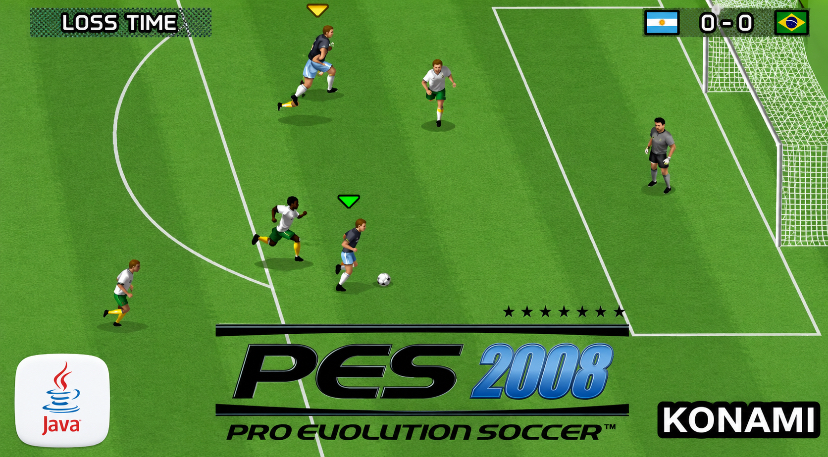
If you ever owned a feature phone in the late 2000s, you probably remember the frustration of playing a football game where players moved like robots and the ball felt glued to their feet.
Then you booted up Pro Evolution Soccer 2008 Java edition, and everything changed.
The weight of the passes, the responsiveness of the controls, and the sheer satisfaction of threading a through-ball past a defender — it felt real in a way no other mobile football game did at the time.
This guide is written from the perspective of someone who spent countless hours mastering this game on a Nokia 6300. I will walk you through every menu, every button press, and every tactical decision you need to make.
Whether you are revisiting this classic or discovering it for the first time, this is the only guide you will need.
Game Information
| Attribute | Details |
|---|---|
| Game Title | Pro Evolution Soccer 2008 |
| Platform | Java ME (J2ME) |
| Developer | Konami |
| Publisher | Konami Mobile |
| Genre | Sports / Football Simulation |
| Release Year | 2007 |
| Game Modes | Exhibition, League, Cup, Training, Master League |
| File Size | Approx. 500KB – 1.2MB (varies by resolution) |
| Key Features | Licensed clubs, Master League mode, realistic ball physics, tactical depth |
History & Background
Konami’s Pro Evolution Soccer series had already established itself as the thinking man’s alternative to FIFA by the time the mobile version arrived.
While EA focused on licenses and presentation, Konami doubled down on gameplay mechanics. The Java version of PES 2008 was not a lazy port — it was a ground-up rebuild designed around the constraints and opportunities of feature phones.
Released during the peak of Java ME gaming (roughly 2005–2010), this game arrived when mobile internet was still metered by the kilobyte and Bluetooth file sharing was how games spread between friends.
The Java platform imposed severe limitations: tiny screen resolutions (typically 128×160 up to 240×320), limited processing power, and a numeric keypad as your only input method. Yet Konami’s developers treated these constraints as creative challenges rather than roadblocks.
The result was a game that prioritized feel over flash. Player animations were sparse, but the ball physics were surprisingly nuanced.
The AI exhibited genuine tactical awareness — defenders tracked runs, midfielders found space, and goalkeepers actually positioned themselves based on the shot angle. For players who craved depth but only had a candy-bar phone in their pocket, PES 2008 Java was nothing short of revolutionary.
Key Features Breakdown
Licensed Clubs and Player Rosters
While the Java version could not match the console’s exhaustive licensing, it included a solid selection of major European clubs.
Manchester United, Chelsea, Arsenal, Barcelona, Real Madrid, Inter Milan, and Juventus were all present with accurate kits and reasonably authentic squads. National teams were also included, though in smaller numbers than the console version.
Game Modes
-
Exhibition: Quick match against AI or human opponent (hot-seat)
-
League: Full season competing against AI-controlled teams
-
Cup: Knockout tournament structure
-
Training: Free practice arena to master controls without pressure
-
Master League: The crown jewel — a career mode where you manage a club over multiple seasons, handling transfers, player development, and finances
Graphics and Presentation

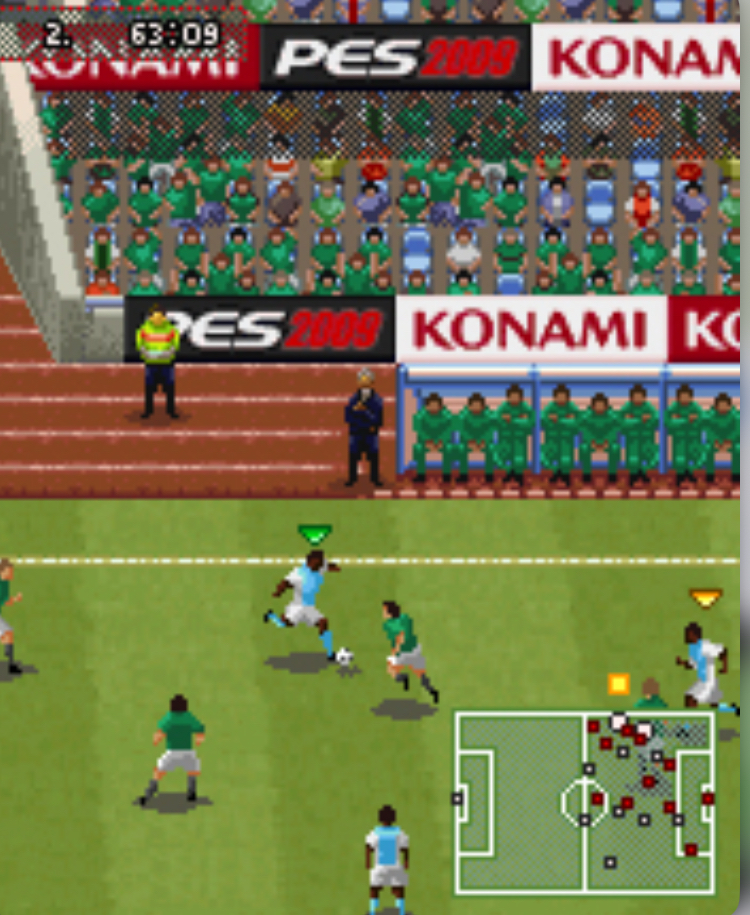
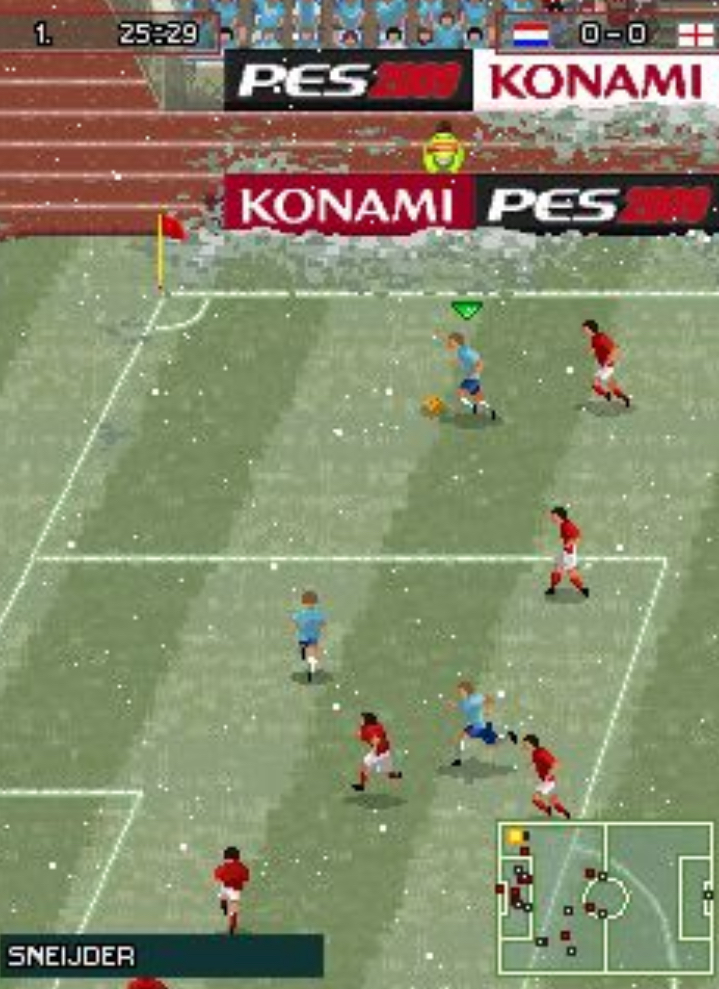
By modern standards, the visuals are primitive. Player models were simple sprites with minimal animation frames. However, the game ran smoothly even on low-end hardware, and the camera angles were intelligently chosen to maximize visibility on tiny screens. The pitch texture and goal nets were surprisingly detailed for the file size.
Sound Design
Given the platform limitations, full commentary was impossible. Instead, Konami used contextual crowd noise, referee whistles, and satisfying thuds for tackles and shots. The menu music was a looping electronic track that somehow never got annoying — a minor miracle in mobile gaming.
How to Play Pro Evolution Soccer 2008 Java Game
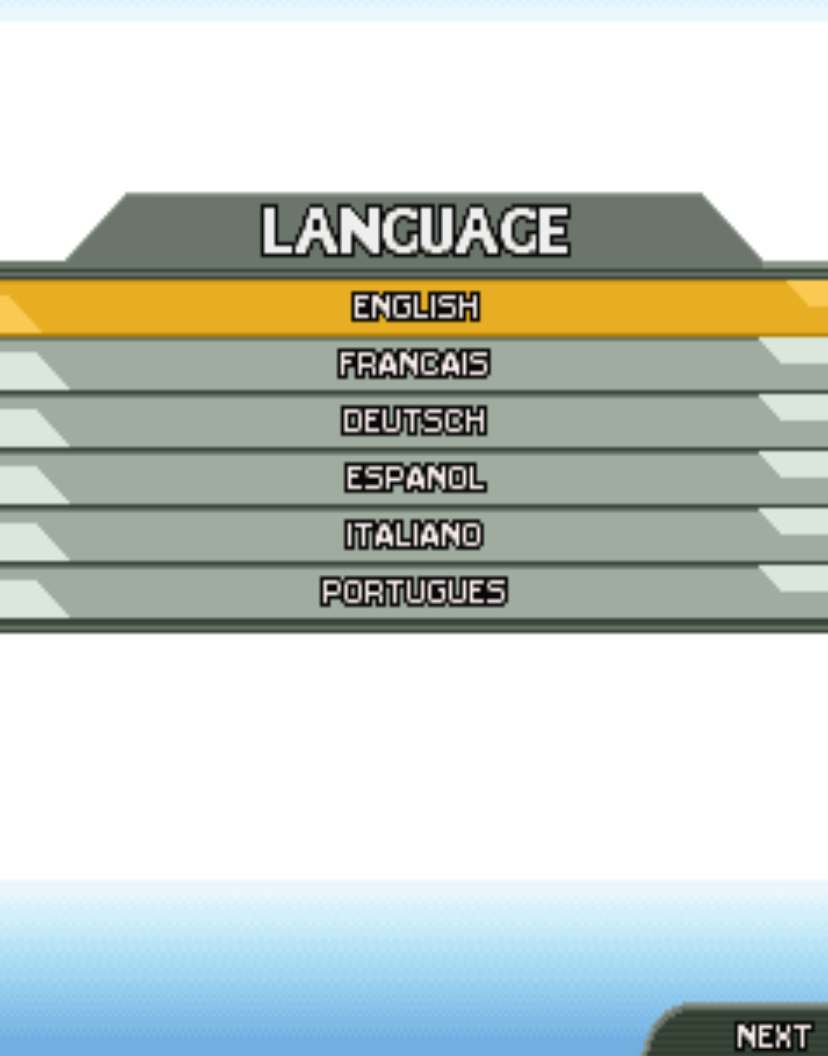
When you first launch PES 2008 Java, you will see the Konami logo followed by the title screen. Press 5 to proceed past the title screen. You will then see the main menu with the following options:
-
Exhibition
-
League
-
Cup
-
Training
-
Master League
-
Options
-
Help
Use 2 to move the cursor up and 8 to move it down. Press 5 to select any option. Press # to go back to the previous screen.
Setting Up Your First Match
Let us walk through starting an Exhibition match, as this is where most players begin.
-
From the main menu, press 8 three times to highlight Exhibition, then press 5.
-
You will see the team selection screen. Your cursor starts on the home team. Press 4 or 6 to cycle through available clubs. Press 5 to confirm your selection.
-
The cursor automatically moves to the away team slot. Repeat the process to choose your opponent.
-
Press # to advance to match settings. Here you can adjust:
-
Match Time: Use 4 or 6 to decrease or increase half length (options are typically 3, 5, or 10 minutes)
-
Difficulty: Use 4 or 6 to toggle between Easy, Normal, and Hard
-
Stadium/Weather: Use 4 or 6 to change conditions
-
-
When satisfied, press 5 to start the match.
What not to do: Do not rush through team selection. Some teams in PES 2008 Java have wildly unbalanced stats. Picking a star-studded side like Barcelona against a generic team will make the match feel empty. For your first game, choose two evenly matched clubs like Arsenal vs. Liverpool.
In-Match Controls (Exact Keypad Instructions)
PES 2008 Java uses the numeric keypad for all actions. Here is the complete control scheme:
| Action | Button |
|---|---|
| Move player | 2 (up), 4 (left), 6 (right), 8 (down) |
| Sprint | Hold * while moving |
| Short pass | 5 |
| Through ball | 0 |
| Shoot | Hold 5 to power up, release to shoot |
| Tackle/Press | 5 (when opponent has ball) |
| Slide tackle | * (when opponent has ball, timing required) |
| Switch player | # |
| Goalkeeper rush | * + 5 |
| Cross | 2 or 8 + 5 near the byline |
| Skill move / Step-over | 1 or 3 |
| Pause menu | # (hold briefly) |
Advanced Tips & Strategies
Mastering Through-Ball Timing
The through ball (0) is your most powerful attacking tool, but timing is everything. Do not press 0 the moment you see a player running.
Wait until he is level with the last defender. If you pass too early, the defender intercepts. If you pass too late, your striker is offside. Watch the radar — it shows player positions more clearly than the main view.
Sprint Discipline
Holding * constantly is the mark of a beginner. Sprint drains stamina rapidly, and tired players lose accuracy in passing and shooting. Use * only in open spaces or when making a run. In tight areas, release * and use precise 2/4/6/8 dribbling to maintain control.
Defensive Positioning
When the opponent has the ball, do not immediately charge with your nearest player. Instead, use # to select the player who is covering the most dangerous passing lane. Let the AI apply light pressure while you cut off options. Only press 5 to tackle when you are certain you will win the ball.
The Radar Is Your Best Friend
The mini-radar at the bottom of the screen shows all 22 players. Before every pass, glance at it. If you see a teammate with space around him (no red dots nearby), he is your target. Blind passing to where you think a player is will cost you possession.
Set-Piece Variations
For free kicks near the box, you can either shoot directly or cross.
To shoot, aim with 4/6 and hold 5. To cross, press 2 or 8 to aim high, then 5. I scored more goals from crossed free kicks than direct shots in this game — the AI goalkeeper is surprisingly good at saving straight shots.
Beginner Mistakes to Avoid
1. Holding Sprint Constantly
This is the most common error. New players hold * for the entire match. By halftime, their players are exhausted and can barely jog. Tired players miss passes, shank shots, and lose physical duels. Sprint only when necessary.
2. Shooting from Impossible Angles
When you are near the byline or facing away from goal, do not press 5 and hope for the best. The shot will either go wide or be saved easily. Instead, press 0 for a cutback pass to a teammate in the center.
3. Overcommitting with Slide Tackles
The slide tackle (* when opponent has ball) looks dramatic but leaves you vulnerable. If you miss, your defender is on the ground for two seconds — an eternity in PES 2008 Java. Use standing tackles (5) unless you are certain the slide will connect.
4. Ignoring Substitutions
In Master League and Cup modes, player stamina carries consequences. A striker with empty stamina bars will not outrun a fresh defender. Use the pause menu (#) to check stamina and make substitutions in the 60th–70th minute.
5. Clearing the Ball Blindly
When under pressure in your own box, the instinct is to hammer 5 to clear. This usually gifts possession back to the opponent. Instead, pass to your goalkeeper (5 when the ball is in the air near him) or find a nearby defender with 4 or 6.
6. Not Using Training Mode
The Training mode exists for a reason. Spend 10 minutes there practicing through balls (0) and shooting power. It will save you frustration in actual matches.
Pro Evolution Soccer 2008 Master League & Career Mode
Master League in PES 2008 Java is surprisingly deep for a mobile game. You start with a default squad of mediocre players and must build a dynasty through smart management.
Transfers
Navigate to the transfer market using 2 and 8, then press 5 to negotiate. Player prices are listed in points (earned by winning matches).
Do not blow your budget on one superstar. I built my best team by buying three solid midfielders rather than one expensive striker. Midfielders dictate the tempo of matches in this game.
Player Development
Young players improve after every match they play. Check the age stat — players under 23 gain attributes faster. I kept a 19-year-old winger in my starting lineup even though he was worse than my veteran, and by season three he was my highest-rated player.
Finances
Winning matches earns prize money. Losing drains your funds through wages. If you go into debt, the board sells your best player automatically. I learned this the hard way when my star striker was sold to balance the books. Keep a reserve of at least 500 points at all times.
Formation Tweaks
In the tactics menu, you can adjust your formation with 4 and 6. I found that a 4-3-3 formation worked best for counter-attacking, while 4-4-2 provided defensive solidity. Experiment based on your squad strengths.
Conclusion
Pro Evolution Soccer 2008 Java edition is a masterclass in doing more with less. Konami proved that compelling football gameplay does not require photorealistic graphics or complex controllers — it requires feel, and this game has it in abundance.
From the weight of a threaded through ball to the tension of a last-minute tackle, every moment feels earned.
Master the controls. Respect the stamina system. Use the radar. And most importantly, play with patience. This is not a game that rewards button-mashing. It rewards the player who thinks one pass ahead.
Whether you are chasing Master League glory or just trying to beat your friend in a hot-seat Exhibition match, the principles in this guide will serve you well. Now pick up that phone, launch the game, and go win the league.
