

Do you know that how good of a player you are in PES 2012 Java and how often you win or lose a match highly depends on how well you understand the controls and the flow of the game?
A lot of people assume that because it is a mobile Java game, it is just button-mashing. But that is exactly why they keep losing to the AI on Professional difficulty.
PES 2012 Java was Konami’s serious attempt to bring the console Pro Evolution Soccer experience to feature phones, and underneath those compressed graphics is a surprisingly deep football simulation.
Today, I will walk you through everything I have learned from playing this game extensively — from navigating the menus to breaking down defenses with precise keypad presses. So let us get started.
Game Table
| Attribute | Detail |
|---|---|
| Developer / Publisher | Konami |
| Platform | Java ME (Mobile Edition) |
| Release Year | 2011 |
| Genre | Sports Simulation (Football / Soccer) |
| Game Modes | Exhibition, League, Cup, Training, Penalty Shootout |
| Control Scheme | Numeric Keypad (2, 4, 6, 8, 5, 0, *, #) |
| Key Selling Point | Console-style passing and shooting mechanics on a feature phone |
History and Background
Before smartphones took over everything, mobile football was a very different world.
Most Java football games were either overly arcade-like or so simplified that they barely resembled the sport.
Konami had already released PES 2011 Java, but the 2012 edition was a noticeable step up. The player animations became smoother, the AI started defending with actual shape instead of charging blindly at the ball, and the passing system gained a layer of weight and direction that made it feel like a mini version of the PlayStation game.
What made PES 2012 Java special was that it respected the player’s intelligence. It did not just hand you goals. You had to build play, time your shots, and read the defense.
For a game running on phones with 240×320 screens, that was impressive. It arrived at a time when mobile gaming was transitioning, and for many players, this was the most serious football simulation they could fit in their pocket.
Key Features Breakdown
Official Licensed Content: PES 2012 Java included a solid roster of real club teams and national squads. While it did not have every league license, the major powerhouses were there, and player names reflected the 2011–2012 season accurately.
Graphics and Animations: On a technical level, the game pushed Java ME hardware. Player models were small but distinct, and you could actually tell when a player was performing a step-over versus a simple dribble. The stadium backdrops and lighting gave matches a sense of occasion.
AI Improvements: The defensive AI in particular was a leap forward. In previous versions, defenders would often abandon their positions. In PES 2012 Java, they hold a line, track runners, and force you to think before passing.
Commentary and Sound: While limited by file size, the game included brief commentary clips and crowd reactions that heightened the tension during close matches.
Camera Angles: You get a default broadcast-style view, and switching between angles can actually help you spot runs that are off-screen.
Save System: Progress is saved directly to the phone memory. You can save mid-tournament, which is crucial for League and Cup modes.
SCREENSHOTS
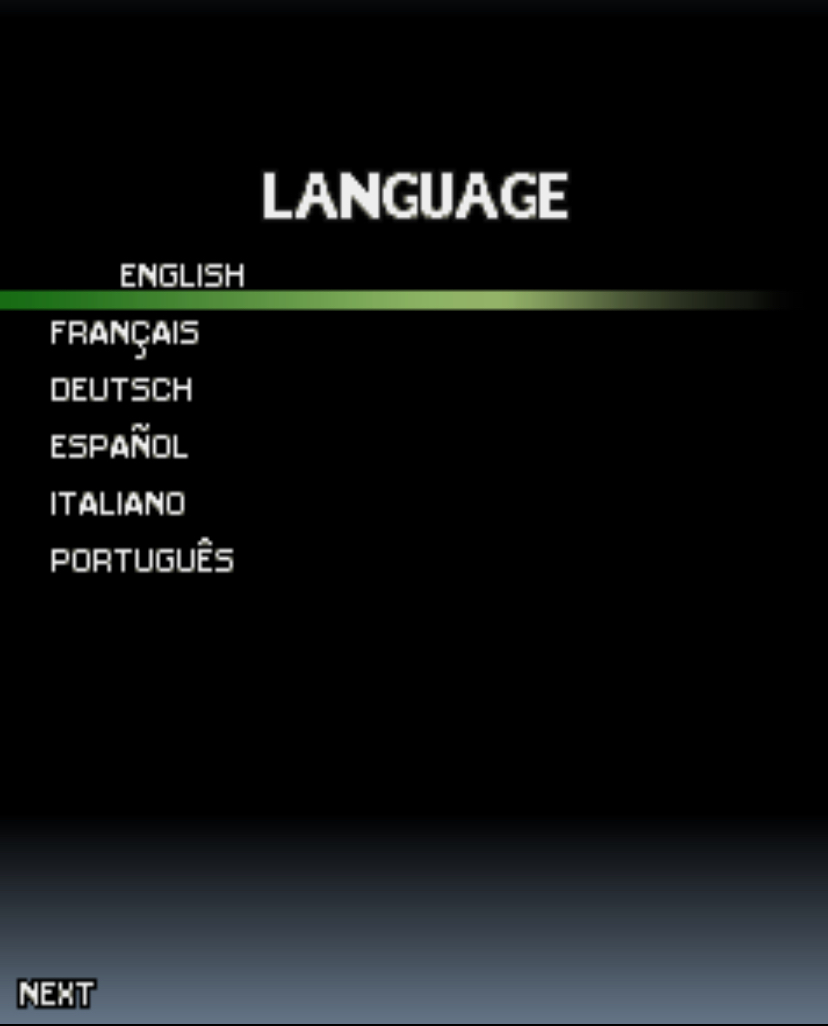

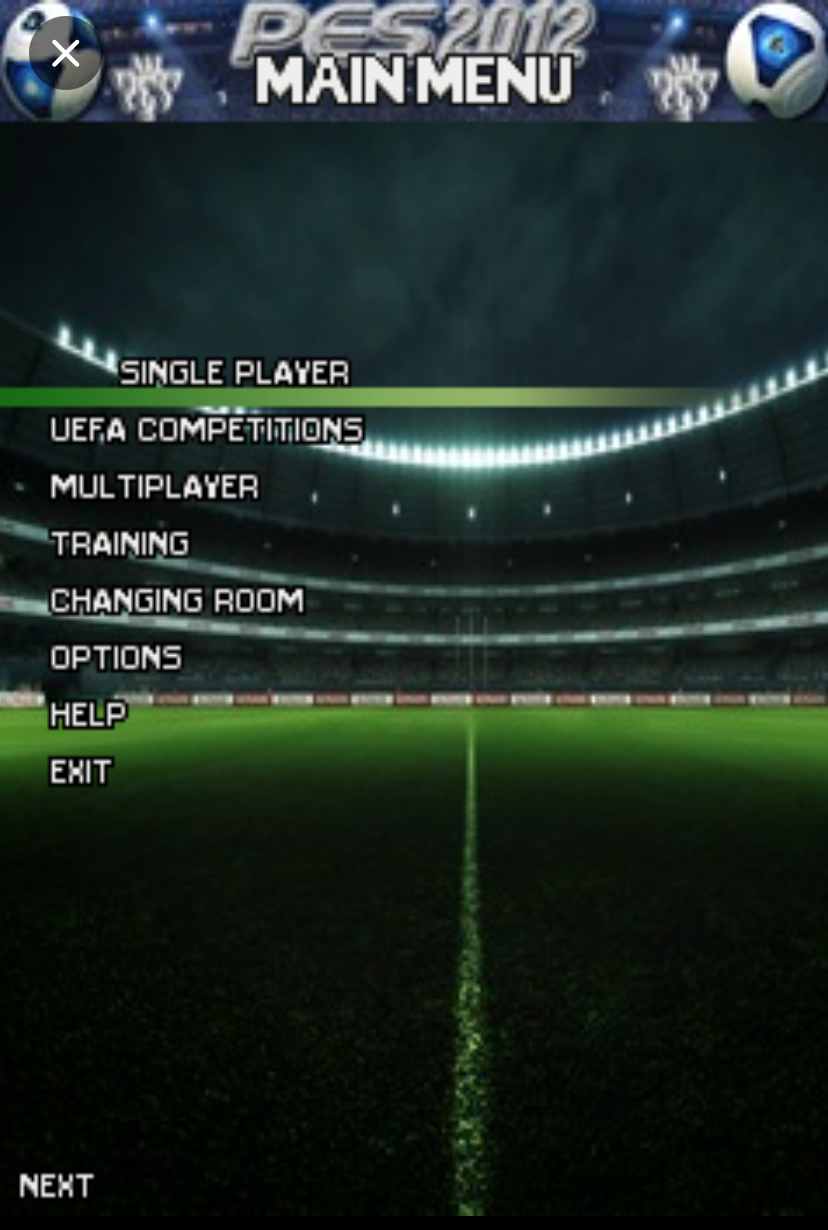
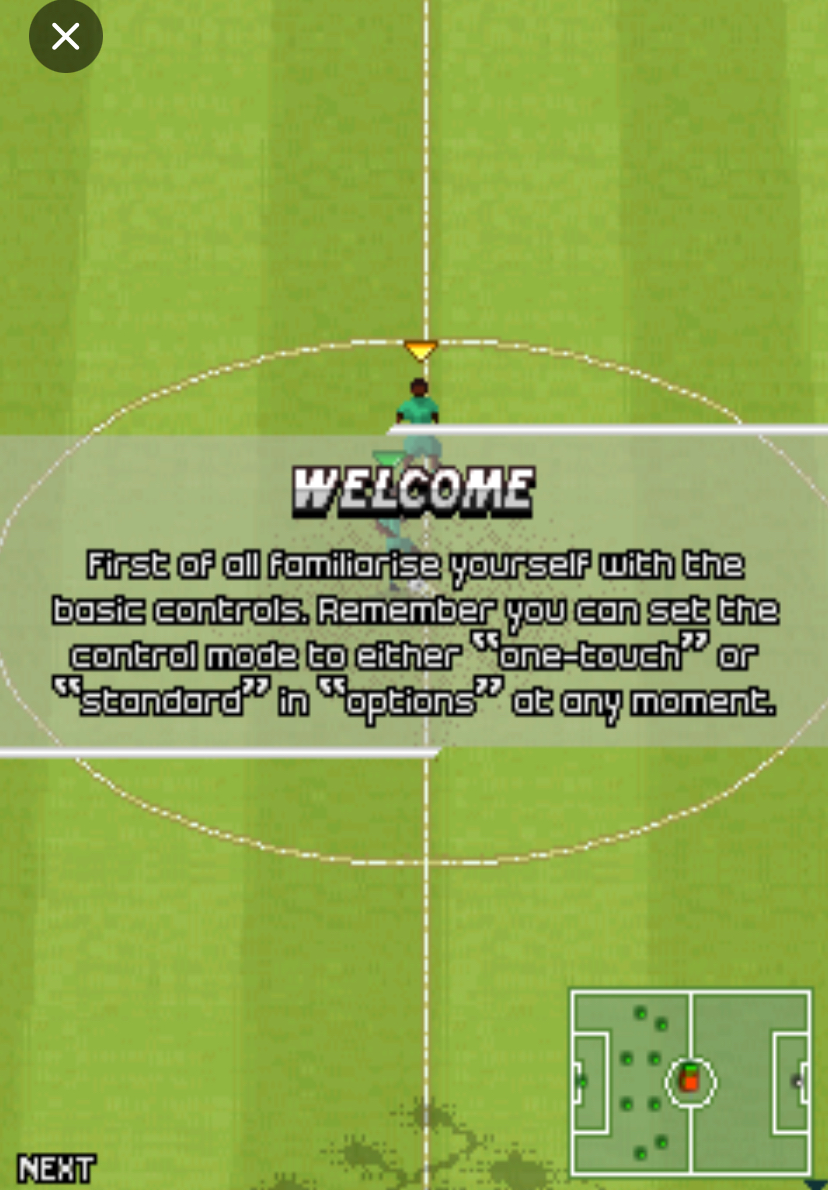
PES 2012 Java Game
Modes
Exhibition Match: This is your standard quick match. Pick two teams, set the time and difficulty, and play immediately. It is the best mode for practicing controls.
League Mode: You take a team through a full season. The difficulty ramps up as you face stronger opponents, and managing your squad across multiple matches teaches you patience.
Cup Mode: Knockout tournament football. One loss and you are out. This mode forces you to play smart because you cannot afford reckless mistakes.
Training Mode: Do not skip this. It is where you learn set pieces, shooting angles, and defensive positioning without pressure.
Difficulty Levels: Amateur is forgiving. Regular starts closing you down. Professional makes you work for every inch of space. Mastering the game means being able to win consistently on Professional.
Menu Navigation Walkthrough
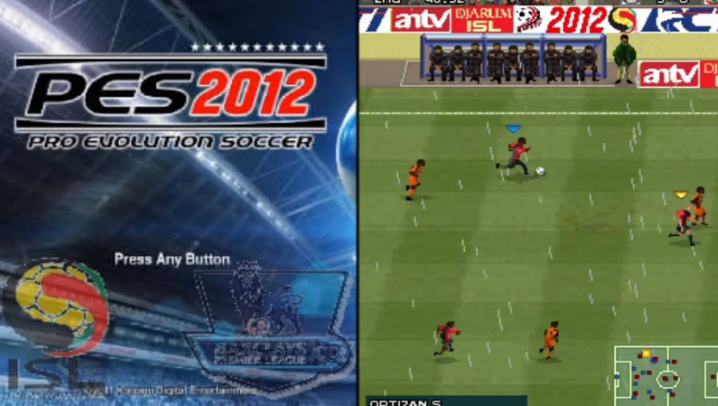
When you launch the game, you will see the title screen with the PES 2012 logo.
Press 5 to proceed past the intro. You will land on the main menu. Use 2 and 8 to move up and down through the options. You will see Exhibition, League, Cup, Training, and Options.
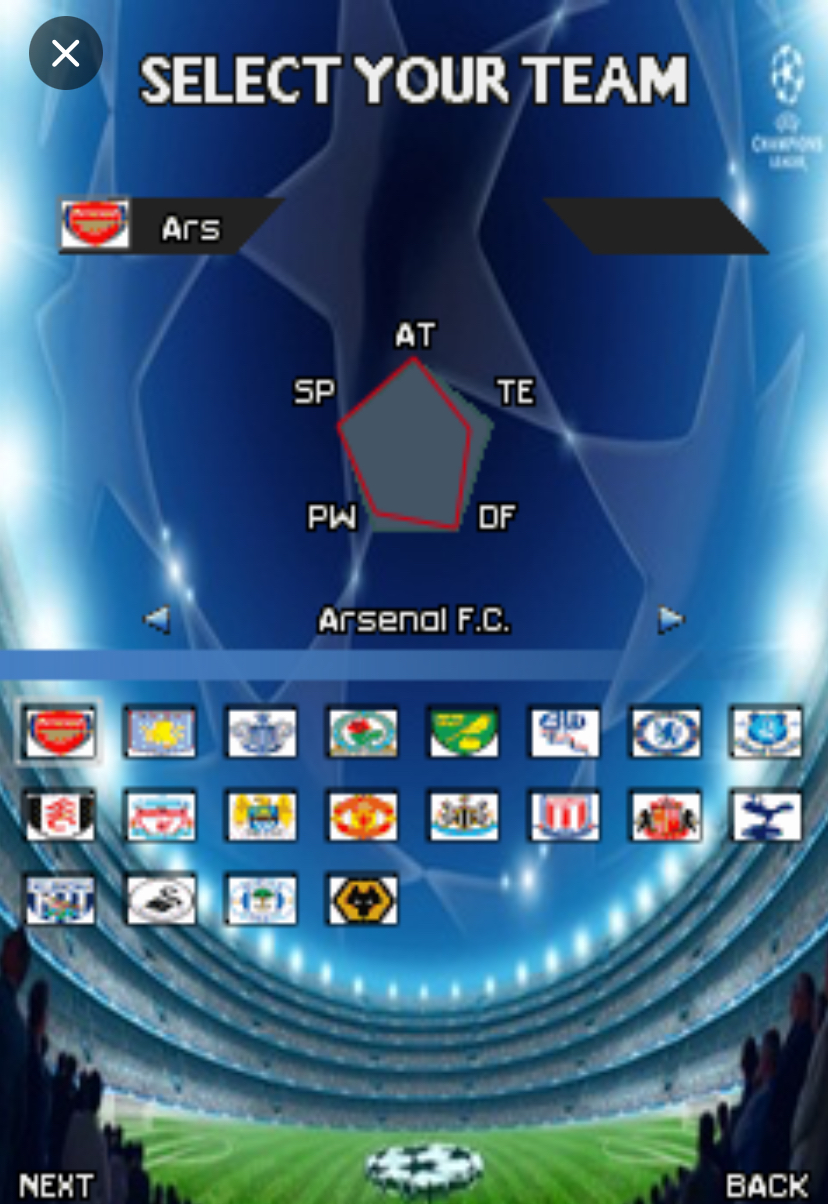
Let us start an Exhibition match. Scroll down to Exhibition using 8, then press 5 to select. The team selection screen appears. Press 4 and 6 to switch between the home and away team slots.
Press 2 and 8 to scroll through the available clubs. Once you have picked your team, press 5 to confirm.
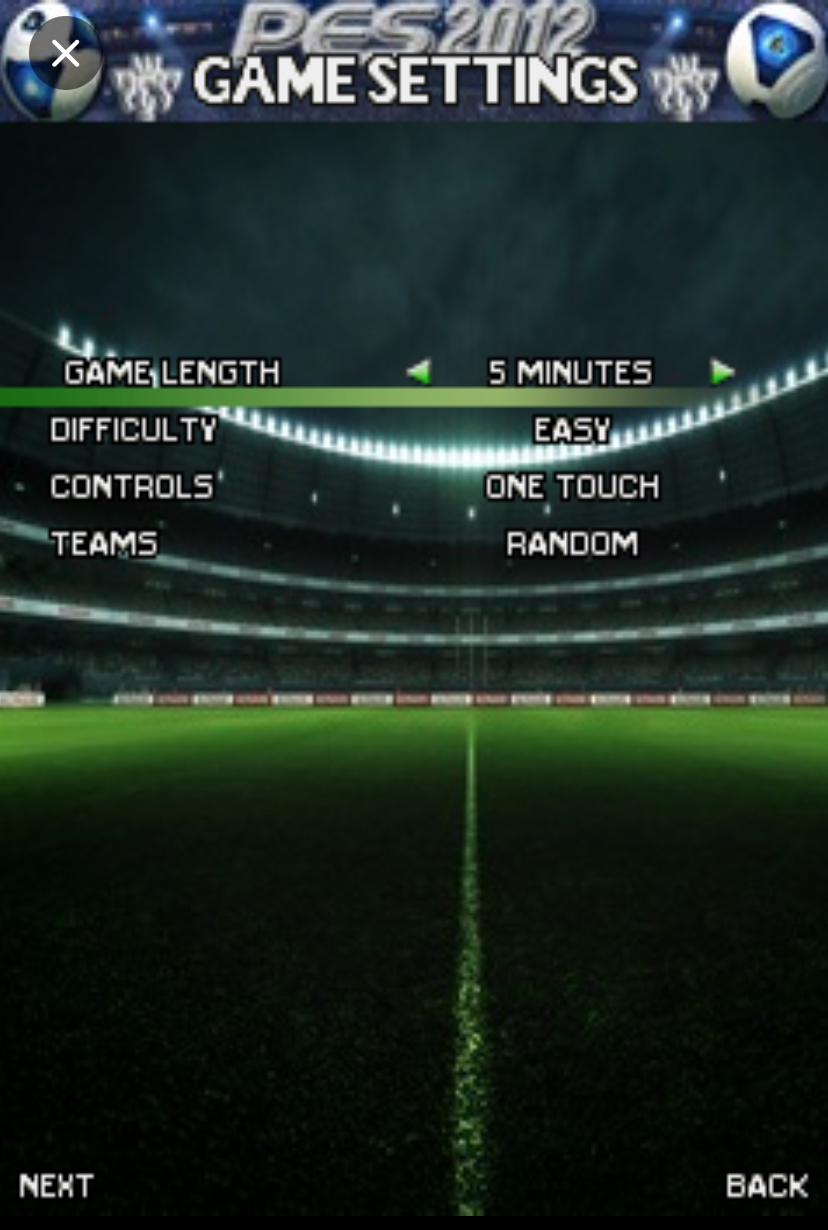
Next, you will see the match settings screen.
Here, you can adjust match time, difficulty, and weather. I recommend setting match time to 10 minutes when learning, so you get enough reps without the match dragging.
Use 2 and 8 to highlight a setting, then press 4 or 6 to change the value. Press 5 when everything looks good. The game will load the pitch, and you are ready.
If you ever need to go back, press the soft key assigned to Back — usually the left soft key or * depending on your phone model.
How to Play: Complete Controls Guide
This is where we get practical. PES 2012 Java uses the numeric keypad, and every button matters.
Movement: Your directional control is on 2 (up), 8 (down), 4 (left), and 6 (right). If you want your player to run diagonally toward the top-right corner, press 2 and 6 together. It sounds simple, but precise movement is everything in tight spaces.
Passing: Press 5 to make a standard pass to the nearest teammate. This is your bread and butter. But here is the key — do not just hammer 5.
Look at the radar. If a teammate is making a run beyond the defense, press 0 to perform a through pass. The ball will be played into space ahead of him, which is far more dangerous than a static pass to his feet.
One-Touch Passing: When you receive a pass and immediately want to move it on, press 5 the moment the ball reaches your player. This keeps the tempo high and catches the defense off guard. I use this constantly in midfield to bypass pressing.
Shooting: Press 5 to shoot. Hold it down to build power. The longer you hold, the harder the shot. But power is not always good.
If you are inside the box, a quick tap of 5 often produces a calmer finish. If you are outside the box, hold 5 for about two seconds, then release. Aim with 2, 4, 6, or 8 while the power bar fills to direct the shot toward corners.
Lofted Shot: Press # while shooting to chip the goalkeeper. This is useful when the keeper rushes out. I scored a crucial cup final goal once when the keeper charged at me; I pressed # and the ball floated over him into the net.
Defending: Press 5 to apply pressure to the ball carrier. Your nearest defender will close him down. Press * to perform a sliding tackle. Be careful — if you press * too early or from the wrong angle, you will miss and leave a massive gap behind you. I only slide when I am side-on to the attacker or when I know I can win the ball cleanly.
Switching Players: Press 0 to cycle to the defender closest to the ball. This is essential when the opponent is counter-attacking. Do not rely on the AI to select the right player for you.
Sprint: Press and hold 7 to sprint. Your player will run faster but his dribbling circle becomes wider, making it easier to lose the ball. I sprint only when I have open space ahead, not when surrounded by defenders.
Goalkeeper Control: When the opponent is approaching your goal, you can rush the keeper out by pressing 5. Time this carefully — if you rush too early, they will chip you. If you rush too late, they will round you.
Set Pieces — Corners: Use 4 and 6 to aim the arrow along the goal line. Press 5 to deliver. The power is automatic for corners, but the direction matters. Aim for the penalty spot area — too close to the keeper and he punches it away.
Free Kicks: Aim with 2, 4, 6, 8. Hold 5 for power, then press 5 again to apply curl. I usually aim just over the wall toward the far post. If the wall jumps, press 8 and 5 to keep it low.
Penalties: The direction is chosen before you shoot. Hold 4 or 6 to aim left or right, then press 5 to shoot. Do not hold power too long — a medium-powered shot is harder for the keeper to save than a blasted shot that goes wide.
Advanced Techniques and Pro Strategies
Mastering the Through Pass: The through pass on 0 is the most powerful tool in this game.
Before you press it, check the radar. Is your striker already running? Is there a gap between the center-backs? If yes, press 0 the moment he is level with the last defender. Too early, and the defender recovers. Too late, and it is offside.
Curving the Standard Pass: When you want to pass around a defender, do not aim the arrow directly at your teammate. Aim about 30 degrees wider, and the pass will curve around the opponent’s leg. This works best with midfielders who have high passing stats.
The One-Two: You have the ball with your attacking midfielder. A defender is in front of you. Press 5 to pass to a nearby teammate, then immediately press 0 while holding 6 to make your original player run forward. The teammate will return the ball into your path. This is how you break compact defenses.
Baiting the Press: Some opponents — especially on higher difficulties — love to rush at you. When you see a defender charging, do not panic. Hold the ball for a split second, let him commit, then press 0 to through-pass into the space he just left.
Radar Passing for Counterattacks: When your goalkeeper catches the ball, look at the radar. Find the player with the most empty space around him. If he is tall, even better. Hold 5 to launch a long pass directly to him. This bypasses the midfield and catches the AI defense retreating.
Turning to Create Space: If a defender is directly in front of you and there is no pass on, press 4 then immediately 8 to perform a quick turn away from pressure. This opens up a passing lane you did not have before.
Team Selection and Tactical Advice
Top Tier Teams: Barcelona, Real Madrid, Manchester United, and Bayern Munich are the strongest in this version. They have fast wingers and clinical finishers, which forgives minor mistakes.
Underdog Strategies: If you pick a weaker team, do not try to out-pass the AI. Use direct football. Win the ball, press 7 to sprint, and get the ball to your striker quickly. Defend deep and hit on the break.
Formations: The 4-3-3 works well for width and crossing. The 4-4-2 is balanced. If you are struggling defensively, switch to 5-3-2. The extra defender helps against through balls.
Player Roles: Always have one midfielder with high passing stats as your playmaker. Feed the ball through him. For strikers, prioritize speed over strength if you play a counter-attacking style.
Comparison with a Game I Played: FIFA 12 Java
I spent a lot of time with both PES 2012 Java and FIFA 12 Java, and they taught me very different things about mobile football.
FIFA 12 Java is faster. The players sprint more, the ball moves quicker, and the AI is more end-to-end. It feels like an arcade experience. You can score goals by simply running down the wing and cutting inside. The controls are more forgiving, and the through passes are almost magnetic — they find teammates even when the timing is slightly off.
PES 2012 Java is slower and more deliberate. You cannot just sprint past everyone. The defense is organized, and if you try to play FIFA-style football in PES, you will lose possession constantly. PES forced me to learn patience. I had to pass the ball, wait for the defense to shift, and then exploit the gap.
The passing in PES feels weightier — a bad pass actually goes astray, which makes a successful through pass on 0 feel earned.
What FIFA 12 Java taught me was speed and reflexes. What PES 2012 Java taught me was football intelligence. I gravitated toward PES for serious matches and FIFA for quick sessions. But when I returned to PES after a long FIFA break, I was a better player because FIFA had sharpened my reactions, and PES rewarded my improved decision-making. If you want to master mobile football, play both — but let PES 2012 Java be the one that teaches you how to think.
Hidden Tips and Lesser-Known Mechanics
Weather Impact: When it rains, the ball moves faster on the ground but skips when lofted. Adjust your passing power accordingly. Short passes become more reliable than long balls in wet conditions.
Referee Leniency: The referee in PES 2012 Java is stricter near the penalty box but lenient in midfield. You can get away with a firm 5 press in the center circle that would be a foul near your own box.
Super-Sub Effect: Players you bring on after the 70th minute have a hidden freshness boost. Their sprint on 7 lasts longer. Use this to exploit tired defenders.
Momentum Mechanics: The game has a subtle comeback engine. If you are 3-0 up, the AI will fight harder in the final ten minutes. Do not relax. Keep passing and keep possession.
The Best Camera Angle: If you are struggling with passing, switch to the vertical camera if available. It makes seeing through-ball lanes much easier because you are looking down the pitch.
Conclusion
PES 2012 Java is more than a nostalgic mobile game.
It is a genuine football simulation that rewards patience, timing, and tactical thinking. Master the keypad controls, trust the radar, and stop sprinting everywhere.
If you can build attacks with short 5 passes, break defenses with timed 0 through balls, and defend with disciplined positioning instead of desperate * slides, you will start winning consistently. Keep practicing, save your progress, and enjoy one of the most rewarding football experiences ever made for a feature phone
