

The first time I booted up Manchester United Soccer 09, I thought it would be just another simple kick and run mobile game. I was wrong. Within ten minutes, I was adjusting formations, checking player stamina, and trying to time tackles perfectly.
This game packs real depth into a small package. It is built around the 2008-09 Manchester United squad, the team that won the Premier League and the Champions League with Ronaldo, Rooney, and Tevez leading the attack. If you want to get good at this game fast, this guide will take you from the main menu all the way to winning trophies. No fluff. Just what actually works.
Quick Game Facts Table
| Fact | Detail |
|---|---|
| Release Year | 2008 |
| Platform | Mobile Phones |
| Developer | Gameloft |
| Game Size | Around 500KB to 1MB |
| Game Modes | Quick Match, League, Cup, Training, Penalty Shootout, Manager Mode |
| Squad | Licensed 2008-09 Manchester United team with real player names |
| Best For | Football fans who want tactical mobile gameplay |
History and Background
This game dropped right in the middle of one of the greatest seasons in Manchester United’s history. The 2008-09 squad was Sir Alex Ferguson at his peak.
Cristiano Ronaldo had just won his first Ballon d’Or. Wayne Rooney and Carlos Tevez formed a strike partnership that was pure chaos for defenders. Ryan Giggs was still delivering world class crosses. Rio Ferdinand and Nemanja Vidic were arguably the best center back pairing in Europe. Edwin van der Sar was a wall in goal.
When you play this game, you are not just controlling random players with generic stats. You are controlling a team that actually dominated real football that year. That context makes every match feel bigger.
Game Screenshots
Key Features Breakdown
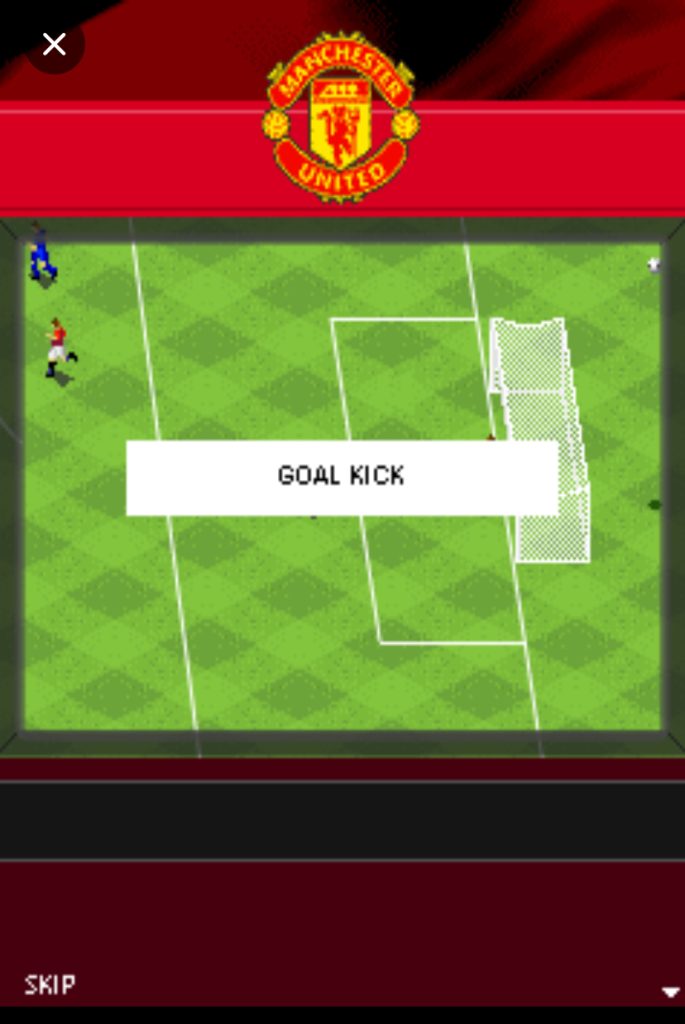
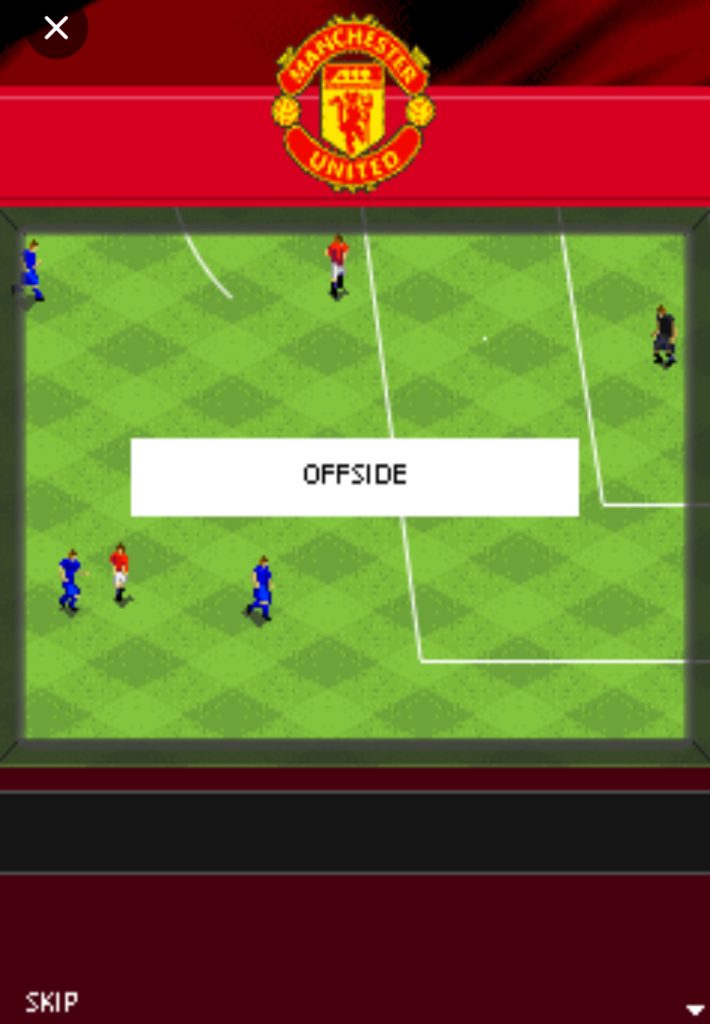
The game comes with a fully licensed Manchester United squad. Every player has stats that match their real abilities at the time.
Ronaldo is fast with a powerful shot. Scholes can pass across the pitch. Vidic is strong in the air. The game also includes multiple camera angles so you can zoom in or out depending on your style.
Weather effects change how the ball moves. Rain makes the pitch slippery. Snow slows everyone down. There are short commentary clips after goals and big tackles. The stamina system means your players actually get tired. You cannot just sprint for ninety minutes. These features add up to a game that feels closer to a simulation than an arcade kick about.
Game Modes in Manchester United Soccer 09 Java Game
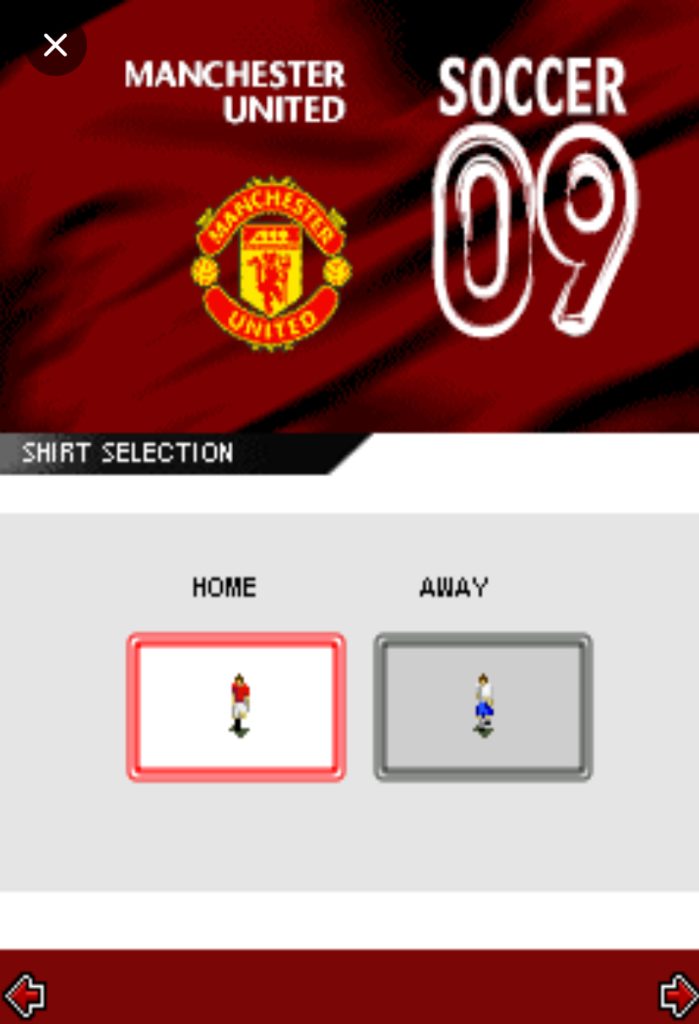
Quick Match is exactly what it sounds like. Pick your opponent, pick your kit, and play.
This is where I learned the controls. League Mode puts you through a full season. You play every fixture, chase the title, and try to finish top of the table.
Cup Mode is knockout football. Lose once and you are out. The pressure is real. Training Mode lets you practice without a scoreline. I spent twenty minutes here just learning how to shoot.
Penalty Shootout is perfect for a quick five minute session. Manager Mode is the deepest part of the game. You handle transfers, budgets, player form, and squad rotation across multiple seasons. I will break that down later because it deserves its own section.
The 2008-09 Squad
You need to know who to trust on this team. Ronaldo is your main weapon. His pace stat is the highest on the team and his long shots can beat keepers from outside the box.
I always give him the ball when I need something special. Rooney is your workhorse up front. He holds off defenders, wins headers, and finishes inside the box. Tevez is smaller but more agile. Use him when you need to dribble through tight spaces. Giggs on the left wing is still rapid and his crossing is pinpoint. I aim for him every time I want a headed goal. Scholes and Carrick control the midfield.
Scholes has the better passing range. Carrick covers more ground defensively.
Ferdinand and Vidic are your rocks at the back. Vidic is better in the air. Ferdinand is faster. Evra bombs forward from left back. Van der Sar is reliable and rarely makes silly errors. On the bench, Berbatov offers classy finishing, Park Ji-sung gives you endless running, and Nani provides skill. Do not ignore your subs. I rotate at least two players every match to keep legs fresh.
Pre-Match Setup
When you first start the game, you see the Manchester United logo and a short intro.
Press 5 to skip past it and reach the main menu. On the menu screen, press 2 to move up and 8 to move down through the options. Press 5 to select anything. If you want to go back one screen, press the right soft key.
When I first started, I went straight to Quick Match because I was impatient. That is fine for learning. But if you want the full experience, scroll down to Manager Mode and press 5.
Before any match starts, you can also go into Options from the main menu. Here you can change sound volume, difficulty, and camera angle. I always set the camera to zoomed out slightly so I can see more of the pitch. Use 4 and 6 to change settings inside the Options screen. Press 5 to confirm each change.
Match Setup Screen: Building Your Strategy
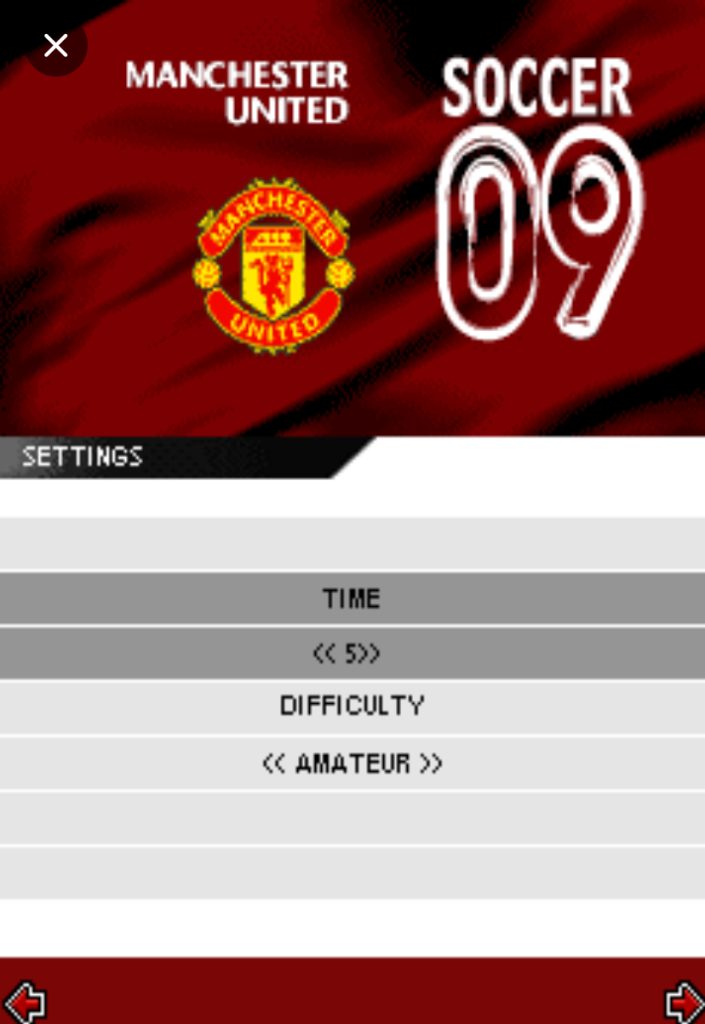
After you pick your mode, the match setup screen appears. This is where matches are won before kickoff. Use 4 and 6 to switch between tabs like Formation, Tactics, and Match Settings. Use 2 and 8 to scroll through options inside each tab. I always start by checking my formation. The default 4-4-2 is solid and balanced.
If I am playing a tough opponent like Chelsea or Liverpool, I sometimes switch to 4-5-1 by pressing 6 on the formation tab until I see it. This crowds the midfield and stops them from playing through you. If I am chasing a goal, I switch to 4-3-3 to get more attackers on the pitch. Next, I set match length. Three minutes per half is too short.
The ball barely gets into rhythm before halftime. I always pick 5 minutes. It gives you time to build proper attacks. For difficulty, Normal is perfect until you master the controls. Hard mode makes the AI faster and more clinical. Weather is also on this screen. I usually leave it on random, but if I see snow forecast, I know my through balls will move slower because the ball does not roll as fast. Plan accordingly.
How to Play: From Kickoff to Final Whistle
The HUD and Radar: Reading the Screen
During a match, the top of your screen shows the score and the match timer. The bottom has a mini radar with colored dots. Those dots are every player on the pitch. I cannot stress this enough.
The radar is your best friend. Your players are one color and the opponents are another. I glance at it every few seconds because it shows runs I cannot see on the small screen. If you see one of your dots making a run behind the defense, that is your cue to play a through ball.
The stamina indicator appears as a small bar under your currently controlled player when he gets tired. If it drops to red, he is basically useless. You will notice him slowing down and losing physical battles. That is your signal to pass to someone else or make a substitution.
Movement and Basic Controls
Here is the exact layout I use in every single match. Press 2 to run toward the opponent’s goal. Press 8 to run back toward your own goal. Press 4 to move left and 6 to move right. For diagonal movement, press 1, 3, 7, or 9. I use 3 constantly when I want to cut inside from the wing toward the box. Press 5 to pass the ball when you are attacking.
Press 5 to make a standing tackle when you are defending. Press 0 to shoot. Press the star key to sprint. Press the hash key to switch control to the defender nearest to the ball. The left soft key opens the pause menu.
From there you can change tactics, make substitutions, or check match stats. That is your entire control scheme. It sounds simple, but the timing of each press is what separates good players from great ones.
Attacking Play: How I Actually Build Goals
I never just boot the ball forward. That works in arcade games but not here. I build from the back. When Van der Sar has the ball in his hands, I press 5 to roll it to Ferdinand. Then I press 6 to move Ferdinand right and press 5 again to pass to my right back. From there I look for Carrick or Scholes in midfield. Patience is everything.
One time I was playing a League match against Arsenal. I had the ball with Giggs on the left wing. I pressed the star key to sprint down the touchline. Their right back came across to block me. I quickly released the star key and pressed 3 to cut inside diagonally. He overshot his tackle and left me space. On the radar, I saw Rooney sprinting through the middle. I pressed 5 to pass.
The ball threaded between two defenders and landed at Rooney’s feet. One touch, then I pressed 0 to shoot low across the keeper. Bottom corner. Goal. That is how this game is meant to be played. One key press at a time, reading the defense, using the radar.
When I get near the box and the defense is packed, I stop sprinting. I release the star key and use 4 and 6 to dribble side to side. This pulls defenders out of position. When I see a gap open, I press 3 to burst through it and tap 0 for a placed shot. If the keeper rushes out to close me down, I tap 0 very lightly for a chip. It takes practice but once you feel the timing, it is the most satisfying way to score.
Crossing is another weapon. When I am wide with Evra or Giggs, I do not always run to the byline. Sometimes I stop around the edge of the box and press 5 to whip a cross in. I aim for Rooney or Tevez by pressing 2 or 8 slightly to direct the cross. If they are in front of the defender, they will win the header. Press 0 as the ball arrives to head it. I score at least one header per match using this method.
Defensive Play: How I Actually Stop Goals
This is where I used to lose matches. I would spam the tackle button and get red carded. Now I play smarter. When the opponent has the ball, I press the hash key to switch to my nearest defender. Then I use 4 or 6 to position myself directly between the attacker and my goal. I do not press 5 yet. I just shadow him. When he commits to a dribble and tries to go past me, that is when I press 5 for a standing tackle. The timing window is small but when you get it right, you win the ball cleanly almost every time.
If the attacker is too fast and gets past me, I immediately press the hash key again to switch to my next closest defender. Then I press 8 to sprint back toward my goal. I only use a sliding tackle as a last resort. In this game, a missed slide tackle leaves your defender on the ground for two seconds. That is enough for the striker to score. I learned that the hard way.
In one cup match I was losing 1-0 in the 80th minute. The opponent striker broke through on a counter. I switched to Vidic with the hash key, pressed 8 to sprint back, and positioned myself between him and the goal. He tried to dribble around me. I pressed 5 perfectly. Clean tackle, ball won, crisis over. We went up the other end and Tevez scored the equalizer. Defending like that wins you trophies.
Goalkeeper Control
You do not manually control the keeper during open play. The AI handles positioning. But there are two moments where you take over. The first is penalties. When a penalty is awarded, the view switches to behind the keeper. Press 4 or 6 to pick a side to dive. Press 5 to execute the dive. I watch the penalty taker’s run up. If he approaches from the left side of the ball, he usually shoots to my right. So I press 6, then 5. It is a guessing game but these small reads improve your save rate.
The second moment is when a through ball gets behind your defense. Sometimes the keeper will rush out automatically to close down the striker. Do not panic and try to switch to him manually. If you do that, you often pull him out of position and leave an empty net. Trust Van der Sar. His positioning AI is strong in this game. Let him do his job while you chase back with a defender.
Skill Moves and Hidden Techniques
The game never teaches you these in a tutorial, but they exist. When I am standing still with Ronaldo, I press 2 then 4 then 2 quickly. He performs a step over that freezes defenders. You can also do a roulette turn by pressing 1 then 2 then 3 while moving. It is tricky on a keypad but it creates instant space if you pull it off.
The chip shot is hidden but deadly. When you are one on one with the keeper and he starts rushing out, tap 0 lightly. Do not hold it. Just a quick tap. The ball floats over his dive and drops into the net. I scored my favorite goal this way. I was through on goal, the keeper charged at me, I tapped 0, and the ball looped slowly into the empty net.
There is also a driven through pass. Instead of a normal pass with 5, press 0 while holding the star key. It sends a low, fast pass slicing through the defense. It is riskier because it moves quicker and can be intercepted. But when it works, your striker is clean through with no defenders nearby. I only use it when I see a huge gap on the radar.
Manager Mode: Beyond the Match
Manager Mode is where this game truly lives. You start with the real 2008-09 squad and a set budget. After every match, player form changes. I check this before each game by pressing 5 on the squad screen. If a player’s form arrow is red or yellow, he will play worse. I bench him and start someone else. Rooney might be your favorite player, but if he is off form, Berbatov will score more that day.
Transfer windows open during the season. You can sell players to raise funds and buy new ones. I made a mistake early on by selling too many backups. Then I got injuries and had to play tired players. Now I keep a full bench. I look for young players with high pace stats. Even if their overall is low, pace is king in this game. After ten matches, their stats start growing. The game has a hidden development system.
Budget management is tight. You have to balance transfer funds with wages. I do not blow everything on one superstar. Instead, I buy two or three solid squad players to rotate in. Morale also matters. If you lose three games in a row, your whole team plays sluggish. I break losing streaks by dropping my star players for one match and letting hungry bench players prove themselves. It sounds harsh but it works. Winning the league in Manager Mode took me three full seasons of building. Lifting that trophy felt earned.
Comparison with a Game I Played
I also spent a lot of time with Real Football 2009 around the same period. That game had more teams, more leagues, and flashier graphics. But Manchester United Soccer 09 wins where it counts for me. The player individuality is stronger. In Real Football, wingers all felt the same. Here, Giggs crosses better than anyone.
Vidic wins headers he has no right to win. Ronaldo feels unstoppable in a way that matches real life. The menus are snappier too. Real Football had loading delays between screens. This game flows faster from match to match. Real Football is better if you want to manage Barcelona or Milan.
But if you want a game where the squad has soul and every player has a clear role, Manchester United Soccer 09 is the pick. I still load up Real Football when I want variety, but when I want to recreate that 2009 Champions League final vibe, this is the only game I play.
Conclusion
Thank you for reading to the very end. I hope I have been able to walk you through the Manchester United Soccer 09 Java game guide and I am assured that by now, you can play the game as a both as a starter and pro . It is a tight, tactical football game that rewards smart play. Start with Quick Match to learn the controls. Move to League Mode when you want real stakes. Then dive into Manager Mode and build a dynasty. Master the radar. Use the star key wisely. Time your tackles. And always trust Van der Sar. Now go win the treble.

Glory glory manchester united