

Before Android and iPhone gaming became mainstream, Java-enabled feature phones were one of the most common ways to play mobile games. These devices had small screens, physical keypads, limited storage and much less processing power than modern smartphones. Even with those limitations, developers created games that delivered surprisingly deep experiences.
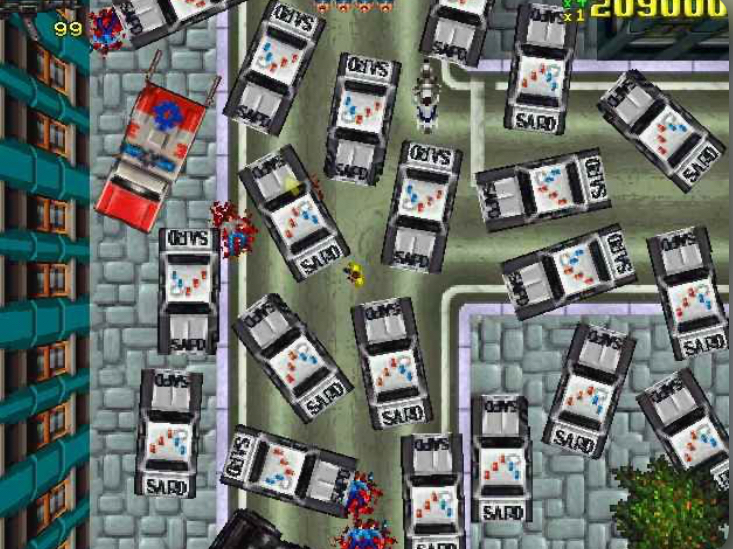
Grand Theft Auto is one of the most recognizable names associated with open-world action games. The GTA series itself has appeared across many platforms, but the phrase “GTA Java game” is also used online for Java/J2ME versions, ports, conversions and fan-made adaptations associated with the series.
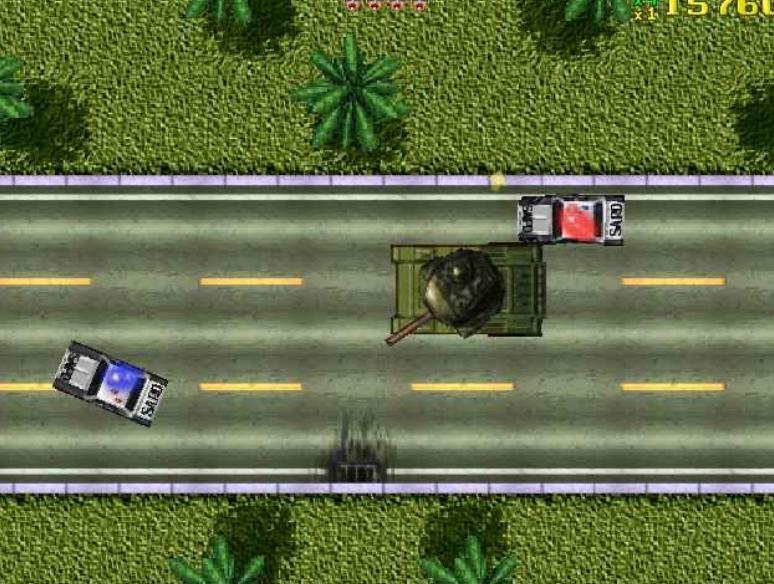
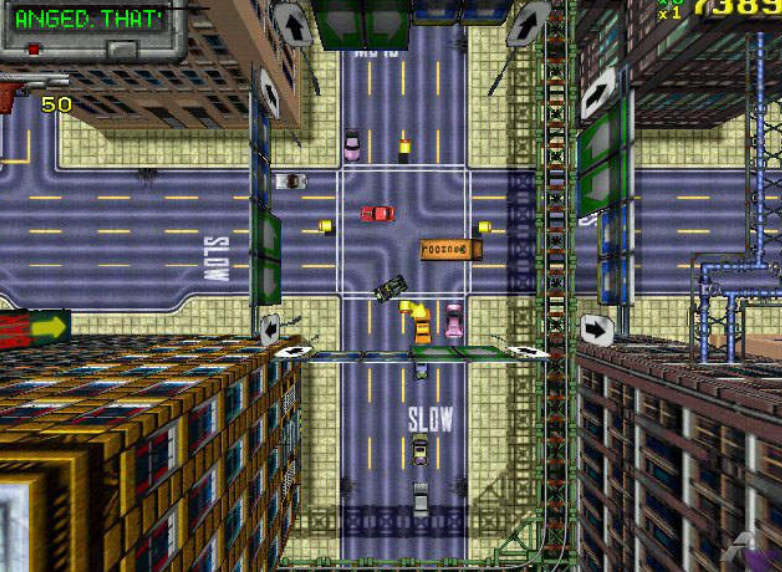
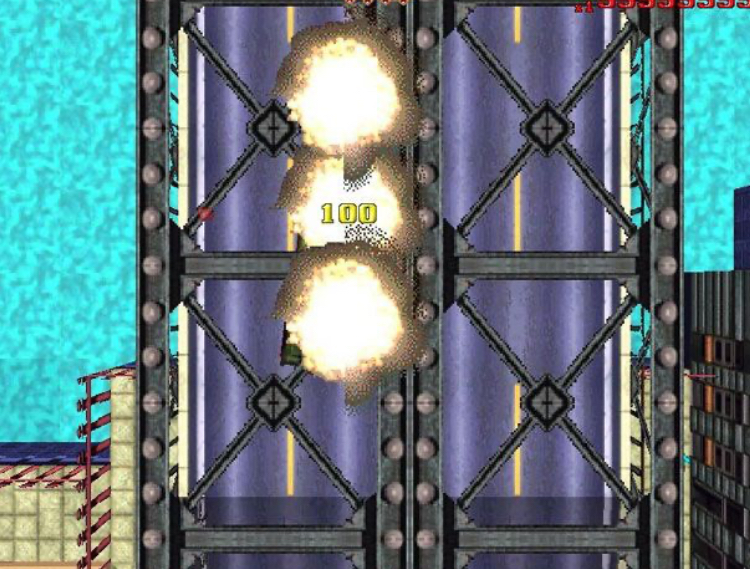
There is an important distinction, however: not every game marketed online as “GTA Java” is an official Rockstar Games release. Java game archives contain entries labelled Grand Theft Auto, including Java/J2ME versions of older GTA titles and unofficial adaptations. Therefore, players should check the specific title and its provenance rather than assuming that every JAR labelled GTA is an official Rockstar product.
This guide looks at the GTA Java gaming experience, how Java games were designed for feature phones, what gameplay elements players could expect, compatibility considerations, and how the experience compares with modern GTA releases.
Java ME games were commonly distributed as JAR packages and were built for particular handset capabilities and screen dimensions. Archived examples of GTA-labelled Java games show support for several resolutions, including 176×208, 176×220, 208×208, 240×320 and 320×240. Compatibility therefore varied considerably from one phone to another.
What Is a GTA Java Game?
A GTA Java game refers broadly to a Grand Theft Auto-related game or adaptation designed to run in the Java ME/J2ME environment used by many older mobile phones.
The term can be confusing because there was no single universal “GTA Java” package that worked identically across every handset. Different archives may contain different releases, conversions or adaptations, while some files labelled with GTA names are unofficial.
This matters when researching an old Java game. Information about one version may not apply to another version with the same or similar name. Screen layout, controls, graphics, sound and gameplay can all vary.
Java mobile gaming was built around hardware limitations. Developers had to create compact games that could operate with limited memory, modest processors, small displays and physical buttons. That required careful simplification of environments, characters, animations and controls.
GTA-Style Gameplay on Java Phones
The main attraction of a GTA-style experience is the combination of exploration, missions and movement through an urban environment.
On older Java devices, those ideas had to be adapted to the hardware. The game world was considerably simpler than the large 3D environments found in later console and smartphone versions. Nevertheless, the basic concept of moving through a city, completing objectives and using vehicles could still create an engaging experience.
Because the screen was small, players had to pay close attention to mission instructions and visual indicators. The physical keypad also meant that movement and interaction were handled differently from modern touchscreen games.
Key Features Breakdown
1. City Exploration
Exploration is one of the defining ideas behind GTA. Instead of moving through a completely linear sequence of screens, players can interact with a city-style environment and travel between different locations.
On Java hardware, the world was necessarily more compact and visually simple. However, the presence of roads, buildings, vehicles and mission locations helped create the feeling of navigating an urban game world.
2. Story and Missions
Missions provide structure to the gameplay. Instead of simply exploring, players can follow objectives that move the game forward.
Older GTA games also used telephones, payphones and other communication systems as ways of delivering mission information. In the early GTA games, public telephones were particularly important for receiving mission instructions.
The exact mission structure depends on the particular GTA title or Java adaptation being played.
3. Vehicles
Vehicles are another important part of the GTA experience.
On a feature phone, driving had to be simplified for a physical keypad. Directional buttons could be used to control movement while other buttons handled actions or menu commands.
Vehicles also make it easier to travel around a city-based game environment and can become an important part of mission objectives.
4. Physical Keypad Controls
Java games were designed for phones with physical buttons rather than modern touchscreens.
A typical keypad layout provided directional controls and several action buttons. However, there was no universal control scheme for every GTA-labelled Java release.
This is why players should check the controls displayed by their specific version instead of relying on a generic control chart found online.
5. Compact Graphics
The graphics of Java games were designed around the limitations of feature phones.
Compared with modern GTA releases, the visual presentation is much simpler. Characters, vehicles, buildings and environments use fewer graphical resources, allowing the game to run on hardware that would not be capable of handling a modern open-world game.
For many players, this technical limitation is also part of the appeal of Java gaming.
6. Small File Sizes
Java games were designed for a period when mobile storage was extremely limited compared with today’s standards.
Archived examples of GTA-related Java files are often measured in hundreds of kilobytes or a few megabytes. For example, archived entries for GTA 2 in J2ME formats list files of roughly 730–750 KB.
The small size made Java games practical for feature phones, although the exact size varied by version and adaptation.
How to Play a GTA Java Game
The exact process depends on the particular Java title and the phone being used, but the gameplay itself generally follows a simple structure.
Step 1: Learn the Interface
Start by checking the game’s menu and identifying the buttons assigned to movement, confirmation, cancellation and other actions.
Step 2: Follow the Introduction
If the game provides an opening sequence or tutorial, use it to understand the basic controls and objectives.
Step 3: Explore the Environment
Move around the available city or game area and pay attention to locations associated with missions.
Step 4: Follow Mission Objectives
When a mission begins, read the objective carefully. Older mobile games often provide important instructions through text because the small screen limits the amount of visual information that can be displayed.
Step 5: Learn the Vehicle Controls
If the version includes driving, practise turning, accelerating and stopping before attempting difficult driving objectives.
Step 6: Save Progress When Available
If the particular version includes a save system, use it regularly so that completed progress is not unnecessarily lost.
Controls and Keypad Guide
There is no single control layout that applies to every GTA Java release.
Many Java phones used a directional keypad with additional numbered buttons, while different games assigned different functions to those buttons. Screen resolution and handset design could also influence the interface.
For that reason, a useful approach is to treat the control layout shown inside the game as the authoritative guide.
Typical functions can include:
| Control Type | Common Purpose |
| Directional keys | Character or vehicle movement |
| Confirm/action key | Selecting or interacting |
| Back key | Returning to a previous menu |
| Soft keys | Context-sensitive commands |
| Number keys | Game-specific actions |
The exact assignment should be checked against the particular version rather than assumed.
Tips for a Better Java Gaming Experience
Understand the Controls First
Physical-key controls can feel unfamiliar if you are used to touchscreen gaming. Spend a few minutes learning the layout before starting more demanding missions.
Read Mission Instructions
Because Java games have limited screen space, important information may appear as short text instructions. Reading them carefully can prevent unnecessary confusion.
Learn the Map
Knowing where important locations are can make navigation easier and reduce the time spent travelling between objectives.
Take Your Time With Driving
Small screens and keypad controls can make vehicle movement less precise than modern touchscreen or controller-based games. Practising turns and stopping distances can help.
Keep Compatibility in Mind
A game that works correctly on one Java phone may behave differently on another. Screen size, Java implementation, available memory and keypad configuration can all affect compatibility.
Java Phone Compatibility
Compatibility was one of the biggest challenges of the Java gaming era.
Unlike modern smartphones, where a single application can support a broad range of devices through standardized operating systems and APIs, Java games were often produced for specific screen sizes, handset families or technical profiles.
A Java game might therefore display correctly on one phone while appearing stretched, cropped or incorrectly mapped on another.
Common compatibility factors include:
● Screen resolution
● Java ME implementation
● Available memory
● Keypad layout
● Graphics support
● Sound support
● Device-specific limitations
This is why archived Java game listings frequently mention several supported resolutions rather than one universal display size.
GTA Java Compared With Modern GTA Games
| Feature | Java-era experience | Modern GTA experience |
| Graphics | Simple 2D or limited mobile graphics | Detailed 3D environments |
| Controls | Physical keypad | Touchscreen, controller or keyboard |
| World | Smaller and simplified | Much larger and more detailed |
| Hardware | Feature phones | Smartphones, consoles and PCs |
| Storage | Often very small | Much larger installations |
| Missions | Simplified for mobile hardware | More complex and cinematic |
| Interface | Designed for small displays | High-resolution interfaces |
The difference between a Java-era mobile game and a modern GTA release is substantial.
Common Problems With GTA Java Games
The Game Does Not Start
This can happen when a Java game is incompatible with the particular phone or Java environment.
The Screen Looks Wrong
A mismatch between the game’s intended resolution and the phone’s display can cause stretching, cropping or unused areas around the game.
Controls Do Not Match
Different versions can assign functions differently. Always check the game’s own instructions.
The Game Runs Slowly
Older devices had different performance capabilities. Memory limitations and device-specific Java implementations could affect performance.
Sound Does Not Work Properly
Audio support varied between handsets, and some games were designed around particular sound capabilities.
Progress Is Not Saved
Save functionality can differ between versions and devices. If saving is supported, check that the game has permission or storage access where applicable.
Is GTA Java an Official Rockstar Release?
This is an important question because the phrase “GTA Java” is used very broadly online.
There are archived Java/J2ME files carrying GTA titles, including entries for Grand Theft Auto and Grand Theft Auto 2. However, the existence of a JAR file with a GTA name does not by itself prove that it was officially developed or published by Rockstar Games.
There are also many unofficial mobile adaptations, modifications and fan-made projects that use GTA branding or assets. These should not automatically be treated as official Rockstar releases.
For readers creating a gaming archive or researching a particular Java game, the safest approach is to identify the exact title, version, publisher and original platform before describing it as an official GTA release.
Feature phones had limited storage and memory. Java games were therefore designed to use compact assets and efficient programming.
Is Java gaming still relevant today?
Java gaming remains important to mobile gaming history because it represents an era when developers were able to create surprisingly ambitious games for devices with very limited hardware.
Conclusion
GTA and the Java gaming era represent an interesting chapter in mobile gaming history. Feature phones could not reproduce the graphics, scale or complexity of modern GTA releases, but Java developers and publishers still found ways to bring action, missions, vehicles and city exploration to small screens and physical keypads.
The most important thing to remember when researching a “GTA Java” game is that the name can refer to different releases and adaptations. The exact title, version, platform and publisher should be checked before making specific claims about its features or official status.
For players who remember the era of Nokia, Sony Ericsson, Samsung and other Java-enabled phones, these games also represent how much mobile gaming changed in a relatively short period—from small keypad-driven experiences to the large, detailed games available on today’s smartphones.
