

I still remember the first time I booted up Real Soccer 2006 on my Nokia 6300. It was a rainy afternoon, the 240×320 screen was glowing bright, and the keypad clicks were the only sound in the room.
Within minutes, I realized this wasn’t just another mobile football game. It was fast, tactical, and surprisingly deep for something running on a candybar phone.
If you’ve got this game on an old Java phone and you want to actually master it—not just tap random buttons—this guide is for you. I’m going to walk you through every menu, every exact button press, and every situation I personally faced so you can play it properly.
Quick Game Info
| Feature | Details |
| Title | Real Soccer 2006 |
| Developer / Publisher | Gameloft |
| Platform | Java ME (J2ME) |
| Release Year | 2006 |
| Genre | Arcade Football / Soccer |
| Game Modes | Exhibition, League, Cup, Multiplayer |
| Screen Resolution | 128×160 / 176×220 / 240×320 (scalable) |
| Phone Used for This Guide | Nokia 6300 |
History & Background of 2006 Real Soccer Java game
Back in the mid-2000s, smartphones didn’t exist. The mobile gaming world belonged to Java ME titles that ran on Symbian and feature phones with physical keypads. Gameloft was the king of this space, and Real Soccer 2006 was their answer to EA’s FIFA Mobile.
Gameplay

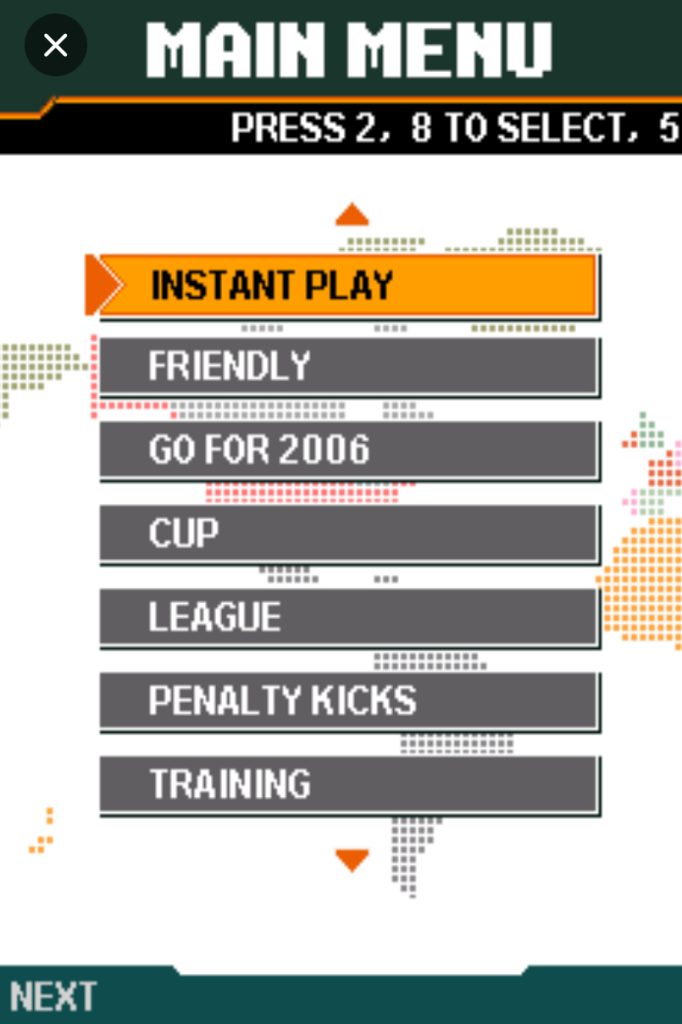
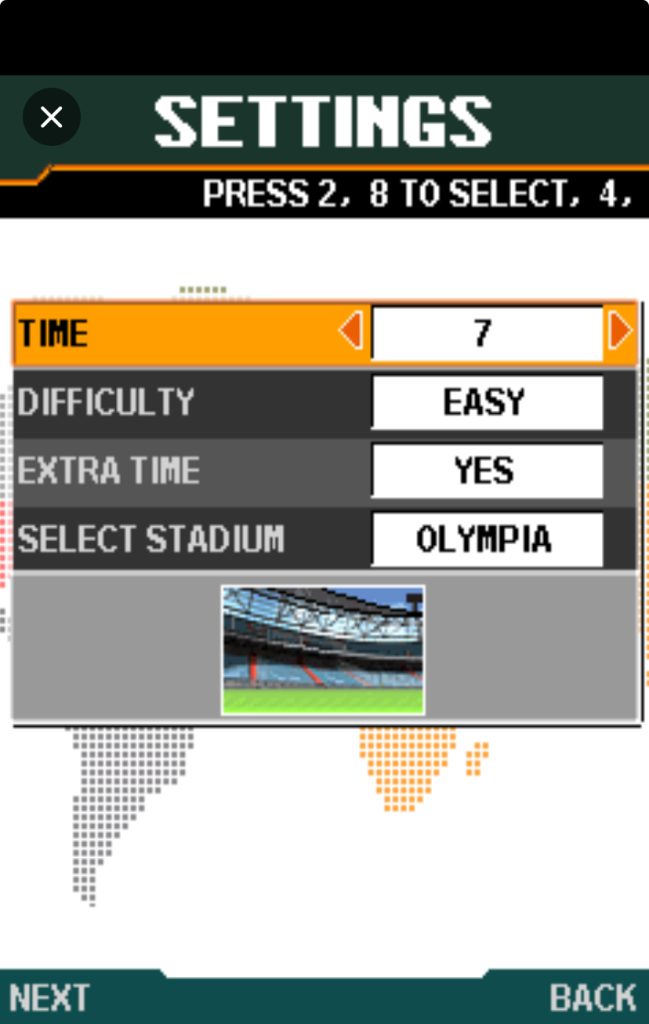
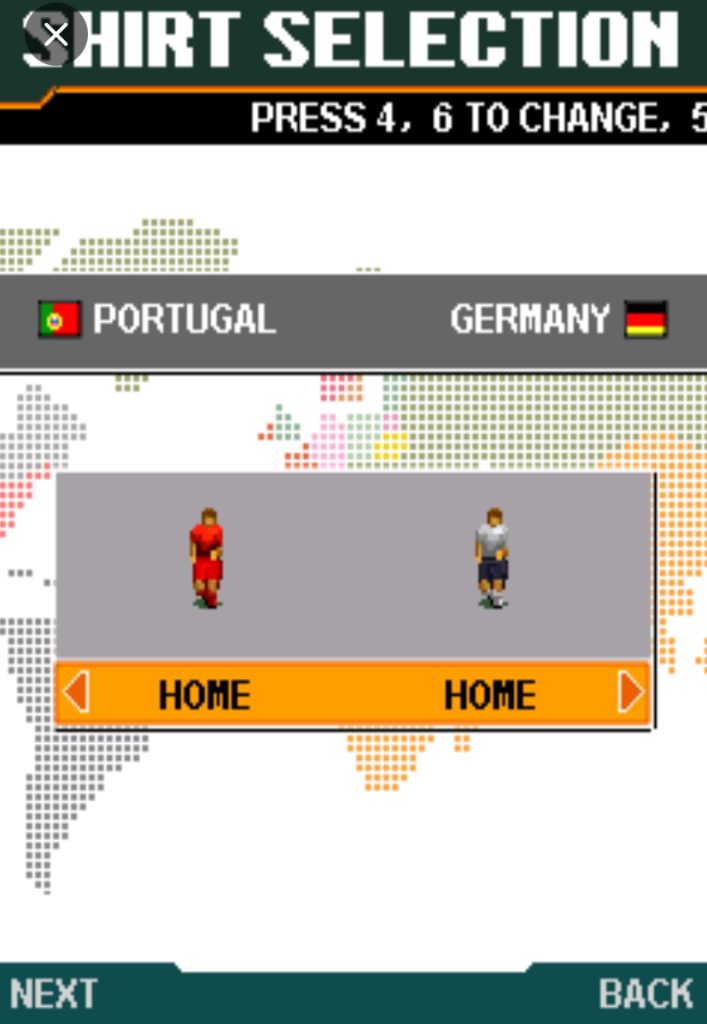
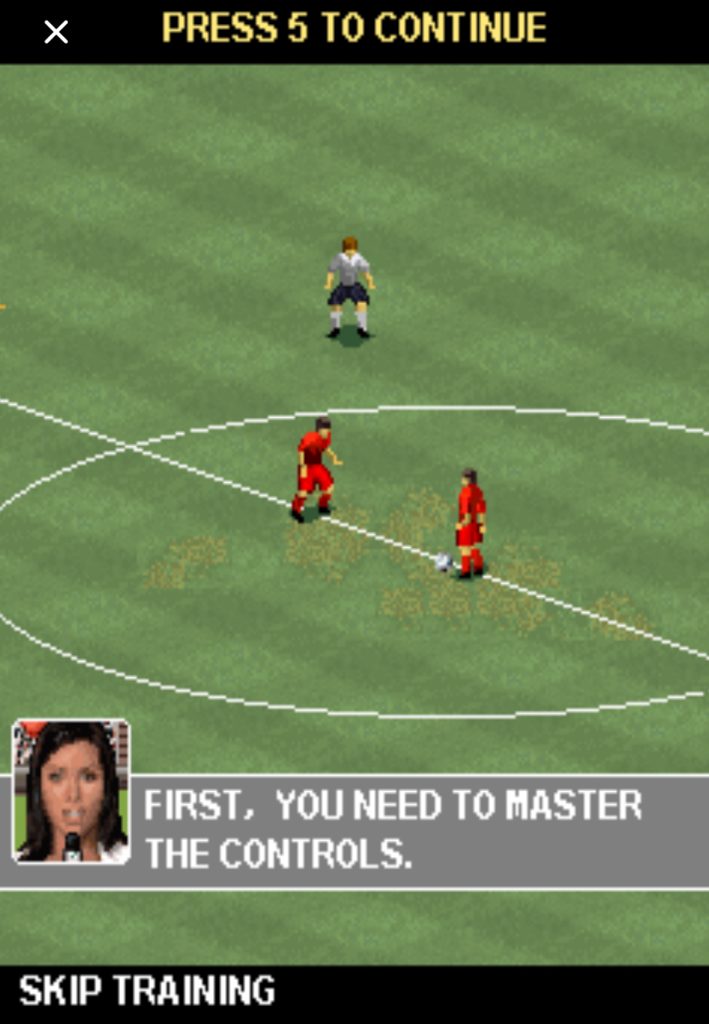
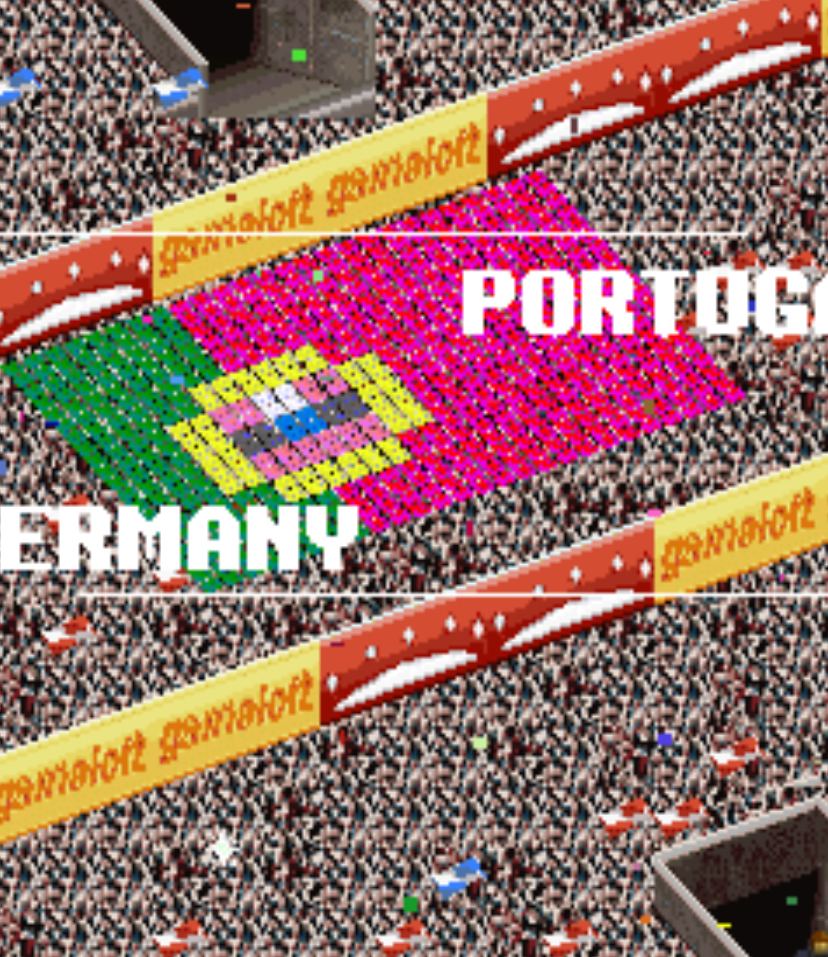
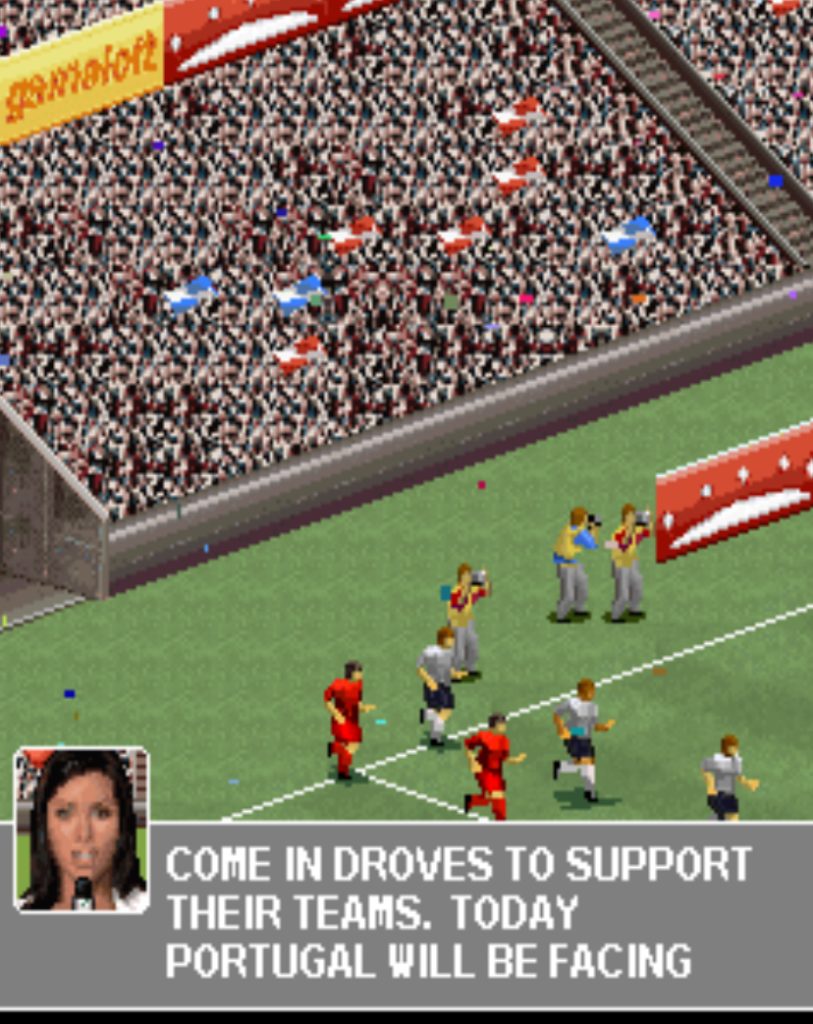
On a Nokia 6300, with its crisp 2-inch screen and responsive 0–9 keypad, the game felt incredibly tight. It wasn’t just a time-killer; it was a genuine football experience you could carry in your pocket.
While FIFA leaned slightly toward simulation, Gameloft chose pure arcade energy. The game featured real club names (though some were fictionalized due to licensing), multiple leagues, and a tactical system that let you change formations and mentality mid-match.
Key Features Breakdown
Game Modes: You get Exhibition for quick matches, League for season-long campaigns, Cup for knockout tournaments, and local Multiplayer via Bluetooth.
Teams & Tactics: The game includes a wide selection of clubs and international sides. Before every match, you can set your formation (4-4-2, 4-3-3, 5-3-2, etc.) and your team mentality—Defensive, Balanced, or Attacking.
On-Field Presentation: The top-right corner holds a mini-map radar showing every player’s position. This is not decorative. It is your best friend. The game also uses simple text commentary and crowd ambience to add atmosphere.
Control Philosophy: Everything is built around one-thumb play. The Nokia 6300 keypad is perfect for this. No analog sticks, no touchscreens—just precise 0–9 inputs that respond instantly.
How to Play: Step-by-Step Practical Guide
When you launch the game on your Nokia 6300, you’ll see the title screen. Press 5 to proceed past the intro. You’re now at the Main Menu.
Here is what you’ll see:
- Continue
- New Game
- Multiplayer
- Options
- Help
- Exit
Use 2 to move the cursor up and 8 to move it down. Press 5 to select. If you want to go back at any time, press the Right Soft Key (the physical button just below the screen on the right side).
For this walkthrough, I selected New Game, then moved down to Exhibition and pressed 5. I wanted a quick match to show you the flow.
Setting Up Your First Match
Once you’re in Exhibition mode, you’ll see the team selection screen.
- Press 4 and 6 to switch between the league tabs (e.g., moving from England to Spain to International).
- Press 2 and 8 to scroll up and down through the list of clubs within that league.
- When you find your team, press 5 to lock it in.
Next, you’ll pick your opponent. I chose Brazil for myself and left England for the CPU. After both teams are selected, the game drops you into the Pre-Match Setup screen.
Here, you can adjust:
- Formation: Press 4 or 6 to cycle through tactical setups. I usually stick with 4-3-3 for attacking width.
- Mentality: Press 2 or 8 to toggle between Defensive, Balanced, and Attacking. For this first match, I left it on Balanced.
- Kick-off: Press 5 to confirm everything and start the match.
In-Game Controls: Exact Button Breakdown
This is the part you cannot guess. Here is exactly what every button during a match.
Attacking (When You Have the Ball):
- 2, 4, 6, 8: Move your player in those directions. Use 1, 3, 7, 9 for diagonal runs.
- 5: Short pass to the nearest teammate in the direction you are facing.
- Hold 5: Charge up a shot. A power bar appears above your player’s head. Release 5 to shoot. The longer you hold, the harder the shot.
- * (Star Key): Through pass. This sends the ball into open space ahead of a running teammate instead of straight to his feet.
- # (Hash Key): Lob pass or cross. Use this to float the ball over defenders into the box for headers.
- 0: Sprint. Hold this while pressing a direction key to run faster. It drains stamina, so use it wisely.
Defending (When the Opponent Has the Ball):
- 2, 4, 6, 8: Move your selected defender.
- 5: Switch control to the player closest to the ball. Also performs a standing tackle if you are right next to the attacker.
- # (Hash Key): Slide tackle. Use this when you are slightly away from the ball carrier and need to cover ground fast. Be careful—if you miss, you’re left on the ground.
- 0: Sprint to chase down opponents.
- * (Star Key): Rush your goalkeeper out. Only use this when the striker is clean through on goal and your defenders can’t catch him.
A Real Match Walkthrough: What I Did
The Kickoff
The match started. I was Brazil, playing from left to right. At kickoff, my striker had the ball. I pressed 5to pass it back to my central midfielder. Then I pressed 6 to dribble slightly right, drawing an England midfielder toward me. I pressed 5 again to pass to my right winger. The ball moved smoothly across the grass. That is how you build from the back—one touch at a time.
Breaking the Press
Around the 10-minute mark, an England defender rushed me aggressively. I was in the midfield with nowhere to go. I quickly pressed 5 to pass to my striker who was standing nearby.
Immediately, I pressed 6 to make my midfielder sprint forward into open space. The striker saw the run and I pressed * for a through pass.
The ball rolled perfectly into the gap, my midfielder ran onto it, and I was suddenly inside the penalty box. That one-two combination—5 then 6 then *—broke the defense completely.
Crossing and Scoring
I was now on the right wing, but another defender blocked my path to the goal. I couldn’t shoot. So I pressed 8 to move down the touchline, then pressed # to lob a cross over the defender’s head.
My striker was waiting in the center. I watched the radar to confirm he was unmarked. As the ball dropped, I pressed 2 to position him under it, and when it reached head height, I pressed 5 to head the ball into the net. Goal.
The timing matters—if I had pressed 5 too early, he would have missed the ball entirely.
The Goalkeeper Rush
In the second half, England launched a counterattack. Their striker got past my last defender. I saw on the radar that he was one-on-one with my keeper. Instead of panicking, I pressed * to rush the goalkeeper out.
He sprinted from his line and smothered the ball at the striker’s feet. If I had pressed it a second later, the striker would have chipped me. That is why you watch the radar and react fast.
Halftime Tactical Change
I was winning 1-0, but England was pushing hard. At halftime, the game paused automatically.
I pressed the Left Soft Key to open the menu, navigated to Formation, and pressed 6 to switch from 4-3-3 to 4-5-1 for more midfield control. I pressed 8 to drop my mentality to Defensive.
Then I pressed 5 to confirm. In the second half, they couldn’t break me down because I had an extra body in midfield. That menu navigation—Left Soft Key, then 2/8/4/6 to navigate, 5 to confirm—is how you control the flow of a match.
Advanced Techniques
The Chip Shot: When the goalkeeper rushes out at you and you’re too close to power up a normal shot, tap 5 very lightly instead of holding it.
Your player will dink the ball gently over the keeper’s body. I scored my second goal this way when the England keeper charged me at the edge of the box.
Curved Passing: If you want to bend a pass around a defender, do not aim the pass directly at your teammate.
Aim about 30 degrees wider—so if he is straight ahead, aim slightly left or right with 4 or 6, then press 5. The ball curves around the opponent’s legs and reaches your man cleanly.
Radar Reading Before Every Pass: Before I press any pass button, I glance at the top-right radar. If I see a green dot (my player) with open space around him and no red dots nearby, I know he is the target.
If he is surrounded by red, I look for another option. This habit alone will cut your interceptions by half.
Set Pieces: For free kicks, use 4 and 6 to aim left and right along the wall. Use 2 and 8 to add height or dip. Hold 5 for power, but do not max it out—about 60% power is enough for most distances near the box.
Beginner Mistakes to Avoid
1: Holding Sprint Forever
New players hold 0 the entire match. Your players burn through stamina, become sluggish in the second half, and lose the ball easily. Sprint only when you see open grass ahead of you.
2: Charging Every Shot
If you hold 5 for three seconds every time you shoot, the ball will fly into the stands. Inside the box, a quick tap or a one-second hold is enough. Only charge long shots from outside the area.
3: Blind Passing
Do not press 5 just because you are under pressure. If you cannot see a clear green dot on the radar, dribble with 4 or 6 to create space first. Blind passes in defense lead directly to conceding goals.
4: Reckless Slide Tackles
Spamming # for slide tackles from behind will get you red-carded. Use 5 for a standing tackle when you are close, and save # for situations where you are sure you will touch the ball first.
5: Ignoring the Goalkeeper Rush
When a striker is through on goal, new players just watch. You must press * to bring the keeper out and narrow the angle. Yes, it is risky, but doing nothing is a guaranteed goal against you.
6: Sticking to One Formation
4-4-2 is not always the answer. If you are losing, switch to 4-3-3 or 3-4-3. If you are protecting a lead, switch to 5-3-2 or 4-5-1. The game gives you these tools in the pause menu—use them.
Comparison with a Game I Played: Real Soccer 2006 vs. FIFA 07 Mobile
I played both of these games heavily on Java phones, and while they share the same genre, they feel completely different in practice.
Pace and Physics: FIFA 07 Mobile felt heavier. Players turned slower, passes took longer to travel, and shooting had a slight delay that made the game feel more like a simulation. Real Soccer 2006, on the other hand, is snappy. The moment you press 5, the pass is gone. The moment you press 6, your player moves. That responsiveness makes it more fun for quick sessions.
Tactical Depth: FIFA 07 had more licensed teams and real player names, which was impressive. But its menu system was clunky. Changing tactics mid-match felt like a chore. Real Soccer 2006 streamlined everything. The pause menu on the Nokia 6300 is fast—you press Left Soft Key, tap 2 or 8 twice, hit 5, and you’re done. That speed matters when you’re trying to react to a goal conceded.
Passing Flow: This is where Real Soccer 2006 wins cleanly. The through pass system using * feels natural and rewarding. In FIFA 07, through passes often went straight to the goalkeeper. In Real Soccer 2006, if you read the radar and time it right, you will split defenses consistently.
The Verdict: FIFA 07 Mobile was a good game, but I kept coming back to Real Soccer 2006 because it respected the keypad. Every button press gave immediate feedback, and the arcade pace made it perfect for a 10-minute bus ride. If you own both, use FIFA for the licenses, but use Real Soccer for the actual gameplay.
Conclusion
Real Soccer 2006 is a masterpiece of mobile game design. On a Nokia 6300, with nothing but a 0–9 keypad and a small screen, it delivers football action that still holds up today.
Master the radar, respect the button timing, and don’t be afraid to change tactics when the match turns against you.
If you play it the way I’ve laid out here—passing with purpose, shooting with control, and defending with patience—you will win more than you lose. Now power on that old phone and get back on the pitch.
