


Do you know that most players never make it past Mission 4 in Iron Man 3 Java, not because the game is unfair, but because they are playing it like a standard shooter?
This is not a game where you can just hold down the fire button and hope for the best. The suit has weight, the enemies have patterns, and the altitude system is either your best friend or your worst enemy.
If you are struggling with bosses, running out of missiles at the worst possible moment, or you simply cannot figure out why you keep dying to the same drone swarm, this guide will fix all of that. I am going to walk you through the exact menu navigation, the button presses that actually matter, and the combat scenarios that will save your armor. Let us get started.
Quick Game Info Table
| Detail | Info |
|---|---|
| Developer | Gameloft |
| Release Year | 2013 |
| Platform | J2ME (MIDP 2.0) |
| Genre | Action / Shoot ‘Em Up |
| Game Size | ~800 KB – 1.2 MB (varies by screen resolution) |
| Game Modes | Story Mode, Survival Mode |
| Control Type | Numeric keypad (2, 4, 6, 8) + Soft Keys |
History & Background: The Last Major Iron Man Feature-Phone Game
Back in 2013, the mobile gaming landscape was split. Smartphones were rising, but feature phones still dominated in many markets.
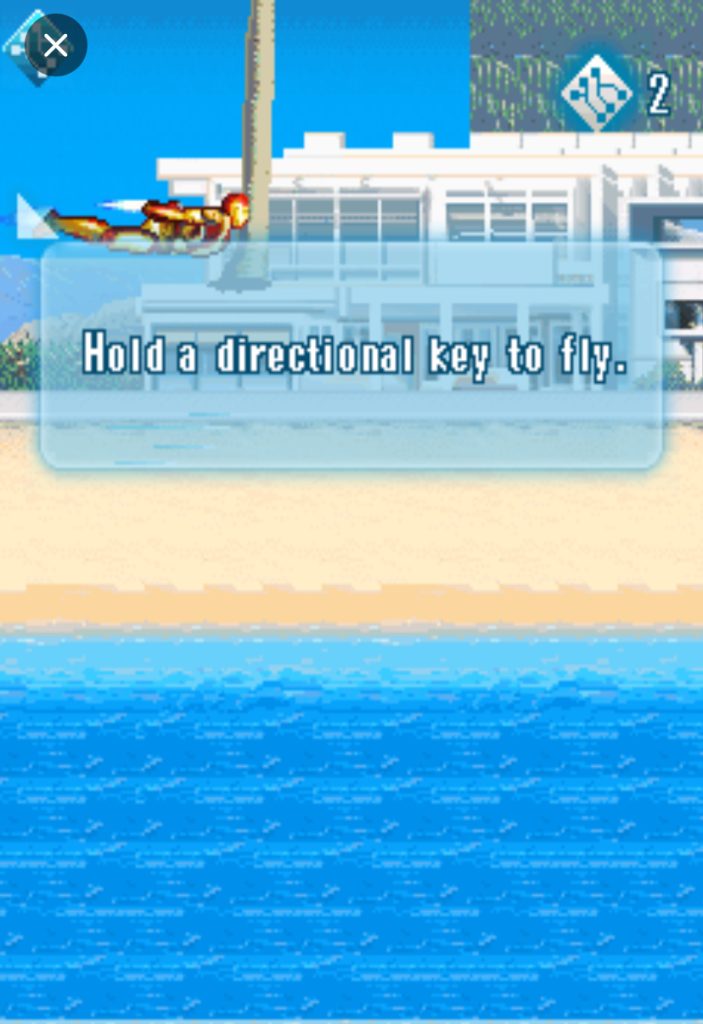
What made this game stand out from the flood of bad movie tie-ins was the flight mechanics. Most J2ME action games were strictly ground-based brawlers or rail shooters. Iron Man 3 gave you full vertical movement. You could fly, hover, drop, and strafe. That freedom was rare, and it is the reason people still dig up this .jar file today. But that freedom also meant a steeper learning curve than its predecessor.
Screenshots

Key Features Breakdown
Story Mode: The campaign follows the movie loosely, broken into chapters. Each chapter has a primary objective—escort, destroy, or survive—and ends with a boss or a heavy enemy wave.
Suit System: You start with the Mark 42. As you progress, you unlock additional suits. These are not just cosmetic. Some suits boost armor, others boost weapon damage, and one specifically increases your flight speed. Choosing the right suit for the right mission matters more than you think.
Combat Mechanics: You have two layers of combat. Ground combat is slower and more dangerous because you cannot dodge as easily. Aerial combat is where you want to live. You have a primary repulsor blast, secondary missiles, and a special Unibeam attack that drains your energy bar.
Upgrade Shop: Between missions, you enter the shop using your battle points. You can upgrade armor, weapon power, ammo capacity, and energy regeneration. The game does not auto-save your upgrades; you have to manually confirm each purchase.
Survival Mode: This is an endless wave mode. It is not just for fun. It is the best place to farm points if you are stuck on a difficult story mission and need better upgrades.
Mastering the Menu: Navigation Before the First Flight
When you launch the game, you will see the title screen with the Mark 42 armor. Here is exactly what to do.
Use 2 and 8 to move the cursor up and down through the menu options. To select anything, press the Left Soft Key. To go back or cancel, press the Right Soft Key.
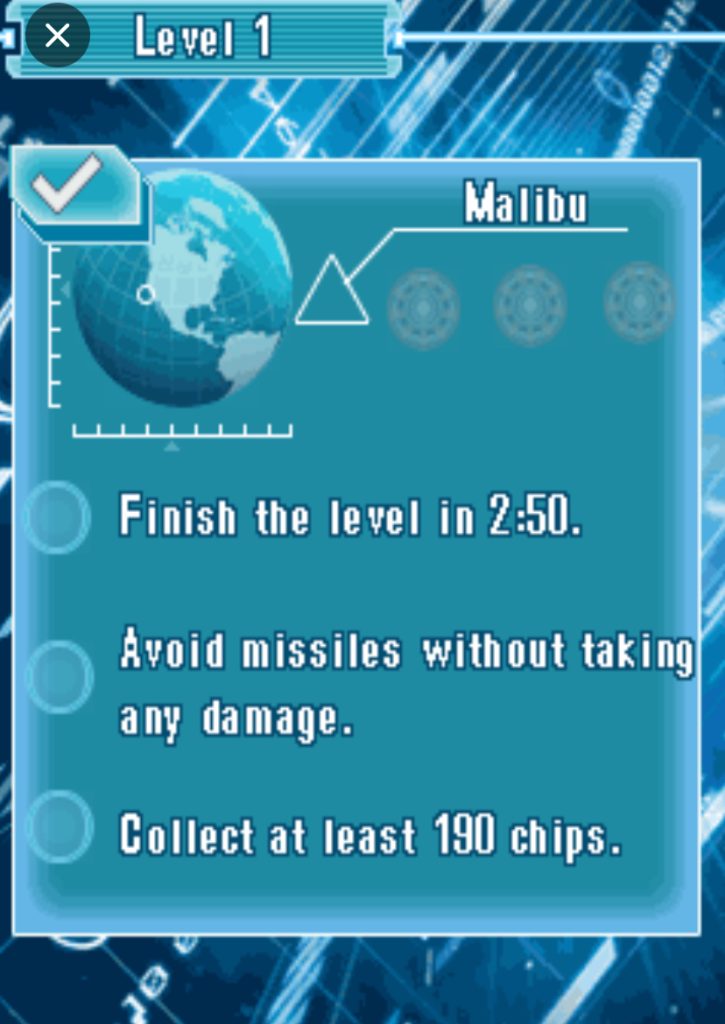
If you want to start the campaign, move the cursor to New Game and press Left Soft Key. The game will show you a mission briefing. Do not just spam the confirm button here. Read the objective, because some missions fail instantly if you ignore the escort target. Once you are ready, press Left Soft Key again to launch.
In the pause menu (which you access by pressing Left Soft Key during gameplay), you will see options to resume, restart, or quit. Use 2 and 8 to navigate these, and Left Soft Key to confirm. If you accidentally press Right Soft Key, you will unpause instantly, so be careful.
The Settings menu, accessible from the title screen, lets you toggle sound effects and music. If your phone is lagging during heavy enemy waves, turn the music off here. It helps on lower-end J2ME devices.
How to Play: The Complete Control Breakdown
Let me break this down precisely, because this is where most players get frustrated.
Movement and Flight:
- Press 4 to move left.
- Press 6 to move right.
- Press 2 to fly upward and gain altitude.
- Press 8 to descend.
You are not limited to a single plane. If enemies are shooting at ground level, press 2 twice to rise above their line of fire. If missiles are tracking you from above, press 8 to drop quickly.
Combat:
- Press 5 repeatedly to fire your standard repulsor blasts. This is your bread and butter.
- Press 3 to launch homing missiles. You have limited ammo for these, so do not waste them.
- Press 1 to activate your Unibeam or special attack. This drains your energy meter, which is shown below your health bar. If the energy meter is empty, nothing happens.
Evasion:
- When an enemy locks on and you see the red warning flash, press 4 or 6 to dodge sideways. Do not press 2 or 8 for these situations; lateral movement breaks the lock-on.
- Press 7 to perform a barrel roll or speed boost. This is useful for crossing the screen quickly or escaping a corner.
Menu and Utility:
- Left Soft Key: Confirm, enter shop, pause game.
- Right Soft Key: Back, cancel, unpause.
- * (Star key): Often maps to a quick weapon switch or special function in some suits.
- # (Hash key): Sometimes used to trigger a shield or temporary boost, depending on the suit equipped.
Mission-by-Mission Survival Guide
Mission 1: The Tutorial That Lies to You. The first mission throws grunts at you and teaches you to press 5. It feels easy. Do not get cocky. The game is luring you into the habit of standing still and shooting. Break that habit immediately. Practice moving while firing. Hold 6 and tap 5 to learn strafing.
Mission 2: The First Aerial Threat. Helicopters appear. They do not stay in one place. If you try to fight them at ground level, you will take unnecessary damage.
Press 2 three times to reach maximum altitude, then use 4 and 6 to position yourself while tapping 5. They cannot hit you easily if you are above them.
Mission 3: The Drone Swarm This is where most players quit. Six drones surround you. If you panic and mash buttons, you die. Here is the exact sequence that works: press 2 to rise, press 7 to boost toward the edge of the swarm, then press 6 to strafe along the perimeter while tapping 5. Never fight in the center.
Mission 4: Tank Assault. Tanks cannot aim upward efficiently. Fly high, drop down only to fire missiles with 3, then press 2 to climb again. Rinse and repeat.
Combat Tactics: Real Gameplay & Solutions – My personal Experience
Ambushed by Drones: I was in Mission 3, and two drones flanked me from the left and right. I tried to fly up, but a third drone was waiting above me. My health dropped to half in seconds.
Here is how I solved it: I pressed 7 for the speed boost, broke left toward the edge of the screen, then immediately pressed 6 + 5 to strafe right while firing. The drones clustered together, and I pressed 3 to launch a missile into the group. Three kills, one missile, full health preserved.
Tank Boss Lock-On
The tank boss in Mission 5 kept locking on with its cannon. I would press 2 to fly up, but it would still hit me because I was too predictable. The real solution: when the red warning flashes, press 4 to dodge left, then immediately press 6 to dodge right. The tank’s cannon has a slow turn rate. By crossing directly over it, I broke the lock. Then I pressed 8 to drop behind it and tapped 5 to hit its weak spot on the rear armor.
Surrounded by Grunts
In the factory level, I got cornered by ground troops. Flying up was not an option because the ceiling was low. Instead of panicking, I pressed 7 to boost through the weakest part of the line, then turned around and pressed 5 rapidly while holding 6 to strafe. Never let them box you in. If you are surrounded, always break the line rather than fighting from the center.
Low Health Escape
I had one bar of health left and three enemies still active. I pressed 7 to boost to the far left of the screen, then pressed 2 repeatedly to gain maximum altitude.
While the enemies were repositioning, I looked for the flashing health pickup. I pressed 8 to drop onto it, then pressed Left Soft Key to pause and plan my next move. Pausing is not cheating; it is tactical.
The Helicopter Swarm: Five helicopters entered the screen at once in Mission 6. I tried to shoot them all with 5, but they spread out.
The best thing is to press 2 to get above them, then pick one sideeither left or right. I pressed 6 to move to the rightmost helicopter, tapped 5 until it exploded, then pressed 4 to sweep left across the screen, firing continuously. Top-down strafing runs are how you clear aerial groups.
Enemy Types & Weaknesses
| Enemy | Behavior | Weakness | Counter |
|---|---|---|---|
| Drone Soldier | Rushes directly at you | No armor | Strafe with 6 + 5 |
| Helicopter | Flies in arcs, fires from range | Cannot aim straight up | Fly above with 2, then drop missiles with 3 |
| Tank | Slow, heavy cannon, locks on | Rear armor is weak | Cross over with 4 then 6, hit rear with 5 |
| Aerial Drone | Fast, swarm in groups | Low individual health | Group them up, then 3 |
| Boss Units | Phased attacks, predictable patterns | Exposed during cooldown | Dodge pattern, punish during window |
Suit Upgrades & Resource Management: What to Buy First
When you enter the shop between missions, you will see four categories. Here is the priority order I recommend:
- Weapon Power: Increase this first. The faster you kill enemies, the less damage you take. It is that simple.
- Armor: Upgrade this second. The extra health bar gives you room to make mistakes while learning attack patterns.
- Ammo Capacity: Upgrade this third. Running out of missiles during a boss fight is a reset.
- Energy Regeneration: Upgrade this last. The Unibeam is powerful, but you can beat the entire game without relying on it.
Hidden Mechanics, Unlockables & Pro Tips
The Combo Multiplier: If you kill enemies within two seconds of each other, you build a score multiplier. At 4x, you earn double battle points. To farm this, let grunts gather, then press 3 to wipe them with one missile.
Secret Suit Unlock: In Mission 7, there is a hidden path. When you reach the second rooftop, do not press 6 to move forward. Instead, press 4 to fly back to the starting edge. A hidden pickup will spawn that unlocks the War Machine suit for Survival Mode.
Quick Restart: If you fail a mission and want to restart without watching the death animation, press Right Soft Key twice rapidly. It skips the game over screen.
Comparison: Iron Man 3 Java vs. Iron Man 2 Java
I played Iron Man 2 Java extensively before this one, and the difference is night and day.
Controls: In Iron Man 2, the movement felt stiff. You were either flying or walking; there was no smooth altitude control. In Iron Man 3, pressing 2 and 8 gives you actual layered flight. You can hover at mid-level, which changes everything.
Combat:Iron Man 2 was basically a button masher. You could beat most of it by holding 5. Iron Man 3 punishes that. The enemies have actual attack patterns, and the boss fights require dodging with 4 and 6 instead of just tanking damage.
Mission Design:Iron Man 2 used an arena format. You cleared a room, moved to the next. Iron Man 3 is linear and vertical. You are constantly moving forward while managing altitude, which feels more like the actual Iron Man experience.
Verdict:Iron Man 2 is a decent time-killer, but Iron Man 3 is the deeper game. If you only have space for one Iron Man .jar file on your phone, make it Iron Man 3.
Beginner Mistakes to Avoid
Wasting Missiles on Grunts: Your missile ammo is limited and precious. Do not press 3 for single drone soldiers. Save it for helicopters, tanks, and groups of three or more. I see new players panic and empty their missile rack on the first two enemies, then they have nothing left for the boss.
Flying Too Low: Ground enemies cannot hit what they cannot reach. If you are at ground level taking damage, you are making the game harder than it needs to be. Default to high altitude. Press 2 until you are at the top of the screen, then fight from there.
Ignoring the Upgrade Shop: Some players try to brute-force Mission 5 with level 1 weapons. Do not do this. If a mission feels impossible, go back to earlier missions or play Survival Mode to earn points. A single weapon upgrade can turn an impossible fight into a cakewalk.
Not Using Elevation as Cover Many enemies, especially tanks and ground drones, have a fixed firing angle. If you are directly above them, they cannot shoot you. Use this. Fly up, drop missiles, fly back up.
Panic Dodging When the lock-on warning flashes, new players spam 4 and 6 randomly. This wastes your boost and often puts you in the path of another attack. Read the enemy’s tell, dodge once decisively, then counter.
Conclusion
Thank you for reading to the very end. Once you master the altitude system, respect your missile count, and learn to dodge with purpose rather than panic, the entire experience changes. You stop dying to swarms and start cutting through them like the armored Avenger you are supposed to be.
Now launch the game, pick the Mark 42, and show those drones why you are the one wearing the suit
